EdgeGlow
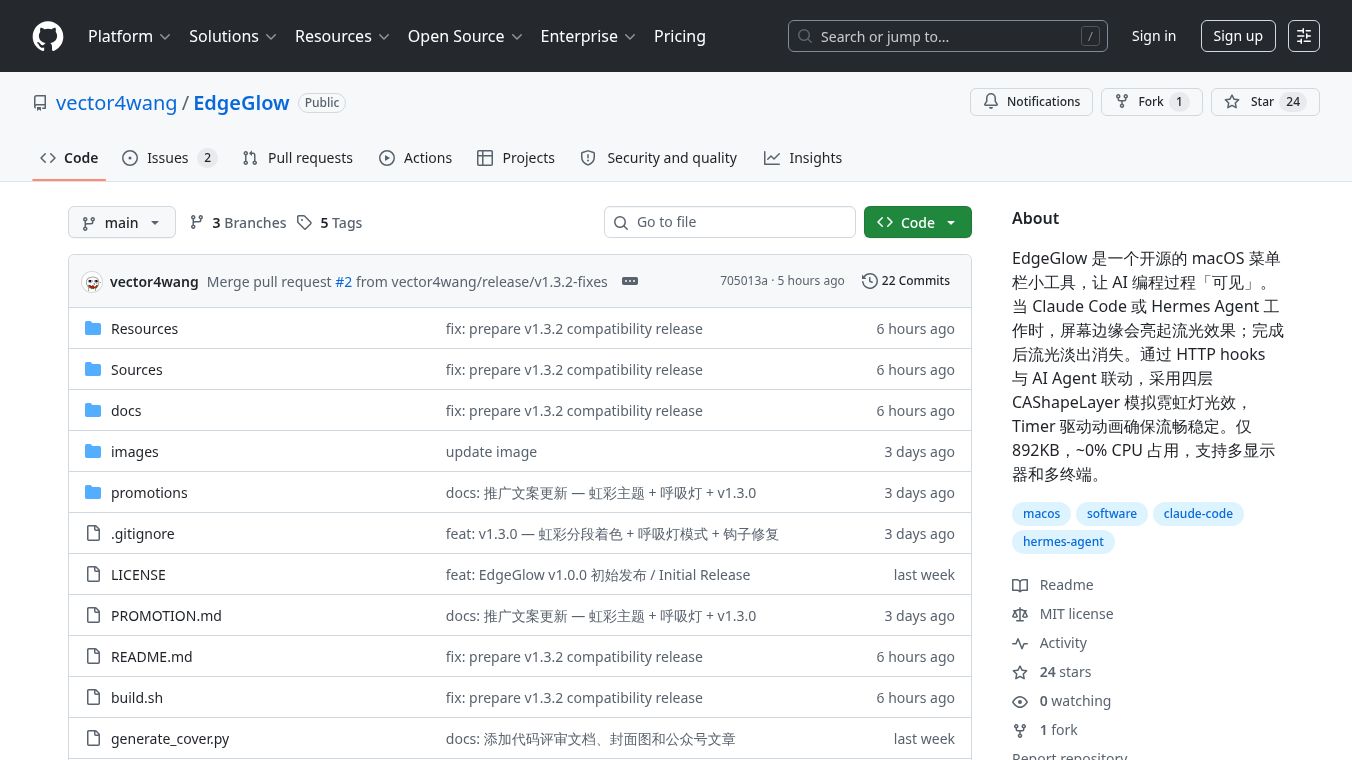





EdgeGlow: A Visual Companion for AI Coding
Introduction
EdgeGlow is a small application for Mac computers that helps developers see when their AI coding tools are working. It creates a colorful light effect along the edges of the screen. This light changes based on what the AI agent, such as Claude Code or Hermes Agent, is doing. The app is designed to be very fast and uses almost no computer resources, so it does not slow down your work.
Benefits
EdgeGlow offers several advantages for users who code with AI assistance. First, it provides clear visual feedback. The light shows when the AI is thinking and when it has finished a task. This helps developers know the status of their code generation without needing to check other windows. Second, the app is highly efficient. It uses about 50 megabytes of memory and consumes zero CPU power, ensuring it does not interfere with the performance of your computer. Third, it is fully customizable. Users can choose from different visual themes like Rainbow, Gentle Horse, Fiery, and Snowy. They can also adjust the brightness and the width of the light band to fit their personal preference. Finally, it supports multiple monitors, so the effect appears correctly on all connected screens.
Use Cases
EdgeGlow is primarily used by software developers who rely on AI agents to write or debug code. It is ideal for anyone using tools like Claude Code or Hermes Agent on a Mac. The application works in the background while the developer writes prompts or reviews code. When the AI starts processing a request, the light effect activates. When the AI stops or completes a task, the light fades away. This makes it perfect for long coding sessions where a developer wants a subtle visual cue of activity without the distraction of pop-up notifications. It is also useful for users with multiple monitors, as the effect adapts automatically to any screen setup.
Pricing
EdgeGlow is available as an open-source project on GitHub. The source code is free for anyone to view, modify, or distribute. Users can download the latest version of the application directly from the repository without any cost. There are no subscription fees or hidden charges associated with using the software.
Vibes
As an open-source tool, EdgeGlow has not yet gathered a large number of public reviews or testimonials. However, the project has received positive attention from the developer community for its innovative approach to visual feedback. The creators have been actively updating the software to fix bugs and improve performance. Recent updates have addressed issues on Retina screens and improved the smoothness of the light animations. The community generally appreciates the lightweight nature of the app and its ability to enhance the coding experience without adding system load.
Additional Information
EdgeGlow was created by a developer known as vector4wang. The project is hosted on GitHub and is maintained through community contributions and direct updates from the creator. The application supports both Intel-based Macs and Apple Silicon Macs, making it compatible with a wide range of modern computers. It requires macOS 12.0 or later to run. The development team has focused on stability and performance, with recent versions including improvements to the animation driver and better handling of multi-terminal tracking. The app also supports both English and Chinese languages, automatically switching based on the user's system settings.
This content is either user submitted or generated using AI technology (including, but not limited to, Google Gemini API, Llama, Grok, and Mistral), based on automated research and analysis of public data sources from search engines like DuckDuckGo, Google Search, and SearXNG, and directly from the tool's own website and with minimal to no human editing/review. THEJO AI is not affiliated with or endorsed by the AI tools or services mentioned. This is provided for informational and reference purposes only, is not an endorsement or official advice, and may contain inaccuracies or biases. Please verify details with original sources.

Comments
Please log in to post a comment.