VidBG Remover
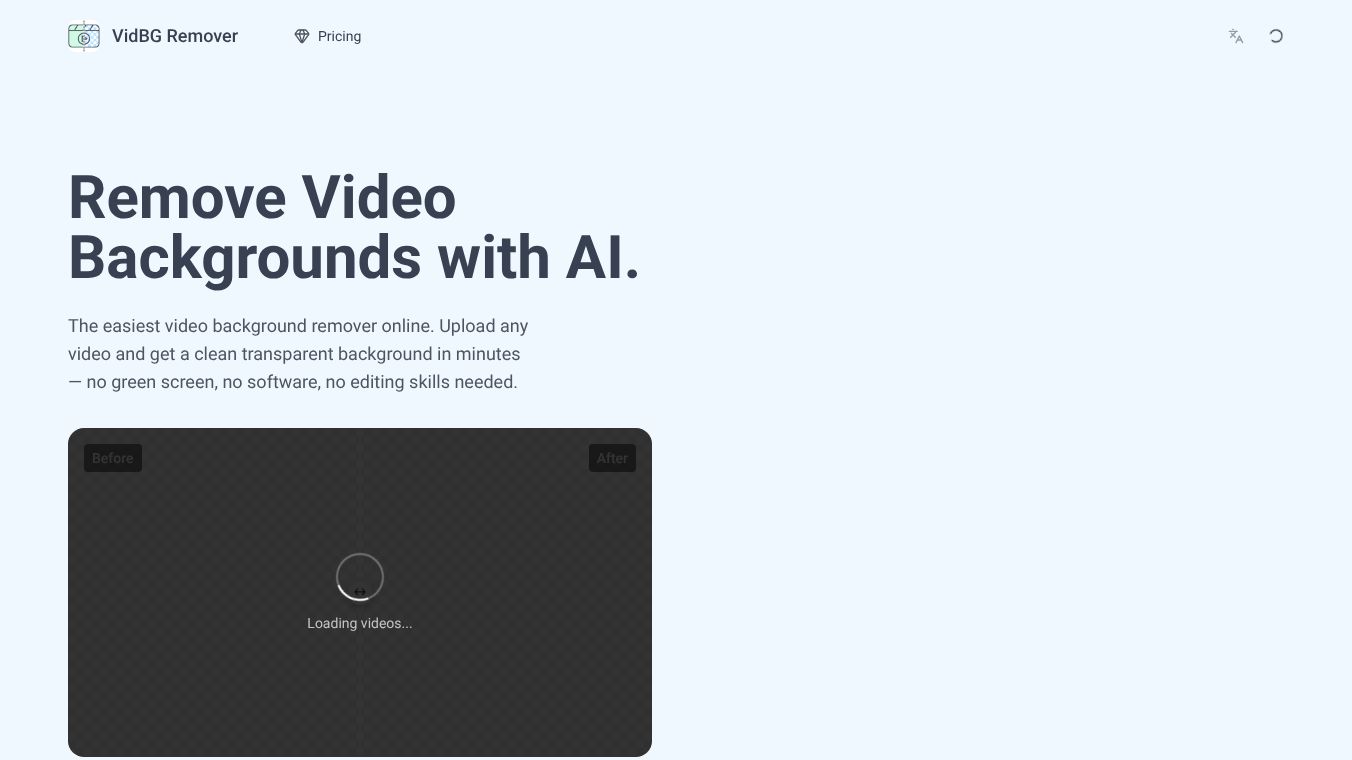





VidBG Remover: AI-Powered Video Background Removal
What is VidBG Remover?
VidBG Remover is an online tool that uses artificial intelligence to take backgrounds out of videos. It was launched on June 23, 2026, by a developer called ByVidBG Remover. The tool is built for people who want to make professional-looking videos without needing expensive equipment or complex editing skills. It works by automatically identifying the subject in a video and separating them from the background. This creates a clean, transparent background that can be placed over any image or color.
Benefits
The main advantage of VidBG Remover is that it removes the need for a green screen. Users do not have to set up special lighting or wear green clothing to get a good result. The tool handles the heavy lifting using advanced AI, which means users can achieve high-quality results with very little effort. It is also very fast, often finishing the job in just a few minutes. The interface is simple and easy to use, making it accessible for beginners who might not know how to edit video files. Finally, the output files work with popular editing programs like Adobe Premiere, DaVinci Resolve, and CapCut.
Use Cases
This tool is perfect for content creators who need to change the setting of their videos quickly. For example, a teacher could record a lesson in their home office and then place themselves in front of a virtual classroom background. A small business owner could record a product review and put the video on a branded background to look more professional. It is also useful for social media managers who need to create engaging short clips for platforms like YouTube or Instagram. Since the tool accepts common video formats like MP4, MOV, and WebM, it fits easily into existing workflows for anyone who uploads videos regularly.
Pricing
The provided information does not include specific pricing details for VidBG Remover. Users should check the official website for current subscription plans or pay-per-use rates.
Vibes
There are no public reviews or testimonials available in the provided information about VidBG Remover. The tool was recently launched, so user feedback has not yet been published.
Additional Information
VidBG Remover falls under the productivity category. It has a file size limit of 200MB per video. The processed videos are saved in WebM or MOV formats, which are compatible with many editing software programs. The tool supports uploading videos in MP4, MOV, and WebM formats.
This content is either user submitted or generated using AI technology (including, but not limited to, Google Gemini API, Llama, Grok, and Mistral), based on automated research and analysis of public data sources from search engines like DuckDuckGo, Google Search, and SearXNG, and directly from the tool's own website and with minimal to no human editing/review. THEJO AI is not affiliated with or endorsed by the AI tools or services mentioned. This is provided for informational and reference purposes only, is not an endorsement or official advice, and may contain inaccuracies or biases. Please verify details with original sources.
 No Info

Comments
Please log in to post a comment.