TabCmdr





TabCmdr: The Ultimate Browser Command Palette
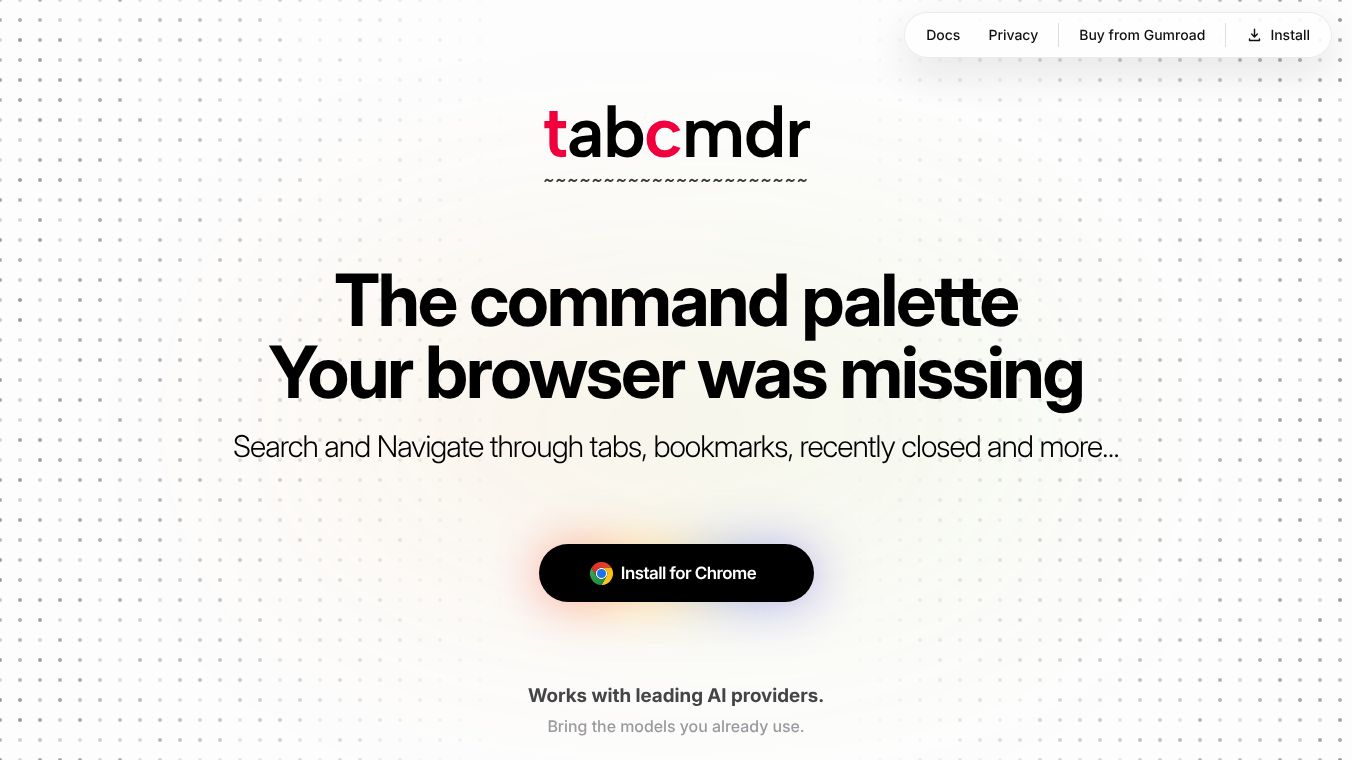
TabCmdr is a browser extension that helps people manage their web browsing more efficiently. Instead of clicking through many tabs or searching for bookmarks, users can press a single keyboard shortcut to open a command palette. This tool brings together many useful features like tab control, artificial intelligence chat, and productivity utilities into one place. It is designed to work primarily with the keyboard so that users can stay focused on their work without using the mouse.
Benefits
TabCmdr offers several key advantages for users who want a faster and more private browsing experience.
- Keyboard First Workflow:The extension is built for people who prefer to keep their hands on the keyboard. Users can open the command palette and type commands without ever needing to reach for a mouse. This keeps their workflow uninterrupted and speeds up common tasks.
- Local-First Privacy:TabCmdr keeps all user data on the device. Settings, saved tool states, and chat history are stored locally on the computer. The extension does not send data to the cloud, log messages, or share information with third parties. Messages sent to AI providers go directly from the browser to the provider's servers.
- One Interface for Everything:All features are accessible from a single unified interface. Users can manage tabs, chat with AI, use a calculator, check the weather, and more without switching between different tools or menus.
- Smart Page Commands:The tool adapts to the website the user is visiting. Specific actions appear for popular sites like GitHub, YouTube, Gmail, Notion, and Discord, allowing users to perform site-specific tasks quickly.
- Built-in Utilities:The extension includes a wide array of tools such as an emoji search engine, a calculator, a unit converter, a screenshot tool, and a QR code generator.
Use Cases
TabCmdr is useful for anyone who spends a lot of time browsing the internet and wants to improve their productivity.
- Managing Messy Tabs:Users with many open tabs can quickly search for specific pages, close duplicates, pin important tabs, or move tabs into groups. This helps declutter the browser window and makes finding information faster.
- AI-Assisted Work:Professionals can use the built-in AI integration to summarize long articles, translate text, or explain complex concepts directly from the current page. They can send the page content to AI models like GPT-4 or Claude without copying and pasting.
- Quick Productivity Tasks:Students or workers can use the built-in tools to check the weather, convert units, calculate math problems, or manage a to-do list without leaving the browser.
- Site-Specific Actions:Developers or designers can use site shortcuts to manage repositories on GitHub, collaborate on Figma files, or create tickets in Jira instantly.
- Efficient Navigation:Anyone who struggles to find bookmarks or browsing history can use the fuzzy search feature to locate items quickly using natural language or partial matches.
Pricing
TabCmdr is a free browser extension available for Chrome and Edge users. There are no subscription fees or hidden costs mentioned in the available information.
Vibes
Users have responded very positively to TabCmdr, praising its speed and ease of use.
- One user noted that the tool makes browsing much easier because they no longer have to dig through tabs. They found everything fast and accessible.
- Another user was surprised by how quickly it became a habit to use the extension. They appreciated the lack of tracking, accounts, or cloud connections.
- Many users described the extension as a lifesaver when they have multiple tabs open and struggle to find what they need. It makes everything quick and easy to access.
- Feedback also highlighted that the functionality is well thought out and the user interface is clean and user-friendly.
Additional Information
TabCmdr supports a variety of artificial intelligence providers. Users can connect their own API keys to work with models from OpenAI, Claude, Gemini, Grok, Mistral, and DeepSeek. The extension also supports any model available through OpenRouter. This flexibility allows users to choose the AI tools that best fit their needs without being locked into a single provider.
The extension is developed with a focus on privacy and efficiency. It does not require an account to use and stores all data locally. The design philosophy centers on reducing friction in daily web browsing tasks by consolidating essential tools into a single keyboard-first interface.
This content is either user submitted or generated using AI technology (including, but not limited to, Google Gemini API, Llama, Grok, and Mistral), based on automated research and analysis of public data sources from search engines like DuckDuckGo, Google Search, and SearXNG, and directly from the tool's own website and with minimal to no human editing/review. THEJO AI is not affiliated with or endorsed by the AI tools or services mentioned. This is provided for informational and reference purposes only, is not an endorsement or official advice, and may contain inaccuracies or biases. Please verify details with original sources.



Comments
Please log in to post a comment.