TalkMode — a real assistant on your Mac
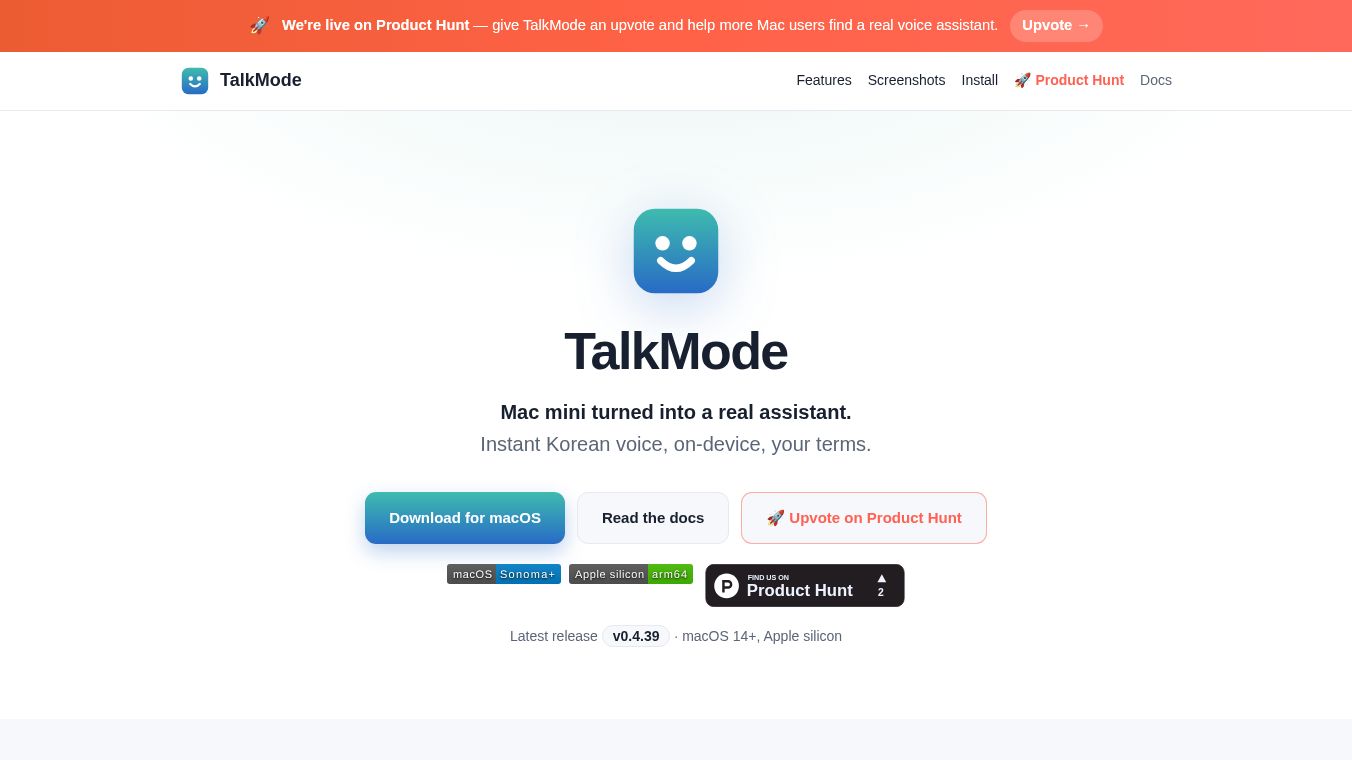





TalkMode is a software tool that turns a Mac mini into a smart assistant that lives directly on your computer. It is designed to feel like a helpful coworker rather than a standard chatbot. This program uses artificial intelligence to understand your voice and respond quickly. It is currently running on version 0.4.39 and works best with macOS 14 or later on Apple silicon chips. The main goal of TalkMode is to provide instant Korean voice interaction while giving users full control over how the assistant behaves. It prioritizes privacy by keeping most of your data on your own device.
Benefits
TalkMode offers several key advantages for users who want a personal AI helper. First, it supports many languages. The interface is available in 20 different languages, and the voice recognition works in over 50 locales. The underlying AI can follow instructions in 35 languages. This means you can speak in one language while reading the menu in another. Second, the conversation feels very natural. The system uses advanced technology to detect when you are looking at the screen or speaking to it. This allows for fast turn-taking where you can interrupt the assistant or end a conversation by looking away. Third, it has practical skills for daily tasks. You can ask it to read your calendar, draft emails, check your messages, or even monitor your computer's CPU and RAM usage. Finally, privacy is a major benefit. Nothing leaves your Mac except for data sent to your chosen AI provider. The app contains no ads and does not track your personal information.
Use Cases
Users can apply TalkMode in various ways depending on their needs. One common use case is for personal productivity. You can use it to manage your schedule by asking it to check your calendar or to organize your thoughts during a brainstorming session. Another great use case is for professional meetings. The tool has a specific mode for taking meeting minutes, which helps capture important details automatically. It can also be used for counseling or therapy sessions where a supportive and attentive persona is needed. For technical users, the tool allows them to query system resources like CPU and RAM usage without needing to open complex software. It is also useful for people who prefer voice interaction over typing, especially those who want to converse in Korean while using an English interface. The ability to sync data to Obsidian vaults also makes it suitable for long-term knowledge management.
Pricing
TalkMode is free to use for work purposes. There are no advertisements and no hidden fees. The application does not require a subscription to function. Users only need to configure an API key for their preferred Large Language Model provider if they wish to use a remote service. If no key is provided, the tool defaults to running a local model on the device.
Vibes
Public reception of TalkMode focuses on its unique ability to feel like a real person. Users appreciate that it is not just a generic chatbot but an assistant that understands context and tone. The Korean voice interaction is highlighted as a standout feature for users who speak that language. Many users value the privacy aspect, noting that their data stays on their Mac. The community seems to view the tool as a significant step forward for on-device AI assistants that respect user privacy. The lack of ads and the free nature for work make it very popular among tech enthusiasts and professionals alike.
Additional Information
TalkMode is developed by Baryon Labs. It requires macOS Sonoma or later and Apple silicon hardware to run. Installation is straightforward and can be done through Homebrew or by downloading a direct zip file. The software supports various AI backends including LM Studio, Ollama, and MLX. Users can configure the tool to sync their data to an Obsidian vault for long-term storage. Recent updates have resolved issues related to Apple Gatekeeper, making the installation smoother without the need for manual signing. The project is open to community contributions and updates are handled automatically through the Sparkle framework.
This content is either user submitted or generated using AI technology (including, but not limited to, Google Gemini API, Llama, Grok, and Mistral), based on automated research and analysis of public data sources from search engines like DuckDuckGo, Google Search, and SearXNG, and directly from the tool's own website and with minimal to no human editing/review. THEJO AI is not affiliated with or endorsed by the AI tools or services mentioned. This is provided for informational and reference purposes only, is not an endorsement or official advice, and may contain inaccuracies or biases. Please verify details with original sources.

Comments
Please log in to post a comment.