Grove
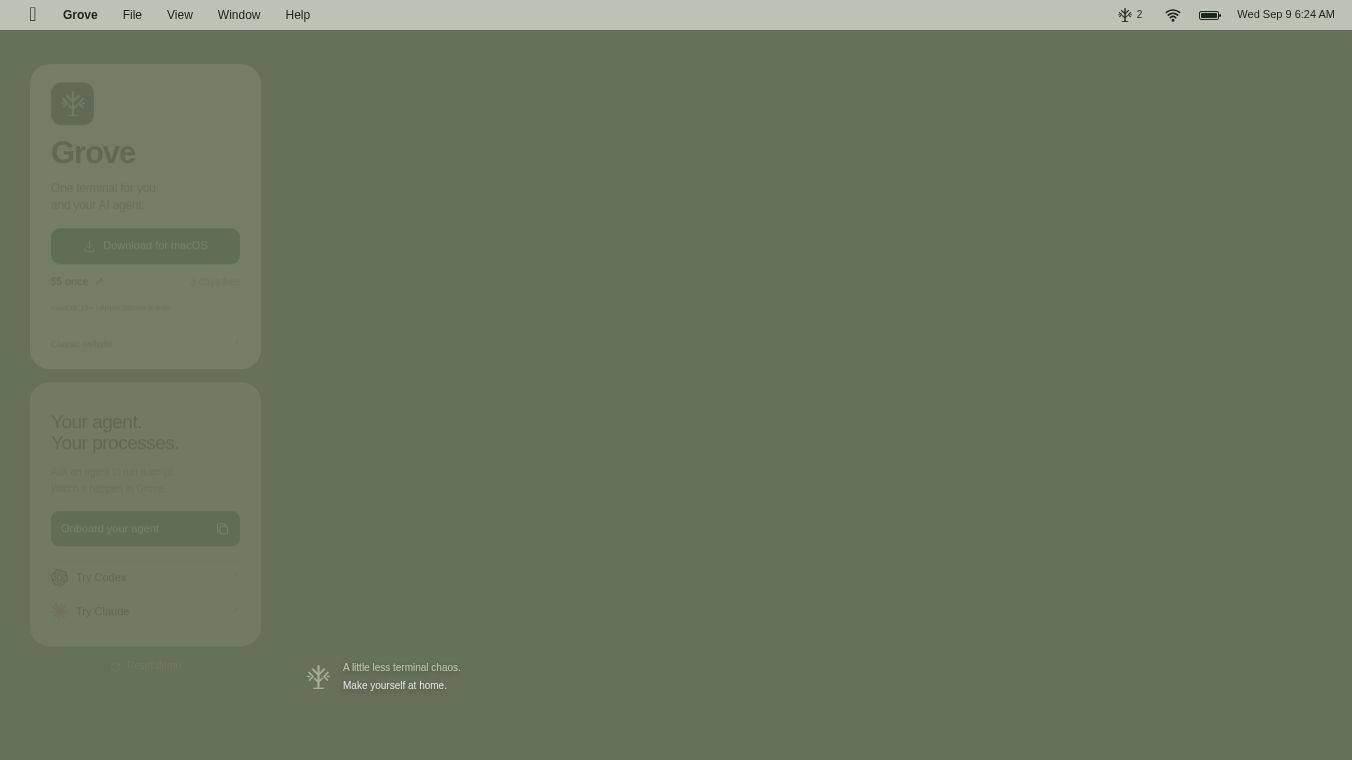





Grove: A Unified Local Development Environment
Grove is a local simulation and development environment designed to reduce terminal chaos by providing a unified interface for managing projects across multiple ecosystems. It allows developers to see, control, and debug their entire stack without needing to configure new files or maintain lists of packages.
Benefits
Grove offers several key advantages for developers who manage complex projects. First, it provides automatic project discovery by reading existing projects and identifying every supported manifest file. This keeps packages from different ecosystems separate without requiring additional configuration. The tool can handle complex monorepos with many packages and scripts all without manual setup.
Second, Grove enables developers to view up to four live terminals side by side. It preserves log colors, converts ports into clickable links, and maintains visibility of failures until manually checked. This helps developers monitor multiple processes at once without missing important errors.
Third, Grove includes an intelligent log analysis feature powered by Apple's on-device model. This feature summarizes the end of logs, removes sensitive information like tokens and passwords before processing, and provides context on the cause of issues rather than just showing the last 200 lines. This helps developers understand errors quickly.
Fourth, Grove functions as both a command-line tool and an MCP server. It controls the running application through a local Unix socket. When an agent starts a development process, it appears in the menu bar with full visibility into logs, port status, and stop controls.
Finally, Grove mimics a real terminal environment to ensure scripts behave as expected. Every script runs on a pseudo-terminal, ensuring colors, progress bars, prompts, and signals behave exactly as they would in a standard shell. The tool manages entire process groups, allowing users to stop a script and automatically terminate its child processes. This prevents abandoned dev servers or mystery ports from remaining open after a parent process exits.
Use Cases
Grove is ideal for developers working with multiple programming languages and frameworks in a single repository. It supports various manifest types including package.json for Node.js, deno.json for Deno, pyproject.toml for Python, Cargo.toml for Rust, go.mod for Go, Makefile for build automation, and custom scripts defined in .grove/scripts.json.
Developers can use Grove to list detected projects with a simple command. They can start a server and wait until its port is ready. They can also stream logs from specific processes to monitor their behavior in real time. The tool is particularly useful for teams working on large codebases where managing multiple development servers and their associated processes can become overwhelming.
Pricing
Grove is available for a one-time fee of $5. No subscription or renewal is required. The purchase includes the desktop application, the CLI tool, the built-in MCP server, and support for up to 3 personal Macs. Automatic updates are included, and all updates are signed and notarized for security. The system requires macOS 15 or later.
Vibes
While specific user reviews and testimonials are not available in the provided information, Grove appears to be well-received for its ability to streamline local development. The tool addresses common pain points for developers, such as terminal chaos and the complexity of managing multiple processes. Its focus on reducing manual configuration and providing deep visibility into running processes suggests it could be a valuable addition to a developer's toolkit.
Additional Information
Grove is designed specifically for macOS users and requires macOS 15 or later to run. The tool is built to work seamlessly with Apple's ecosystem, including the use of Apple's on-device model for log analysis. This integration ensures that sensitive data is processed securely on the user's device without being sent to external servers.
This content is either user submitted or generated using AI technology (including, but not limited to, Google Gemini API, Llama, Grok, and Mistral), based on automated research and analysis of public data sources from search engines like DuckDuckGo, Google Search, and SearXNG, and directly from the tool's own website and with minimal to no human editing/review. THEJO AI is not affiliated with or endorsed by the AI tools or services mentioned. This is provided for informational and reference purposes only, is not an endorsement or official advice, and may contain inaccuracies or biases. Please verify details with original sources.



Comments
Please log in to post a comment.