Claude Code CLI Proxy
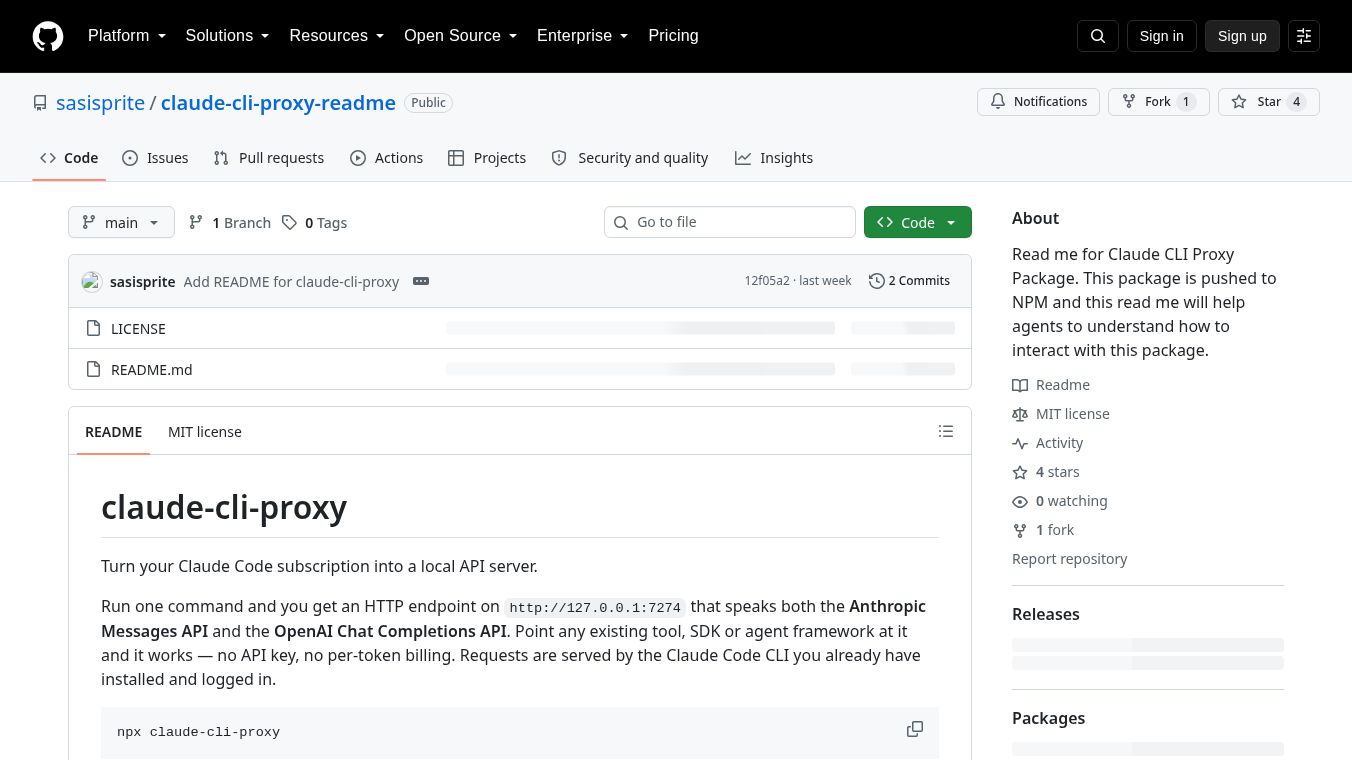





What is Claude Code CLI Proxy
The Claude Code CLI Proxy is a tool that helps developers use the Claude Code command line interface with different AI models. It acts as a bridge between the standard Claude Code tool and other AI backends like OpenAI, Azure, or local models. This allows users to keep using the familiar Claude Code experience while connecting to different AI services they prefer or need.
Benefits
The main advantage of this proxy is flexibility. Developers can switch between different AI models without changing how they use the Claude Code tool. It supports high-quality models like GPT-4o for important tasks and cheaper options like GPT-3.5-turbo for simpler jobs. This helps teams save money on AI costs while still getting good results.
The tool also handles complex technical details automatically. It converts messages between different AI formats, manages API keys securely, and supports features like streaming responses and code generation. Users do not need to write custom code to make these connections work.
Security is another key benefit. The proxy can validate API keys to ensure only authorized users access the system. This is especially useful for teams that want to control who can use their AI resources.
Use Cases
This tool works well for developers who want to use local AI models instead of cloud services. For example, a company with powerful computers can run large language models on their own servers while still using the Claude Code interface.
It is also useful for organizations that use multiple AI providers. A team might use OpenAI for some tasks and Azure for others. The proxy lets them switch between these services easily without changing their workflow.
Developers who want to optimize costs can use this tool to assign different models to different tasks. They can use expensive models for complex coding problems and cheaper models for simple questions.
The proxy supports various setups including OpenAI, Azure OpenAI, and local models like Ollama. It works for both individual developers and larger teams that need to manage multiple AI connections.
Pricing
The Claude Code CLI Proxy is available as an open-source project on GitHub. This means it is free to download and use. Developers can host it on their own servers or use it in their local environments without paying licensing fees.
While the proxy itself is free, users still need API keys for the backend services they connect to. For example, using OpenAI models requires a separate OpenAI API subscription. The proxy does not charge for its own services but facilitates connections to paid AI providers.
Vibes
The project has a practical and developer-focused approach. It solves a real problem for teams that want flexibility in their AI workflows. The documentation is clear and provides detailed examples for different use cases.
Users appreciate the ability to run multiple proxy instances for different configurations. This feature allows teams to test different models or setups without interfering with each other.
The community seems to value the tool for its ability to bridge gaps between different AI ecosystems. It helps developers avoid being locked into a single provider and gives them more control over their AI infrastructure.
Additional Information
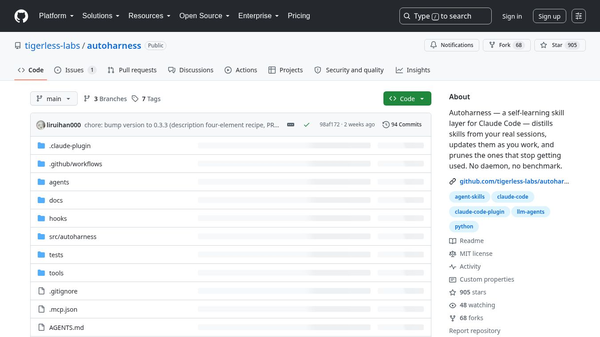
The project is hosted on GitHub under the repository name sasisprite/claude-cli-proxy. It is maintained by an independent developer who focuses on making AI tools more accessible and flexible.
The proxy supports Docker deployment for production environments. This allows teams to run the tool in containers for better security and consistency. Configuration is managed through environment variables, making it easy to customize for different needs.
The tool includes features like connection pooling to improve performance and request cancellation to save resources. These details show attention to efficiency and user experience.
For security, the proxy enforces API key validation when configured. This ensures that only authorized users can access the backend services. The project also provides debugging options to help users troubleshoot any issues they might encounter.
This content is either user submitted or generated using AI technology (including, but not limited to, Google Gemini API, Llama, Grok, and Mistral), based on automated research and analysis of public data sources from search engines like DuckDuckGo, Google Search, and SearXNG, and directly from the tool's own website and with minimal to no human editing/review. THEJO AI is not affiliated with or endorsed by the AI tools or services mentioned. This is provided for informational and reference purposes only, is not an endorsement or official advice, and may contain inaccuracies or biases. Please verify details with original sources.

Comments
Please log in to post a comment.