WattPix AI
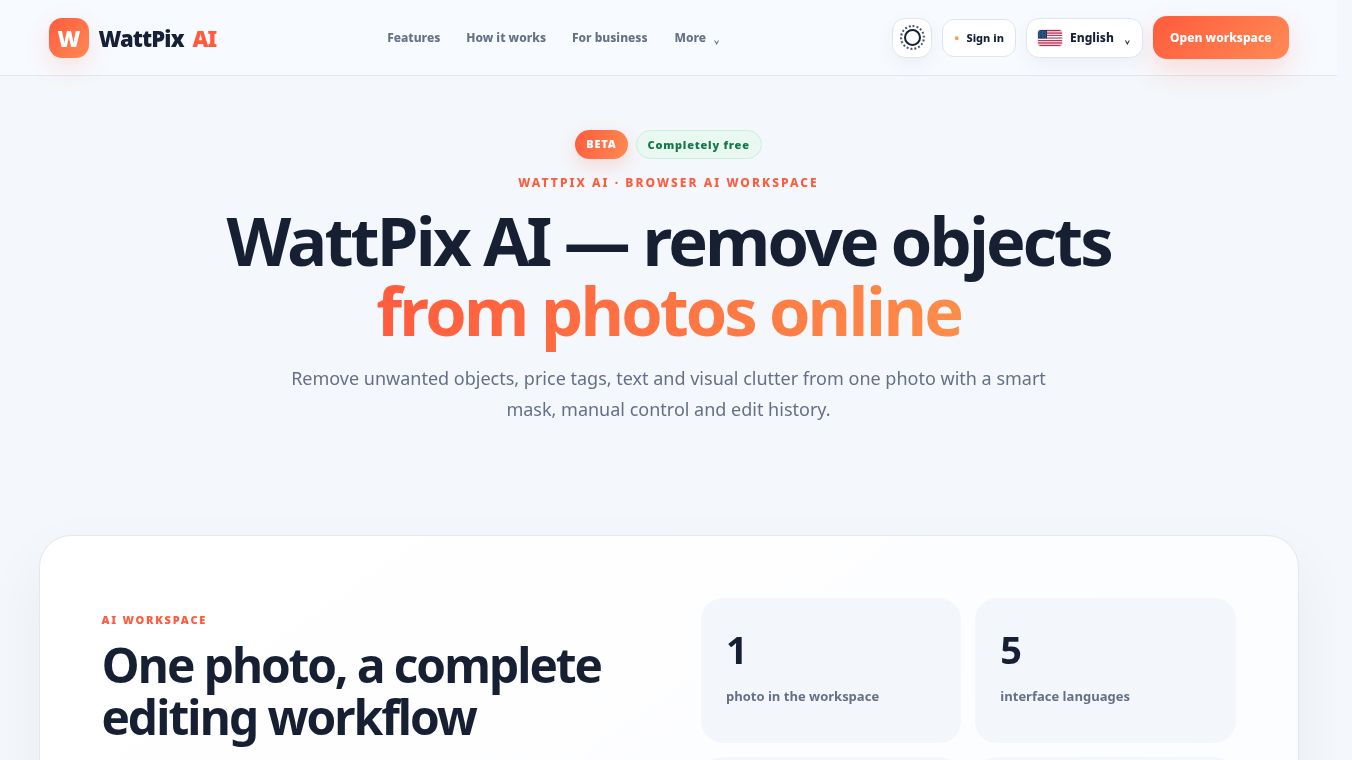





WattPix AI: A Comprehensive Browser-Based Workspace for Object Removal
Overview
WattPix AI is a completely free, browser-based workspace designed to remove unwanted objects, price tags, text, and visual clutter from photos. It combines smart AI selection, manual control, background reconstruction, and edit history into a single, seamless editing workflow. The tool is accessible via a web interface, supports multiple languages, and allows users to retain 100% of the original image size upon export.
Benefits
WattPix offers several key advantages for anyone looking to clean up their photos quickly and effectively.
- Free and Accessible: The tool is completely free to use and runs directly in your web browser. You do not need to install any software or pay for a subscription.
- Smart AI and Manual Control: The AI automatically identifies objects to remove, but users also have full manual control to refine the edges for precision.
- Sequential Editing: Each removal action creates a new version of the image. This allows users to remove multiple details one by one, compare results with the original, and return to any previous step if needed.
- Full-Size Export: The tool ensures that 100% of the image size is retained during export, so your photos do not lose quality or resolution.
- Secure and Private: All image transfers are secured via encrypted HTTPS connections. Uploaded images are not published to a public gallery, and image content is not used for product analytics.
Use Cases
WattPix is designed to assist professionals and individuals across various sectors.
- Marketplaces: Sellers can remove adhesive price tags and barcodes from product photos while preserving the product's shape, color, and surface texture for clean listings.
- Advertising: Advertisers can eliminate unwanted studio equipment, stands, or gear that accidentally entered the frame without the need to reshoot the scene.
- Real Estate: Agents can clean up property photos by removing temporary clutter such as moving boxes, cables, or furniture before publishing.
- Personal Photos: Everyday users can remove accidentally captured subjects, such as people or animals in the background, while maintaining the landscape, lighting, and mood of the original shot.
Pricing
WattPix AI is completely free to use. There are no hidden costs or subscription fees required to access its features.
Vibes
While specific user reviews are not detailed in the available information, the tool is designed with user experience in mind. It includes a before-and-after comparison feature that lets users drag a divider to inspect the controlled test overlay against the clean reference image. This helps users evaluate fine details before saving their final result. The interface is built to be intuitive, allowing users to review the mask and final image before downloading.
Additional Information
WattPix AI processes images up to 20 megapixels and supports JPG, PNG, and WEBP formats with no source file-size limit. The tool prioritizes privacy by keeping technical events separate from the image files themselves. It serves as an efficient all-in-one solution for cleaning photos online without the need to switch between multiple applications.
This content is either user submitted or generated using AI technology (including, but not limited to, Google Gemini API, Llama, Grok, and Mistral), based on automated research and analysis of public data sources from search engines like DuckDuckGo, Google Search, and SearXNG, and directly from the tool's own website and with minimal to no human editing/review. THEJO AI is not affiliated with or endorsed by the AI tools or services mentioned. This is provided for informational and reference purposes only, is not an endorsement or official advice, and may contain inaccuracies or biases. Please verify details with original sources.




 Free
Free
Comments
Please log in to post a comment.