Voza Transcribe





Voza Transcribe: Turning Audio into Text Instantly
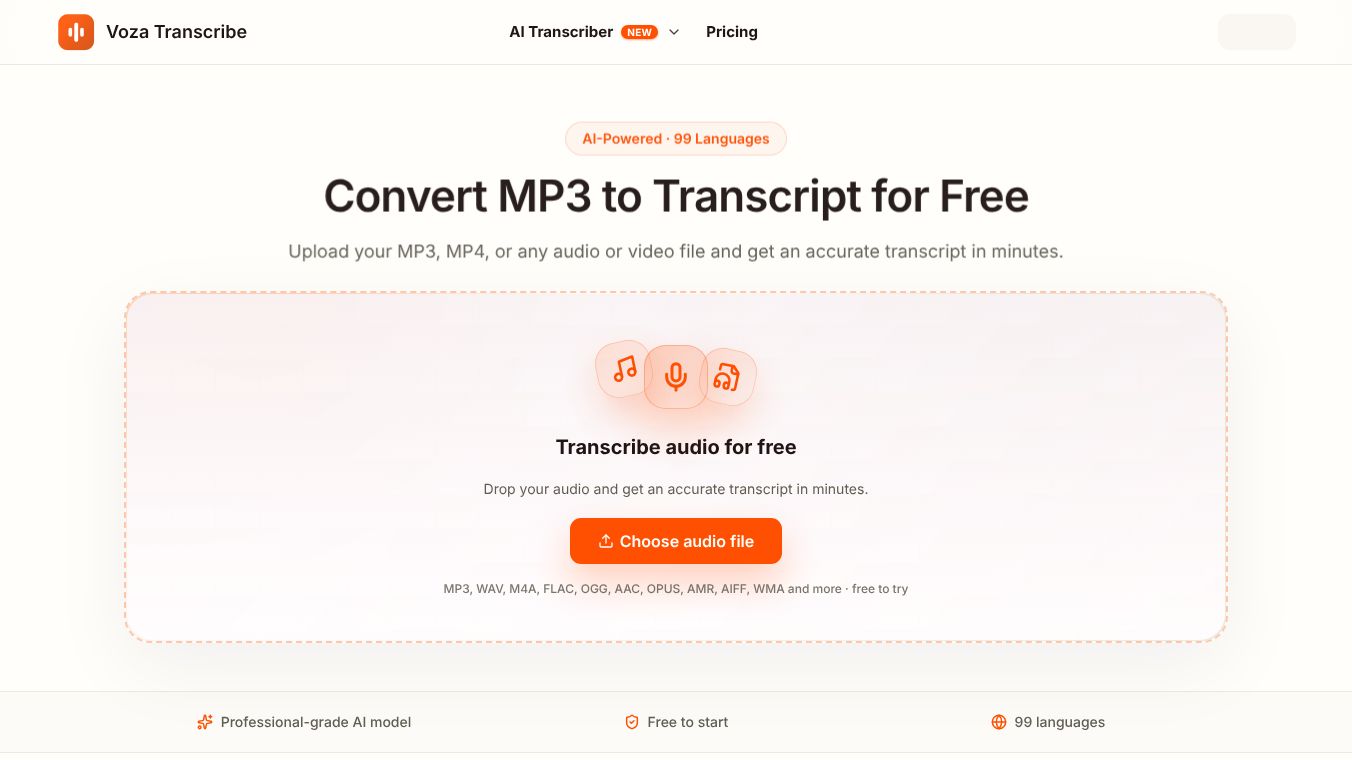
Voza Transcribe is an online tool that changes audio files into written text. It uses artificial intelligence to listen to your recordings and type out what is said. The service works directly in your web browser, so you do not need to install any special software. It is designed to help people who deal with a lot of audio, such as podcasters, journalists, and business teams. The main goal is to save time by removing the need to listen to hours of audio and type it out by hand.
Benefits
Voza Transcribe offers several powerful features that make it a strong choice for transcription. First, it is very fast. A typical one-hour audio file is processed in just a few minutes. This means users can work on other tasks while the AI finishes the job. Second, the accuracy is high. The system claims an accuracy rate of 98.7 percent. It is trained to handle difficult situations like background noise, fast talking, and different accents. Third, it supports many languages. Users can transcribe audio in 99 different languages. The tool also automatically detects which language is being spoken. Finally, the transcripts are easy to use. The text includes labels for different speakers and timestamps for every single word. Users can click on a timestamp to jump to that part of the audio. The text is also fully editable, allowing users to fix mistakes quickly.
Use Cases
This tool fits well into many different workflows. Content creators and podcasters can use it to turn their episodes into blog posts or show notes. They can also export subtitles for their videos on platforms like YouTube. Business professionals can upload recordings of meetings or phone calls. This creates searchable notes and helps teams remember action items. Journalists and researchers can use the tool to transcribe interviews. The word-level timestamps make it easy to find specific quotes or verify facts without re-listening to the whole file. Students and educators can also benefit. They can turn lecture recordings into study notes. The ability to search through the text helps them review lessons more effectively.
Pricing
The provided information does not include specific pricing details. The article mentions that the service allows users to convert files for free but does not list subscription costs or limits on the number of files.
Vibes
The provided information does not include specific user reviews, testimonials, or public reception data. The description focuses on the features and capabilities of the tool rather than feedback from other users.
Additional Information
Voza Transcribe prioritizes security and privacy. All files are protected with 256-bit SSL encryption. The service is compliant with GDPR regulations. A key feature is that user audio files are never used to train the AI models. This ensures that sensitive information like client calls or medical notes stays private. The tool supports a wide range of file formats. It accepts audio files like MP3, WAV, and M4A, as well as video files like MP4. Users can upload files up to 2.2 GB in size. The output options include text documents, subtitles, and data files for integration. The entire process runs in the browser, requiring no installation or configuration.
This content is either user submitted or generated using AI technology (including, but not limited to, Google Gemini API, Llama, Grok, and Mistral), based on automated research and analysis of public data sources from search engines like DuckDuckGo, Google Search, and SearXNG, and directly from the tool's own website and with minimal to no human editing/review. THEJO AI is not affiliated with or endorsed by the AI tools or services mentioned. This is provided for informational and reference purposes only, is not an endorsement or official advice, and may contain inaccuracies or biases. Please verify details with original sources.




Comments
Please log in to post a comment.