VideoLens
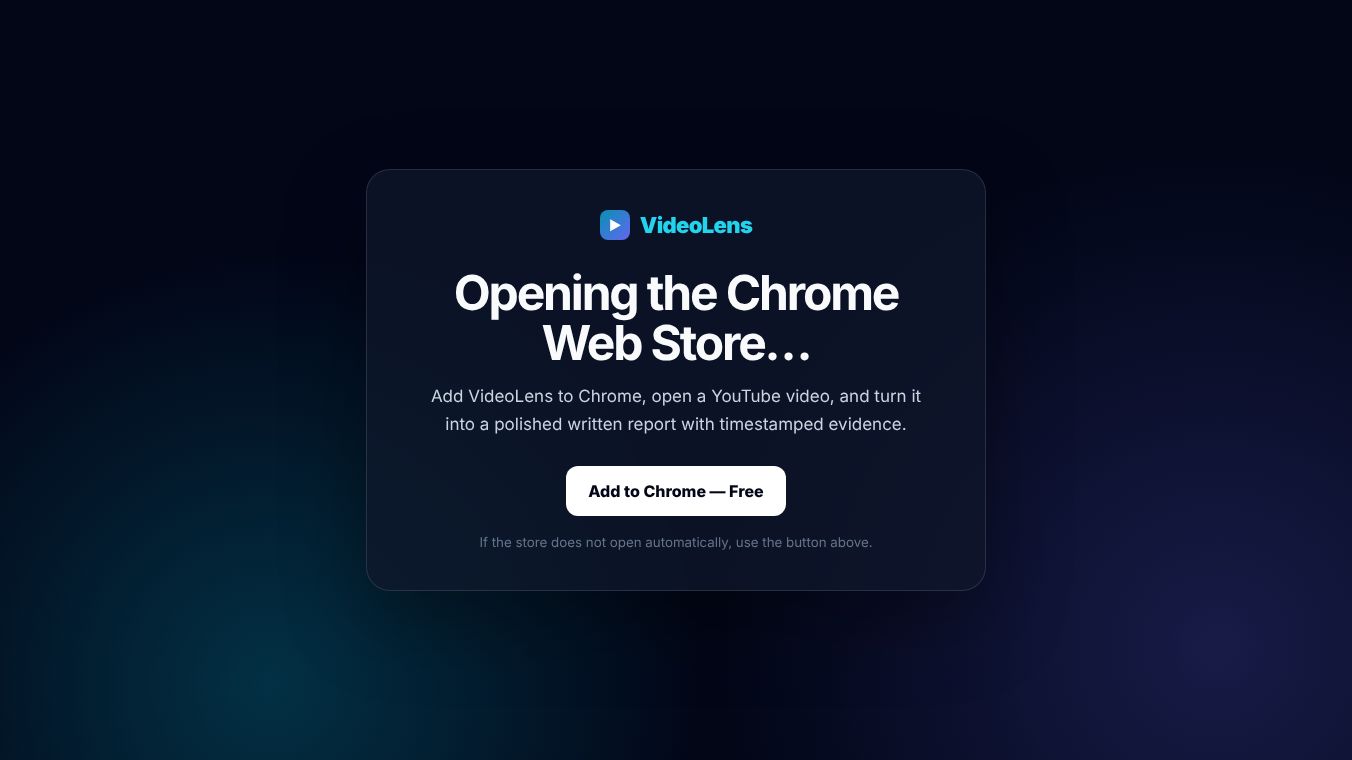





VideoLens: A Simple Tool for Better Video Understanding
Introduction
VideoLens is a browser extension designed to help people understand and analyze video content more easily. It works directly within the Chrome browser, allowing users to interact with videos without leaving their current page. The tool focuses on making video analysis accessible to everyone, from students to professionals who need to review footage quickly. By adding smart features to the video player, VideoLens aims to turn passive watching into an active learning experience.
Benefits
VideoLens offers several key advantages for users who deal with video content regularly. First, it provides real-time analysis of what is happening in a video. This means users can get instant feedback on scenes, objects, or actions as they watch. Second, the tool helps organize video content by tagging important moments automatically. This saves time when trying to find specific parts of a long video later. Third, VideoLens supports multiple languages, making it useful for international teams or anyone watching content in different tongues. Finally, it integrates smoothly with existing workflows, so users do not need to switch between different apps to analyze their videos.
Use Cases
VideoLens can be used in many different situations. Students can use it to review lecture videos and highlight key teaching points. Teachers might use it to analyze classroom recordings and identify areas for improvement. Business professionals can review meeting recordings to extract action items or track discussion topics. Content creators can use the tool to check their own videos for pacing issues or missed details. Even casual viewers might find it helpful to better understand complex videos, such as tutorials or news reports. The tool works best when users want to engage deeply with video content rather than just watching it passively.
Pricing
VideoLens offers a free version with basic features for individual users. This free tier includes core analysis tools and limited tagging capabilities. For teams or organizations that need advanced features like unlimited tagging, multi-user collaboration, or custom integrations, there is a paid subscription plan. The exact pricing for the premium plan is not publicly listed in the available information. Interested users can visit the official website to learn more about the specific costs and features included in each tier.
Vibes
Public reception for VideoLens has been generally positive among early users. Many reviewers appreciate how easy the tool is to set up and use. Users often mention that the real-time analysis feature saves them significant time during video reviews. Some feedback highlights the clean interface and how well it blends into the Chrome browser without being distracting. A few users have suggested adding more customization options for tagging styles, but overall, the community feels the tool fills an important gap in video management software.
Additional Information
VideoLens was developed by a team focused on improving how people interact with digital media. The project has gained attention for its practical approach to video analysis. While specific funding details or major partnerships are not widely publicized, the tool has attracted interest from educators and small businesses looking for affordable video solutions. The developers continue to update the extension based on user feedback, showing a commitment to improving the product over time.
This content is either user submitted or generated using AI technology (including, but not limited to, Google Gemini API, Llama, Grok, and Mistral), based on automated research and analysis of public data sources from search engines like DuckDuckGo, Google Search, and SearXNG, and directly from the tool's own website and with minimal to no human editing/review. THEJO AI is not affiliated with or endorsed by the AI tools or services mentioned. This is provided for informational and reference purposes only, is not an endorsement or official advice, and may contain inaccuracies or biases. Please verify details with original sources.




Comments
Please log in to post a comment.