VideoDescriber.ai
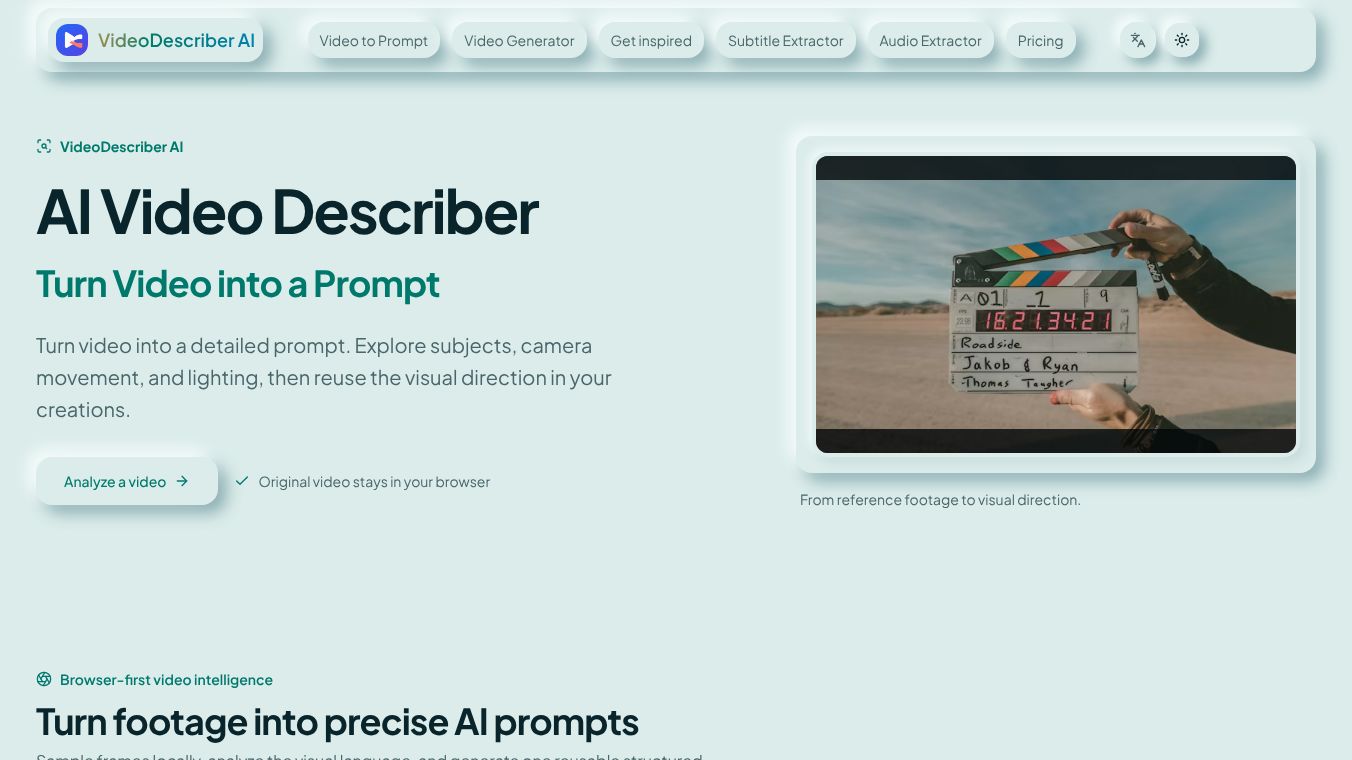





VideoDescriber AI: Transforming Video into Detailed Prompts
Overview
VideoDescriber AI is a specialized tool designed to convert video footage into detailed, structured prompts. By analyzing subjects, camera movements, lighting, and visual styles, the tool allows users to extract visual direction from reference footage and reuse it in their own creations. The process is entirely browser-based, ensuring that the original video file remains on the user's device while only compressed representative frames are sent for analysis.
Benefits
The tool examines six interconnected visual dimensions to provide a comprehensive breakdown of the video clip, going beyond simple captions to explain how the footage is composed and executed.
- Subject and Action: Identifies main people, objects, environments, visible actions, clothing, materials, and expressions. It tracks how these elements change between representative moments rather than describing a single static frame.
- Composition: Analyzes framing, visual balance, depth layers, foreground/background relationships, subject placement, negative space, and aspect-ratio intent.
- Camera Language: Detects shot size, camera angle, movement, lens character, focus behavior, depth of field, and spatial perspective to reproduce the visual grammar of the original.
- Lighting: Reads key-light direction, softness, contrast, practical light sources, shadows, atmosphere, and time-of-day cues as they evolve throughout the scene.
- Color: Captures the dominant palette, saturation, contrast, color temperature, skin-tone treatment, and grading character to define a coherent visual identity.
- Style and Pacing: Translates texture, genre, production design, editing rhythm, subject motion, and finishing choices into specific creative direction language.
The result of a video description is organized into three distinct sections for both reading and reuse:
- Overall Visual Setup: A summary section establishing the subject, environment, composition, lighting, color palette, camera treatment, visual style, and general mood. This provides a consistent foundation for the timeline.
- Time-Based Scene Breakdown: A chronological explanation of how subjects, actions, framing, camera movement, lighting, and visual conditions change throughout the clip. This is crucial for motion generation, treating the video as a sequence rather than a static image.
- Reusable Generation Prompt: A complete, copyable prompt combining global creative direction, chronological scene instructions, and negative guidance. This helps reduce unwanted visual changes, continuity errors, or distracting artifacts in generated footage.
Use Cases
VideoDescriber AI is designed for creators who need detailed visual documentation without manually inspecting every shot:
- AI Video Creators: Convert reference clips into model-neutral prompt language to use as a starting point for text-to-video or image-to-video models.
- Filmmakers and Editors: Break down composition, shot progression, and pacing to recreate specific looks and discuss references precisely.
- Marketing and Social Teams: Describe product videos and advertisements in consistent language to preserve details like product placement and visual tone when briefing collaborators.
- Prompt Designers and Researchers: Compare camera language and scene structures across different videos to build a reference library for creative experimentation.
Pricing
- Starter ($9/mo): Designed for individuals. Includes short video analysis and 800 generation credits with email support.
- Pro ($29/mo): For growing teams. Includes a 30-day analysis history, 2,700 generation credits, and priority support.
- Enterprise ($99/mo): For large organizations. Includes everything in Pro, plus 10,000 generation credits and dedicated support.
Additional Information
The workflow is optimized for privacy and efficiency:1.Upload: Users select an MP4, WebM, or other supported format. Clips can be up to 50 MB and 2 minutes long.2.Processing: The browser detects visual changes and removes near-duplicate moments, selecting four to eight representative frames. This reduces data transfer while preserving the necessary visual context.3.Analysis: The AI describes the visual evidence and organizes it into the structured result mentioned above.4.Retention: Completed analyses can be saved to the user's account and reopened for up to 30 days.
This content is either user submitted or generated using AI technology (including, but not limited to, Google Gemini API, Llama, Grok, and Mistral), based on automated research and analysis of public data sources from search engines like DuckDuckGo, Google Search, and SearXNG, and directly from the tool's own website and with minimal to no human editing/review. THEJO AI is not affiliated with or endorsed by the AI tools or services mentioned. This is provided for informational and reference purposes only, is not an endorsement or official advice, and may contain inaccuracies or biases. Please verify details with original sources.




Comments
Please log in to post a comment.