Video Splitter
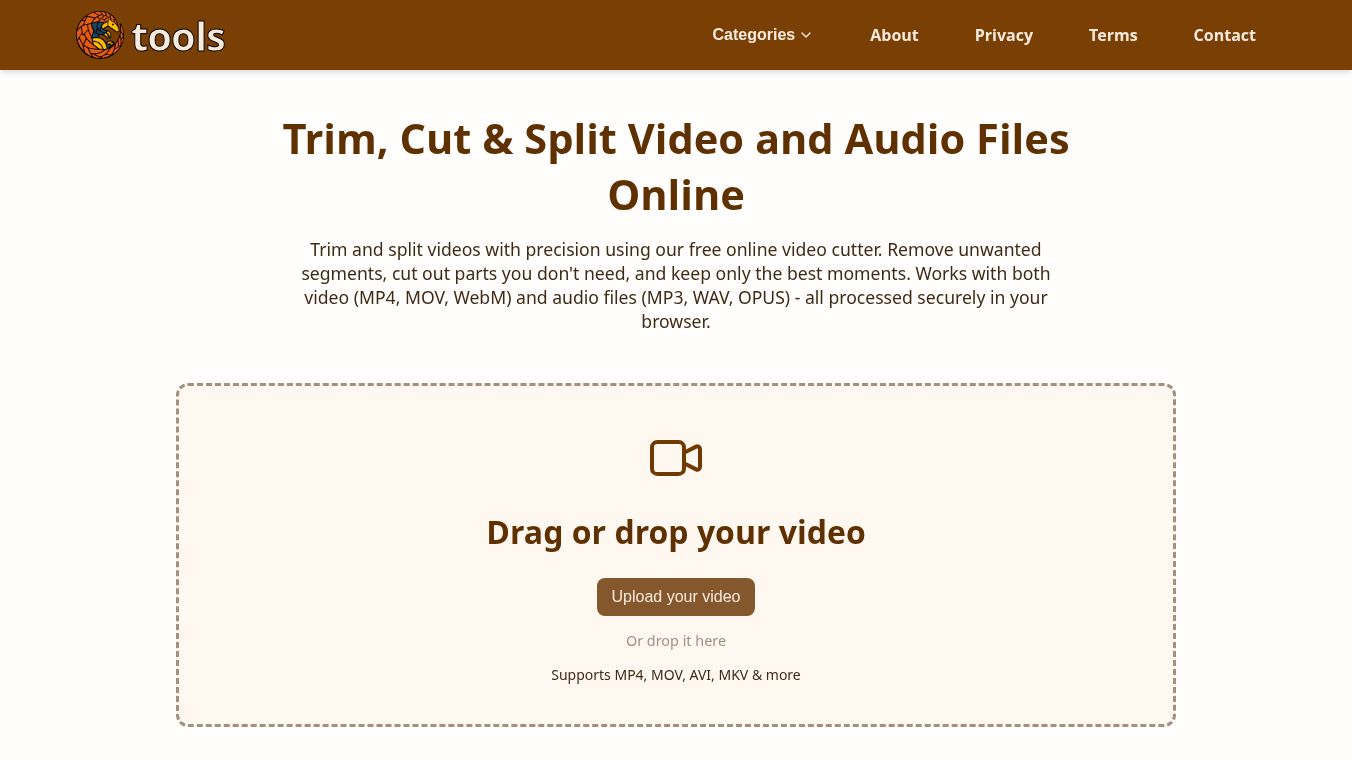





Video Splitter: A Simple Online Tool for Editing Your Media
Video Splitter is a free online tool that helps users trim, cut, and split video and audio files directly in their web browser. It allows people to remove unwanted parts from recordings, keep only the best moments, and create shorter clips without needing any special software. The tool works with popular video formats like MP4, MOV, and MKV, as well as audio files such as MP3 and WAV. All processing happens securely on the user's device, meaning files never leave their computer or phone.
Benefits
Video Splitter offers several key advantages for anyone who needs to edit media quickly. First, it preserves the original quality of the video because it uses a method called stream copy. This means the tool cuts the file without re-encoding it, so there is no loss of visual fidelity. Second, the interface is very precise. Users can navigate through videos frame by frame using keyboard shortcuts and see exact timestamps down to the millisecond. Third, the tool is completely private. Since files are processed in the browser, no data is uploaded to a server, ensuring that personal videos remain confidential. Finally, it is free to use and works on all major devices including Windows, Mac, Linux, Android, and iOS.
Use Cases
This tool is designed for a wide range of everyday editing tasks. Content creators can use it to remove long intros or outros from their videos to make them more engaging. Podcasters can trim audio files to remove silence or mistakes during recording. Students and teachers can shorten long lectures or screen recordings to fit into a specific time limit. Social media users can easily split a long video into several short clips for different platforms like TikTok or Instagram. The tool is also useful for removing accidental mistakes from the middle of a recording or for creating highlight reels from longer events. Because it supports both video and audio, it serves as a versatile editor for any type of media file.
Pricing
Video Splitter is completely free to use. There are no hidden fees, subscription costs, or payment requirements to access the tool's features.
Vibes
Users generally appreciate the tool for its simplicity and speed. The visual timeline editor helps people see exactly what they are cutting, with green bars showing kept segments and gray bars showing removed parts. Many users note that the frame-by-frame navigation makes it easy to make exact cuts. The fact that the tool does not re-encode videos is a major plus for those who care about quality. Overall, the community view is that this is a reliable and user-friendly solution for quick media editing without the complexity of professional software.
Additional Information
The tool relies on FFmpeg for its core processing capabilities, which is a standard and powerful library for media handling. Its cross-platform compatibility ensures that users can access it from any operating system. The design focuses on security and privacy, prioritizing the confidentiality of user files over cloud storage. There is no mention of specific funding sources or partnerships in the available information, but the tool is maintained as a free utility for the public.
This content is either user submitted or generated using AI technology (including, but not limited to, Google Gemini API, Llama, Grok, and Mistral), based on automated research and analysis of public data sources from search engines like DuckDuckGo, Google Search, and SearXNG, and directly from the tool's own website and with minimal to no human editing/review. THEJO AI is not affiliated with or endorsed by the AI tools or services mentioned. This is provided for informational and reference purposes only, is not an endorsement or official advice, and may contain inaccuracies or biases. Please verify details with original sources.

Comments
Please log in to post a comment.