ViceVersa PST to MBOX Switcher
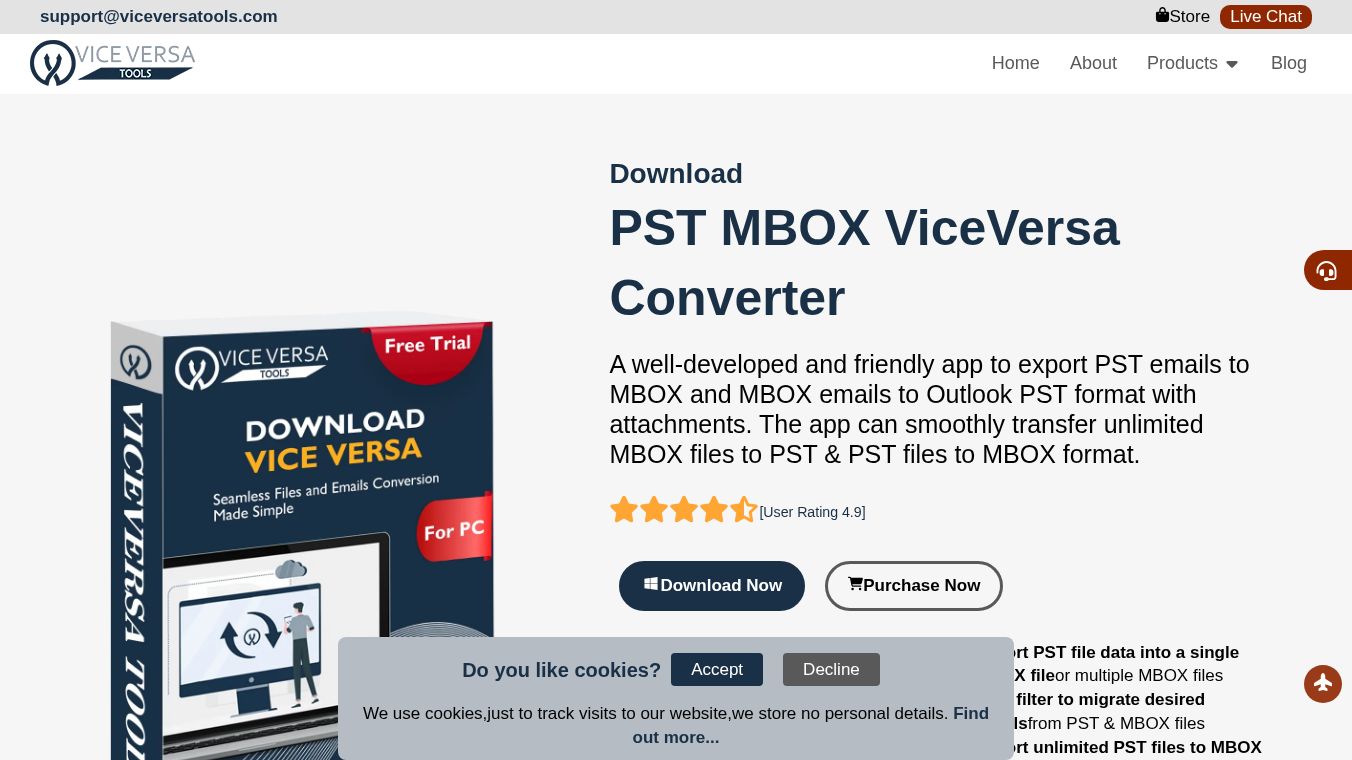





ViceVersa PST to MBOX Switcher: A Simple Guide to Moving Your Emails
Introduction
The ViceVersa PST to MBOX Switcher is a computer program designed to help people move their email data between two different formats. Many users have emails stored in PST files, which are used by Microsoft Outlook. Others use MBOX files, which are common in programs like Thunderbird or Apple Mail. This tool allows users to convert files from one format to the other easily. It works for both directions, meaning you can move from Outlook to Thunderbird or from Thunderbird back to Outlook. The software is built to handle large amounts of data without limits and does not require you to have Microsoft Outlook installed on your computer to use it.
Benefits
This tool offers several advantages for anyone needing to switch email clients. First, it supports unlimited file sizes and quantities, so you do not have to worry about running out of space or hitting a limit on how many emails you can move. Second, it allows for batch processing, which means you can select a whole folder of files at once to convert them quickly instead of doing them one by one. Third, the software preserves all attachments, ensuring that your photos, documents, and other files attached to emails are not lost during the transfer. Fourth, it includes a date filter feature, letting you choose to export only emails from a specific time period. Finally, the program is independent and does not rely on third-party applications, making it a standalone solution that works smoothly on various Windows systems.
Use Cases
This software is useful for many different situations. It is ideal for individuals who are changing their email provider and need to keep their old messages. For example, a user might want to stop using Outlook and start using Thunderbird on their computer. In this case, they can use the tool to convert their PST files into MBOX format. It is also helpful for organizations that need to migrate data for their employees. The batch processing feature makes it efficient for moving large volumes of data. Additionally, the date filtering option is great for archiving old emails while keeping recent ones accessible. The tool works on older and newer versions of Windows, making it accessible for users with different computer setups. It supports both ANSI and Unicode PST files, as well as password-protected files, which adds to its versatility.
Pricing
The software offers a free demo version for users to test its capabilities. However, the demo version has a limitation where it only exports the first 25 emails per folder. To remove this restriction and use the full features, users must purchase a license. The full license costs $39. There are different license types available to suit various needs. The Home License is for personal use by a single user. The Corporate License is designed for large companies, government groups, and schools. The Technician License is for service providers who need to perform conversions for multiple clients.
Vibes
Users have generally expressed high satisfaction with the ViceVersa PST to MBOX Switcher. Reviews highlight that the tool is easy to use, even for people who are not tech-savvy. Many users appreciate how reliable and fast the software is. One common theme in the feedback is the ability to handle complex migrations without losing data. For instance, users have successfully moved from Thunderbird to Outlook 2021 while keeping all their attachments intact. The interface is described as straightforward, with a clear five-step process that guides users from installation to completion. The fact that it does not require manual configuration of Outlook is frequently mentioned as a major plus by users who find other methods frustrating.
Additional Information
The software is compatible with a wide range of Windows operating systems, including Windows 11, 10, 8.1, 8, 7, Vista, and XP. It supports both 32-bit and 64-bit versions of these systems. In terms of hardware, it requires a basic Pentium class processor, at least 512 MB of RAM, and 100 MB of hard disk space. This low system requirement means it can run on older computers as well as modern ones. The tool supports all major versions of Microsoft Outlook, ranging from 2003 up to 2021. It can also handle MBOX files created by various applications such as Eudora, Entourage, Google Vault, and Apple Mail.
This content is either user submitted or generated using AI technology (including, but not limited to, Google Gemini API, Llama, Grok, and Mistral), based on automated research and analysis of public data sources from search engines like DuckDuckGo, Google Search, and SearXNG, and directly from the tool's own website and with minimal to no human editing/review. THEJO AI is not affiliated with or endorsed by the AI tools or services mentioned. This is provided for informational and reference purposes only, is not an endorsement or official advice, and may contain inaccuracies or biases. Please verify details with original sources.



Comments
Please log in to post a comment.