VibeCheck
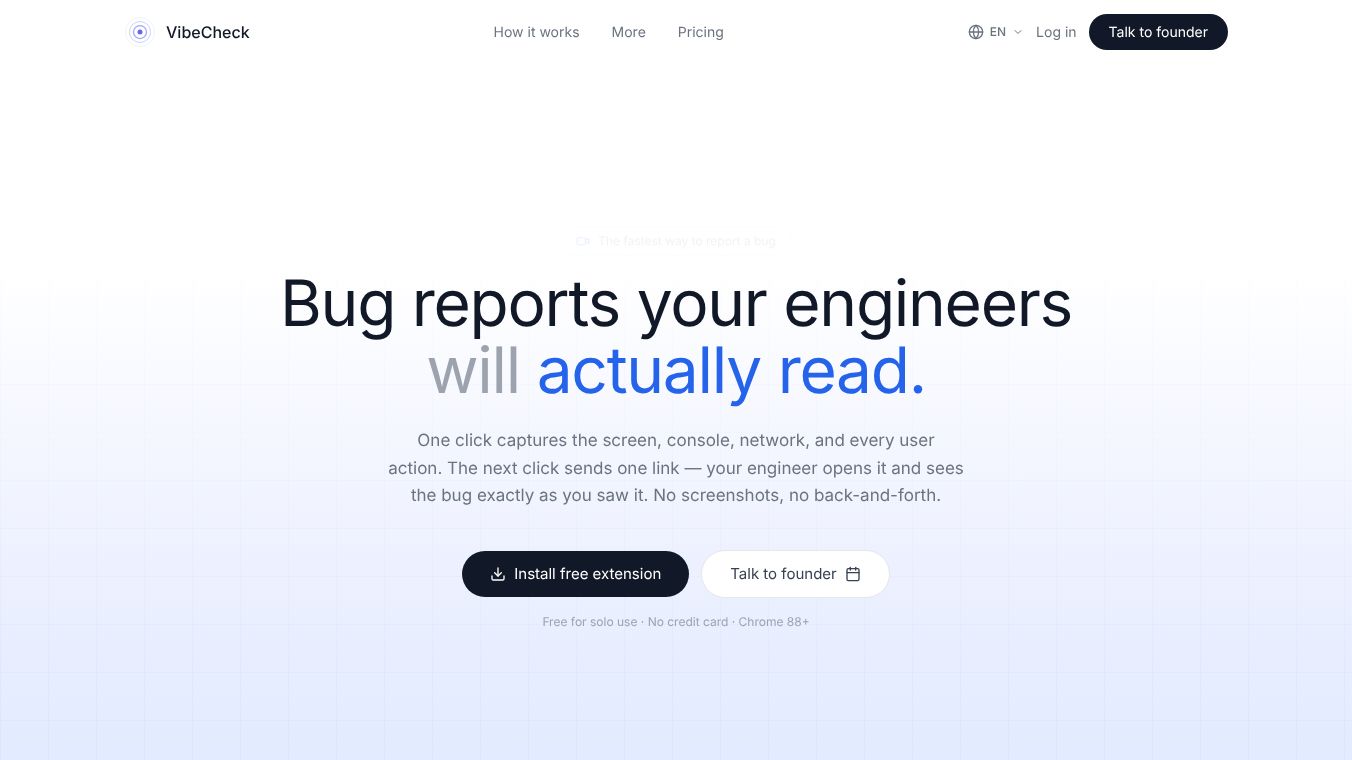





Bug Reports Your Engineers Will Actually Read
What is VibeCheck
VibeCheck is a browser extension designed to solve the frustrating gap between finding a bug and fixing it. In traditional workflows, non-technical people like product managers or users often struggle to explain technical issues to engineers. This leads to long email chains, missing details, and days of delay. VibeCheck changes this by capturing the full story of a bug in under ten seconds. Users simply click the extension and then click record. The tool then saves a video of the screen, all console errors, network requests, and every click or keystroke made. It also records the browser version and operating system. All this data is time-synced and shared through a single link. This allows engineers to see exactly what the user saw without asking for more information.
Benefits
VibeCheck offers several key advantages that speed up software development. First, it drastically cuts down on time. A process that used to take three days and forty-five messages can now be resolved in about eighteen minutes with just three messages. Second, it removes the need for manual write-ups or screenshots that often lack context. The tool provides a complete forensic record automatically. Third, it supports AI and coding agents. The tool can analyze the bug report and automatically open a pull request with the suggested code fix. It can also be plugged into tools like Claude Code or Cursor. Fourth, it offers security for large teams. Companies with strict rules can choose to store their recordings on their own servers instead of the cloud. Finally, it allows non-developers to suggest small fixes by clicking on page elements directly.
Use Cases
VibeCheck is useful for anyone involved in the software development lifecycle. QA testers can use it to report issues quickly without writing long descriptions. Product managers can capture bugs they find while using the app and send the link directly to the engineering team. End users can report problems without needing to install the extension by using the repro link feature. Developers can use the production monitoring feature to watch for errors in real time. This feature works by adding a simple script to the website code. It provides 24/7 error tracking and session replay capabilities. Teams that need to comply with legal or data privacy rules can use the enterprise plan to keep all data within their own secure storage buckets.
Pricing
VibeCheck offers a tiered pricing structure to fit different team needs. There is a free plan available for solo testers and small teams. This plan requires no credit card and supports Chrome version 88 and newer. The Pro plan is designed for teams that ship bug fixes every day. It costs twelve dollars per user per month. The Enterprise plan is for large organizations with specific compliance needs. This plan includes the ability to use your own storage buckets like S3 or Azure. Pricing for the enterprise tier is custom and available upon request.
Vibes
The tool has received positive feedback for its ability to streamline communication. Users appreciate that it turns a multi-day communication loop into a rapid resolution cycle. The fact that it requires only two clicks to capture a full forensic record is a major win for efficiency. Engineers love that they can open a single link and immediately identify the root cause of an issue. The ability to generate a recording link without signing up is also a popular feature for external users who want to report bugs quickly.
Additional Information
VibeCheck is built to integrate with modern development workflows. It supports AI agents that can read bug tracks directly to suggest fixes. The tool also allows non-technical users to click on page elements to suggest copy or style changes. This enables them to ship minor fixes themselves without waiting for a developer. The company focuses on security and flexibility, allowing teams to choose where their data is stored. This ensures that sensitive customer data never leaves the company perimeter if needed.
This content is either user submitted or generated using AI technology (including, but not limited to, Google Gemini API, Llama, Grok, and Mistral), based on automated research and analysis of public data sources from search engines like DuckDuckGo, Google Search, and SearXNG, and directly from the tool's own website and with minimal to no human editing/review. THEJO AI is not affiliated with or endorsed by the AI tools or services mentioned. This is provided for informational and reference purposes only, is not an endorsement or official advice, and may contain inaccuracies or biases. Please verify details with original sources.




Comments
Please log in to post a comment.