VectorLens — The Vector Database GUI
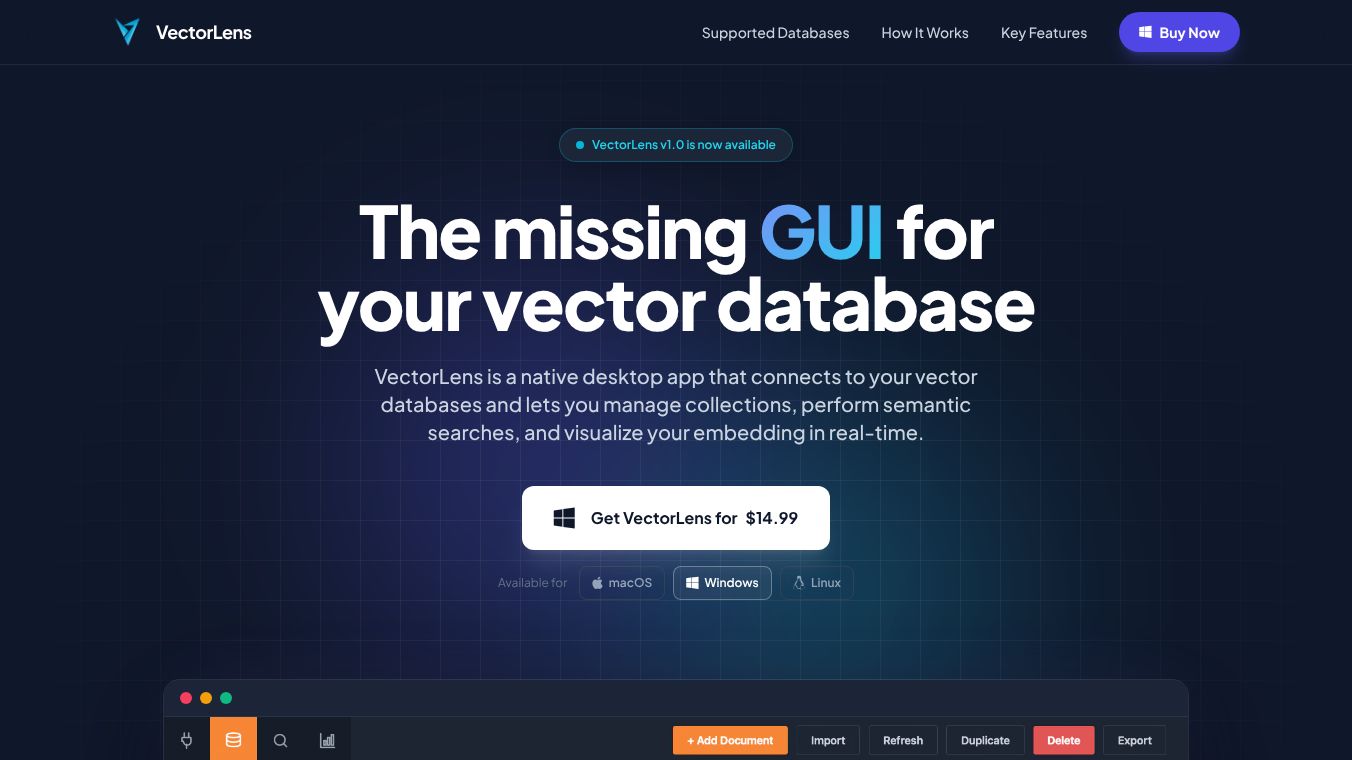





VectorLens: The Missing GUI for Your Vector Database
VectorLens is a desktop application built to make working with vector databases much easier. Many people find these databases too complex to manage using only code or command lines. VectorLens acts as a friendly window into these systems. It lets users connect to their data, organize collections, run searches, and see how their information is grouped visually. The tool works on Windows, Mac, and Linux computers. Users can go from installing the software to managing their data in just a few minutes.
Benefits
VectorLens offers several key advantages for anyone working with data embeddings. First, it connects to all major open-source vector databases like ChromaDB, Milvus, Qdrant, and Weaviate. It works with both local files and remote servers without needing complicated setup steps. Second, it simplifies data management. Users can create, read, update, and delete data without typing complex commands. They can also check the health of their collections to see details like size and index types. Third, it provides powerful visual tools. The app shows real-time results for similarity searches, helping users spot patterns or errors quickly. It also uses 2D projections to show how data clusters together, which helps in debugging AI pipelines. Finally, the tool prioritizes privacy. It runs entirely on the user's computer, meaning no data is sent to the vendor's servers. The company collects only basic information needed for payment and license activation.
Use Cases
This tool is perfect for developers and data scientists who need to manage vector data efficiently. One common use case is debugging Retrieval-Augmented Generation (RAG) systems. Users can type a question, choose an embedding model, and instantly see the closest matching documents with their distance scores. This helps them understand why an AI model is giving certain answers. Another use case is exploring large datasets. Instead of writing code to filter data, users can browse collections and inspect metadata through a simple interface. They can also export their findings to CSV or JSON files for further analysis in other tools. The ability to visualize embedding clusters makes it useful for anyone who needs to understand the structure of their data without deep mathematical knowledge.
Pricing
VectorLens uses a simple one-time payment model. There are no monthly subscription fees or hidden costs. The price is $14.99 USD for a single purchase. Once bought, the license never expires and can be used forever on one specific machine. Buyers receive free bug fixes and new features for 12 months after purchase. If a user buys the software and decides it is not right for them, they can request a full refund within 48 hours as long as they have not activated the license yet. If a computer breaks and needs to be replaced, the license can be moved to the new machine. All payments are handled securely through Shopify.
Vibes
Users appreciate the straightforward nature of VectorLens. Reviews highlight how it removes the frustration of using command-line interfaces for daily tasks. The ability to see data visually has been praised for making complex vector spaces understandable. Many users note that the security model is a major plus because their sensitive data stays on their own device. The one-time pricing model is also well-received compared to expensive monthly subscriptions for similar tools. Overall, the community sees it as a practical and reliable companion for modern data workflows.
Additional Information
VectorLens is developed by an independent team focused on user privacy and simplicity. The application has no third-party dependencies for connecting to databases, ensuring a clean and secure connection. The company does not host any user data or have access to the contents of vector databases. Analytics are only used on their website and never inside the application itself. This commitment to privacy and local-first design sets it apart from many cloud-based alternatives.
This content is either user submitted or generated using AI technology (including, but not limited to, Google Gemini API, Llama, Grok, and Mistral), based on automated research and analysis of public data sources from search engines like DuckDuckGo, Google Search, and SearXNG, and directly from the tool's own website and with minimal to no human editing/review. THEJO AI is not affiliated with or endorsed by the AI tools or services mentioned. This is provided for informational and reference purposes only, is not an endorsement or official advice, and may contain inaccuracies or biases. Please verify details with original sources.




Comments
Please log in to post a comment.