Unified Gallery Desktop





Unified Gallery Desktop: A Privacy-Focused Solution for Cross-Cloud Media Management
Overview
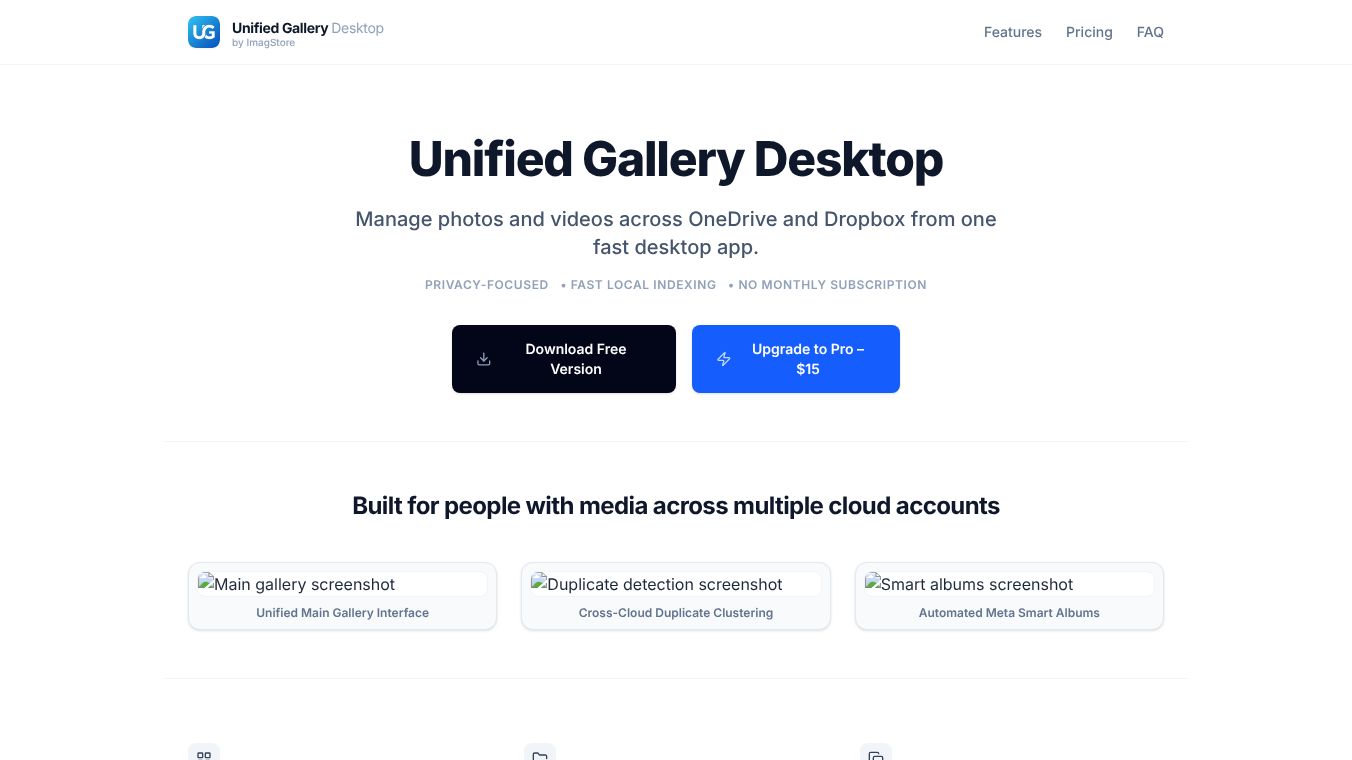
Unified Gallery Desktop is a fast desktop application designed to help users manage photos and videos from multiple cloud storage accounts in one place. It solves the problem of having to switch between different cloud services by bringing everything into a single, local interface. The app is built specifically for Windows users, including power users, creators, and photographers who need to handle large amounts of media efficiently.
Benefits
Unified Gallery Desktop offers several key advantages for managing digital media. First, it provides a unified main gallery interface that aggregates photos and videos from connected accounts. This means users no longer need to navigate through separate folders for each cloud service. The app also creates smart albums automatically based on content and metadata. Users can easily find screenshots, videos, recent files, and favorites without manual sorting.
Another major benefit is duplicate detection. The software can find and manage duplicate or similar photos across different cloud accounts. This helps users save valuable storage space by removing redundant files. The app also features fast local search capabilities. It uses background indexing on the user's computer to ensure instant search results without waiting for remote cloud queries. This makes browsing and searching much quicker than traditional cloud apps.
Privacy is a core feature of the application. All media stays within the user's direct OneDrive or Dropbox accounts. The app does not upload images to external servers for processing. Instead, all indexing happens exclusively on the user's local machine. This ensures that personal photos and videos remain secure and private.
Use Cases
Unified Gallery Desktop is ideal for Windows users who manage media across multiple cloud services. It is perfect for photographers who shoot on location and upload files to various cloud drives. Creators who need to access assets from both personal and professional cloud accounts will find this tool very useful. The app helps users take control of fragmented folders from different services in one fast desktop interface.
The software works well for anyone who wants to organize their media library without paying monthly subscription fees. Users can connect their OneDrive and Dropbox accounts to see all their files in one view. Once the catalogs are indexed, the app allows for offline browsing and searching. This makes it a great tool for users who need quick access to their media even when they are not connected to the internet.
Pricing
Unified Gallery Desktop uses a one-time purchase model. This means users avoid monthly subscription fees and own their license permanently. There is a free version available for basic use. The Pro version is priced at $15 as a lifetime purchase. Users who buy the Pro version get a license key with no hidden recurring costs.
Vibes
The app has received positive attention for its focus on privacy and performance. Users appreciate that their media never leaves their local machine for processing. The ability to search instantly across multiple cloud accounts without slow remote queries is a major highlight. The one-time purchase model is also well-received by users who are tired of recurring subscription fees. The clean interface and smart album features make media management feel much more efficient.
Additional Information
Unified Gallery Desktop currently supports integrations with OneDrive and Dropbox. The developers have indicated that support for additional cloud storage engines is planned for upcoming updates. The software requires an internet connection initially to retrieve and fetch cloud sync data. However, once the catalogs are indexed, browsing and searching are fully optimized for offline local operations. The application is tailored explicitly for the Windows operating system to ensure compatibility and performance.
This content is either user submitted or generated using AI technology (including, but not limited to, Google Gemini API, Llama, Grok, and Mistral), based on automated research and analysis of public data sources from search engines like DuckDuckGo, Google Search, and SearXNG, and directly from the tool's own website and with minimal to no human editing/review. THEJO AI is not affiliated with or endorsed by the AI tools or services mentioned. This is provided for informational and reference purposes only, is not an endorsement or official advice, and may contain inaccuracies or biases. Please verify details with original sources.




 No Info

Comments
Please log in to post a comment.