TYPIST
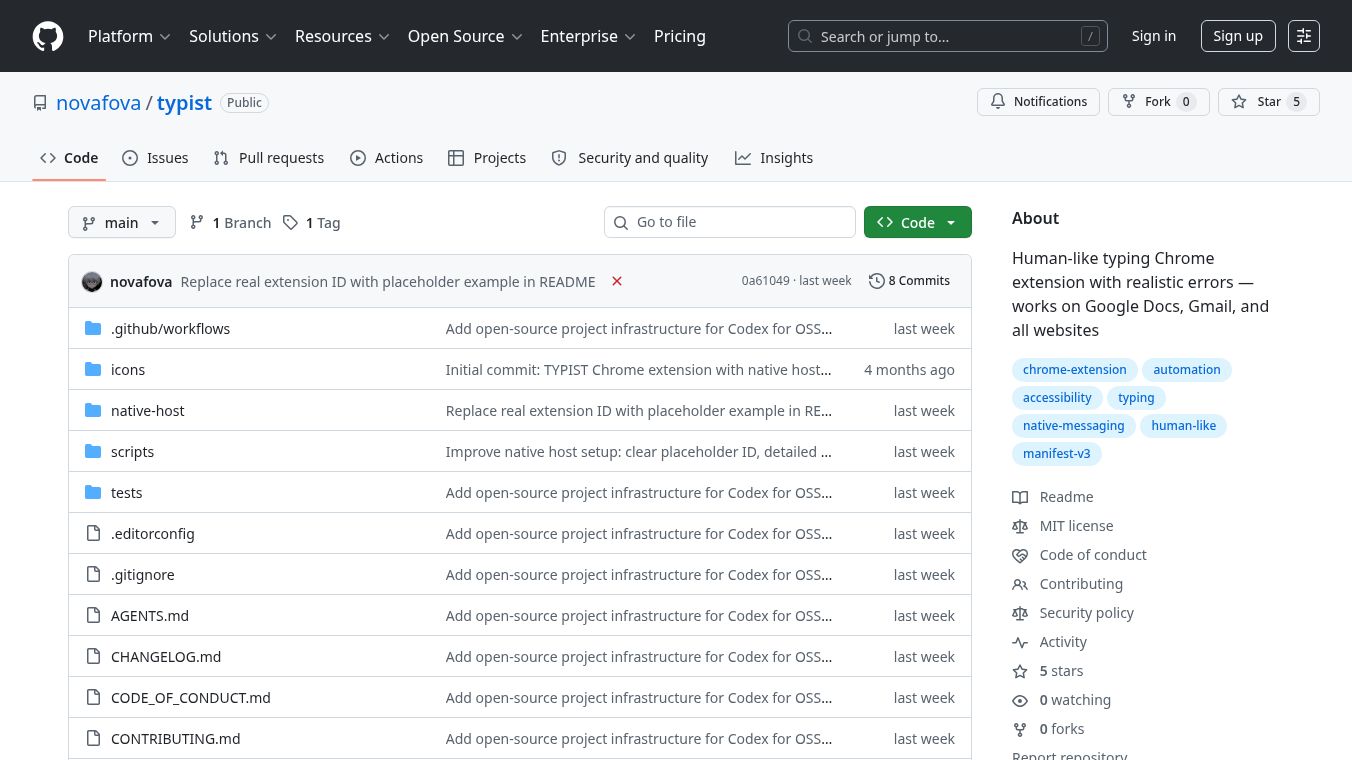





TYPIST: Human-Like Typing with Realistic Errors and Corrections
Overview
TYPIST is a free Chrome extension that helps users make automated text input look like it was typed by a real person. It is designed for tasks that require filling out forms, writing essays, or sending emails where the text needs to appear natural. The tool works on Google Docs, Google Slides, Gmail, and almost every other website. It achieves this by simulating real human behaviors such as variable typing speeds, natural pauses for thinking, and even realistic mistakes like hitting the wrong key next to the intended one.
Benefits
TYPIST offers several key advantages for anyone needing to automate text entry without raising suspicion.
- Natural Rhythm: Unlike robotic scripts that type at a fixed speed, TYPIST varies the time between keystrokes. It adds thinking pauses after punctuation and random breaks every 15 to 40 characters to mimic how a human brain processes information.
- Realistic Mistakes: The tool generates neighbor-key typos, such as typing 's' instead of 'a', based on actual keyboard layouts. It also simulates the process of correcting these errors by backspacing and retyping, just like a person would.
- Flexible Speed Control: Users can choose from five speed levels ranging from very slow to very fast. This allows the tool to adapt to different scenarios, from careful data entry to rapid note-taking.
- Customizable Error Rates: Users can set the chance of making a typo from zero percent to fifteen percent. This flexibility ensures the output matches the desired level of realism.
- Universal Compatibility: It functions on standard websites and integrates deeply with Google Docs and Slides using a special Python host to bypass browser restrictions.
- Easy Configuration: All user settings, including speed and error rates, are saved automatically. This means users do not need to reconfigure the tool every time they start a new session.
Use Cases
TYPIST is useful for a variety of situations where automated text input is needed but must appear human.
- Form Filling: It can fill out long web forms quickly while maintaining a natural typing pattern that avoids detection by anti-bot systems.
- Document Creation: Users can type essays, reports, or articles into Google Docs or Slides. The tool handles the native messaging required to type directly at the operating system level for these applications.
- Email Drafting: It can compose emails in Gmail with realistic pauses and corrections, making the content look like it was written by a person.
- Testing and Development: Developers can use the tool to test how their websites handle different typing speeds and error patterns during user experience testing.
- Time-Limited Tasks: The tool includes a time limit mode, allowing users to set a specific duration for completing a typing task, such as typing a certain amount of text in five minutes.
Pricing
TYPIST is an open-source project available for free. There are no subscription fees or hidden costs associated with using the extension. Users can download the source code from GitHub and install it on their own computers.
Vibes
As an open-source tool hosted on GitHub, TYPIST has not yet gathered a large volume of public reviews or testimonials. However, the project description indicates a strong commitment to the community. The developers welcome contributions and have outlined a clear roadmap for future improvements. Areas they are actively working on include adding support for macOS and Linux, porting the tool to the Firefox browser, and improving accessibility features. The project is built with care for the open-source community, suggesting a focus on reliability and user support.
Additional Information
TYPIST is currently available as a Chrome extension. It uses a dual strategy to function across different platforms. For regular websites, it uses JavaScript methods like clipboard pasting and keyboard event simulation. For Google Docs and Slides, it requires a native messaging host built with Python and thepyautoguilibrary. This host runs at the operating system level to bypass Google's input interception.
Currently, the native host supports Windows only. Support for macOS and Linux is listed as a future goal. The project structure is well-organized, including folders for the extension manifest, popup interface, content scripts, and the Python native host. Users can contribute to the project by helping with the missing platform support, adding international keyboard maps, or writing additional tests. The code is licensed for the open-source community, and security details are documented within the project repository.
This content is either user submitted or generated using AI technology (including, but not limited to, Google Gemini API, Llama, Grok, and Mistral), based on automated research and analysis of public data sources from search engines like DuckDuckGo, Google Search, and SearXNG, and directly from the tool's own website and with minimal to no human editing/review. THEJO AI is not affiliated with or endorsed by the AI tools or services mentioned. This is provided for informational and reference purposes only, is not an endorsement or official advice, and may contain inaccuracies or biases. Please verify details with original sources.






Comments
Please log in to post a comment.