twNetMap
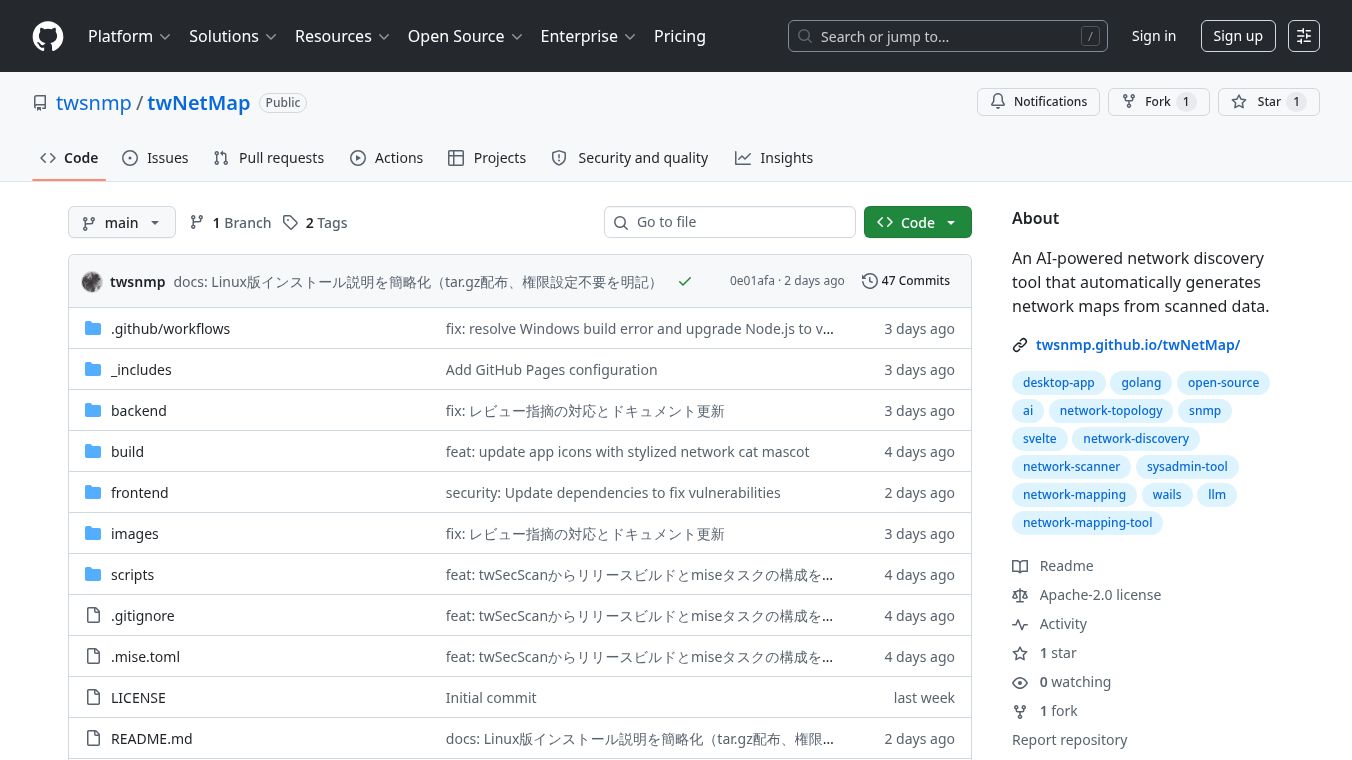





twNetMap: An AI-Powered Network Discovery Tool
Overview
twNetMap is a software tool that helps network administrators see how their computer networks are connected. It uses artificial intelligence to automatically scan a network and create a clear visual map of all the devices, such as routers, switches, and servers. The tool is built using modern technology and is designed to make complex network diagrams easy to understand and manage.
Benefits
The main advantage of twNetMap is its ability to combine active scanning with AI analysis. It does not just list devices; it figures out how they are connected to each other. Key benefits include:
- Automatic Device Classification: The tool uses AI to identify what type of device is on the network, such as a router, switch, printer, or server. This saves time compared to manually checking each device.
- Smart Link Detection: It analyzes data from protocols like LLDP to automatically draw lines between connected devices, showing the actual network topology.
- Flexible Scanning Modes: Users can choose how aggressive the scan should be. There is a "Safe" mode for environments with strict firewalls and a "Fast" mode for quick results on open networks.
- Multiple Export Options: Once the map is created, users can save it as an image, a PDF, or a data file for use in other diagramming tools like Draw.io.
- Interactive Editing: Users can drag and drop nodes on the map to rearrange them or manually add missing devices. The tool remembers these changes to improve future scans.
Use Cases
This tool is ideal for network engineers, IT professionals, and anyone who needs to visualize a network structure. Common use cases include:
- Network Auditing: Quickly discovering all devices on a network to ensure nothing unauthorized is connected.
- Troubleshooting: Visualizing connections helps technicians identify where a problem might be located in the network chain.
- Documentation: Creating up-to-date network diagrams for new employees or for compliance records.
- Planning Upgrades: Seeing the current layout helps teams plan where to add new switches or routers without disrupting existing connections.
- Education: The visual maps are great for teaching others about how a specific network is structured.
Pricing
The tool is available as open-source software on GitHub. Users can download pre-built binaries for macOS, Windows, and Linux for free. There are no subscription fees or hidden costs mentioned for the standard version of the software.
Vibes
As an open-source project hosted on GitHub, twNetMap has a community-driven development style. The project description highlights a focus on modern tech stacks like Go and Svelte, which suggests a user-friendly and efficient interface. The inclusion of features like a feedback loop, where user edits help train the AI for future sessions, indicates a design that values user interaction and continuous improvement. The detailed documentation and clear installation instructions suggest a tool that is accessible to both developers and end-users.
Additional Information
twNetMap is built using a combination of Go for the backend and Svelte for the frontend. It supports various Large Language Model providers, including Ollama, OpenAI, and Google Gemini, giving users flexibility in how they run the AI component. The project emphasizes security by encrypting sensitive data like API keys and SNMP credentials using AES-256-GCM. Users can customize where the application stores its data by using a command-line parameter. The developers provide clear instructions on how to build the tool from source for those who want to contribute or modify the code.
This content is either user submitted or generated using AI technology (including, but not limited to, Google Gemini API, Llama, Grok, and Mistral), based on automated research and analysis of public data sources from search engines like DuckDuckGo, Google Search, and SearXNG, and directly from the tool's own website and with minimal to no human editing/review. THEJO AI is not affiliated with or endorsed by the AI tools or services mentioned. This is provided for informational and reference purposes only, is not an endorsement or official advice, and may contain inaccuracies or biases. Please verify details with original sources.



 No Info


Comments
Please log in to post a comment.