TrackNotch
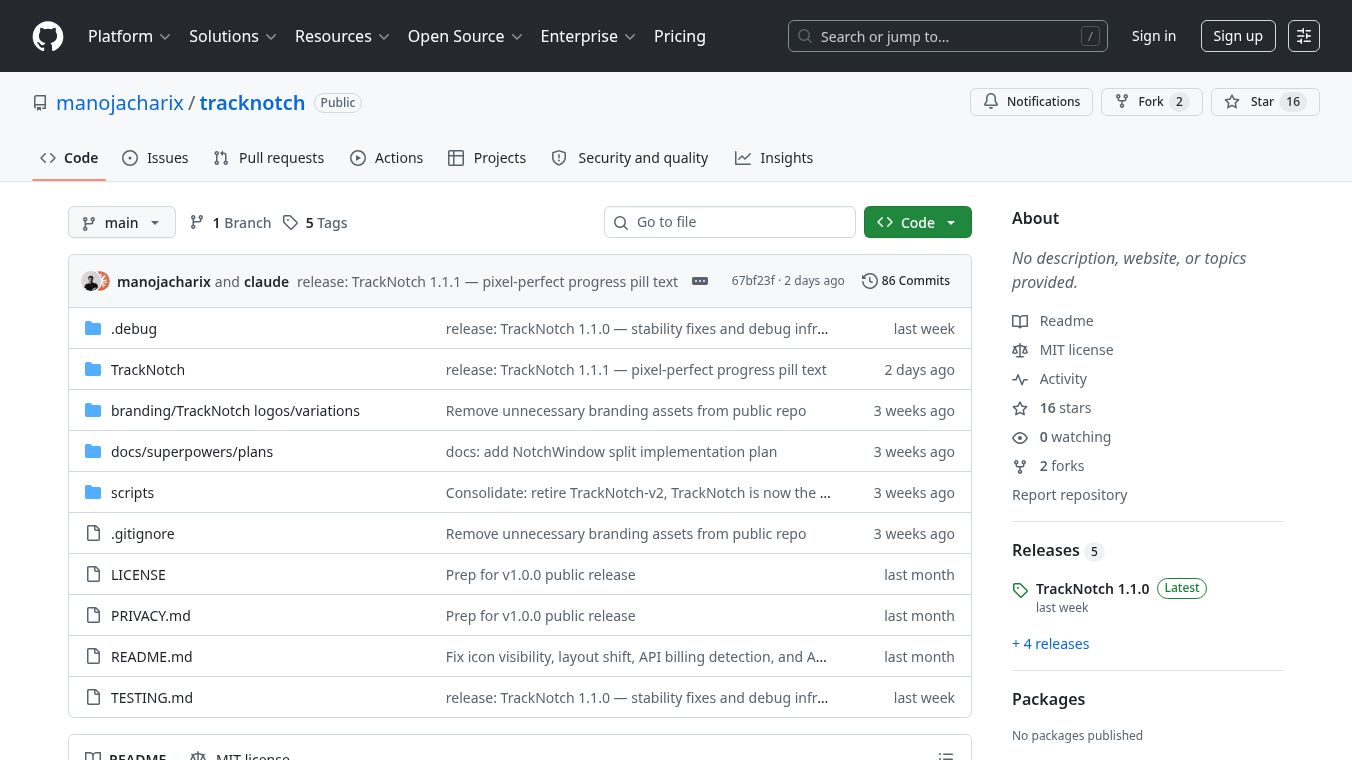





TrackNotch: LLM Usage Tracking for macOS
TrackNotch is a small application for Mac computers that shows how much you are using Large Language Models. It displays this information right in the notch area of your screen, which is the small space above the display on newer MacBooks. This tool helps users see their usage across different AI services like Claude, OpenAI, Cursor, and Codex without needing to open other websites or apps.
Benefits
TrackNotch offers several important advantages for developers and power users. First, it provides real-time visibility into your current context fill levels. This helps you know when you are running out of space for new instructions in a chat session. Second, the app tracks your monthly spending budget so you can avoid unexpected charges. It also shows your current rate limits to prevent your API calls from failing due to server restrictions. A major benefit is its privacy-first design. The application runs entirely on your computer and does not send any data to external servers or use proxies. This ensures that your API keys and usage history stay safe on your machine. Finally, the project is open source and free to use, allowing anyone to inspect the code or contribute to its development.
Use Cases
This tool is designed for developers and anyone who uses multiple AI assistants regularly. You can use TrackNotch to monitor your progress while writing code or drafting documents. If you are working on a long project, the app helps you see how much context you have left in your current session. It is also useful for managing costs, as you can watch your budget usage in real time. Teams might find it interesting for personal use, though the current version is built for individual tracking. The app works on macOS computers and integrates seamlessly with the system interface.
Pricing
TrackNotch is free to use. The project is released under the MIT license, which means anyone can download and use it without paying a fee.
Vibes
Users have responded very positively to the app, especially regarding its privacy features. Many people appreciate that the tool does not proxy data or send information outside their computer. This local-only approach is a big plus for developers who are concerned about security. Some users have suggested that team features would be a great addition in the future, such as shared visibility for aggregate spending across multiple machines. Overall, the community views the app as a practical and secure solution for tracking AI usage.
Additional Information
The application was created by a developer who wanted to solve a specific workflow problem. They found it difficult to track their progress within a Claude session while working on a task, so they built this tool to provide immediate visibility. The app is currently built using Framer and is in version 1.1.1. It is important to note that the application is currently unsigned, which means it uses a workaround to run on Macs. The developers plan to add official notarization in future releases. The project is actively maintained, and users can report bugs or request new providers by opening issues on the GitHub repository.
This content is either user submitted or generated using AI technology (including, but not limited to, Google Gemini API, Llama, Grok, and Mistral), based on automated research and analysis of public data sources from search engines like DuckDuckGo, Google Search, and SearXNG, and directly from the tool's own website and with minimal to no human editing/review. THEJO AI is not affiliated with or endorsed by the AI tools or services mentioned. This is provided for informational and reference purposes only, is not an endorsement or official advice, and may contain inaccuracies or biases. Please verify details with original sources.
Comments
Please log in to post a comment.