TokenScope
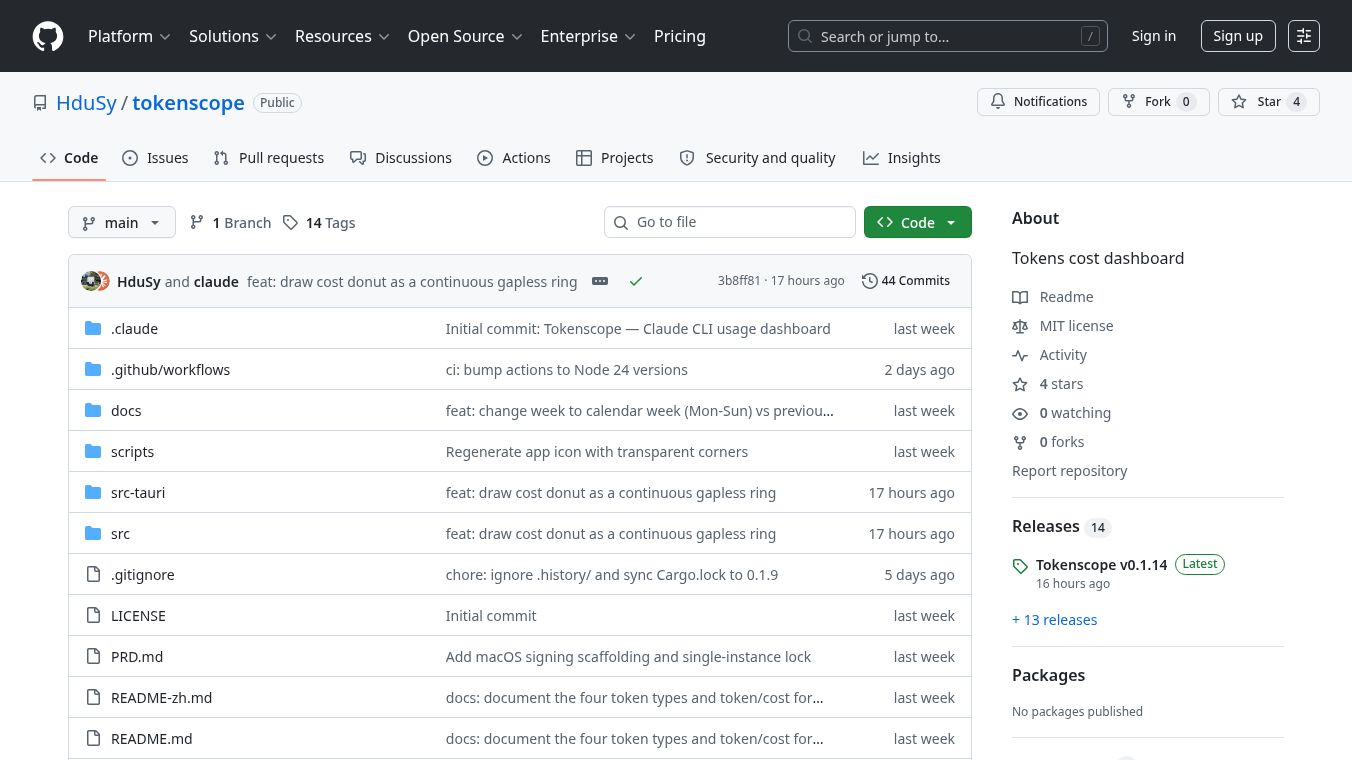





TokenScope: Real-time, Privacy-First LLM API Monitoring
TokenScope is a lightweight browser extension for Chrome and Edge that helps users track how much data they use when chatting with AI models. It works quietly in the background to show exactly how many tokens are sent and received for every request. This tool is designed for people who want to know the cost of their AI usage without giving up their privacy.
Benefits
TokenScope offers several important advantages for anyone using AI chatbots.
- Complete Privacy:The tool does not send any data to external servers. Nothing leaves your browser, and there is no account creation required. Your API keys and messages remain safe on your computer.
- Real-Time Cost Tracking:Unlike other tools that use old price lists, TokenScope lets you set your own pricing rates. You can choose your currency and define costs for different models to see exactly how much you are spending.
- Easy Setup:There is no complex configuration needed. After installing the extension, it automatically starts tracking your usage as soon as you open a chat page.
- Detailed History:You can view a full list of past conversations with specific details like the model used, response time, and exact token counts. You can also export this data as a spreadsheet file for analysis.
- Works with Desktop Apps:For users who use AI tools outside the browser, a companion tool called tokenscope-proxy allows the extension to track those applications as well.
Use Cases
TokenScope is useful for many different types of users who rely on Large Language Models.
- Personal AI Chatting:If you use ChatGPT, Claude, or Gemini to write emails, code, or stories, TokenScope shows you the cost of each conversation so you can manage your budget.
- Developer Testing:Programmers can use the tool to monitor their self-hosted AI servers or APIs to ensure their applications are not wasting tokens or hitting unexpected limits.
- Enterprise Monitoring:Teams can use the extension to track AI usage across their organization to optimize costs and identify which models are being used most frequently.
- Cross-Platform Tracking:Developers who use desktop AI agents like Cursor or Cline can use the proxy tool to see all their API calls in one place, whether they are in the browser or a separate program.
Pricing
TokenScope is free to use. It is an open-source project, meaning the source code is available for anyone to review and modify. There are no hidden fees or subscription costs for the extension itself.
Vibes
Users generally appreciate the transparency and privacy of TokenScope. Because the project is open source, developers can inspect the code to verify that it truly does not leak data. The community values the ability to customize pricing settings, as this makes the tool relevant for different billing plans and currencies. Some users note that the real-time cost display helps them understand the financial impact of their AI usage immediately.
Additional Information
TokenScope is built by a company called NovAI. NovAI also provides an AI API gateway that allows users to access many different models with a free tier. The extension is written in plain JavaScript and contains about 1,500 lines of code. It supports major protocols used by OpenAI, Anthropic, and Google Gemini. The project welcomes contributions from the community and follows a philosophy of keeping changes small and maintaining privacy by default.
This content is either user submitted or generated using AI technology (including, but not limited to, Google Gemini API, Llama, Grok, and Mistral), based on automated research and analysis of public data sources from search engines like DuckDuckGo, Google Search, and SearXNG, and directly from the tool's own website and with minimal to no human editing/review. THEJO AI is not affiliated with or endorsed by the AI tools or services mentioned. This is provided for informational and reference purposes only, is not an endorsement or official advice, and may contain inaccuracies or biases. Please verify details with original sources.
Comments
Please log in to post a comment.