TaskShell 2.0
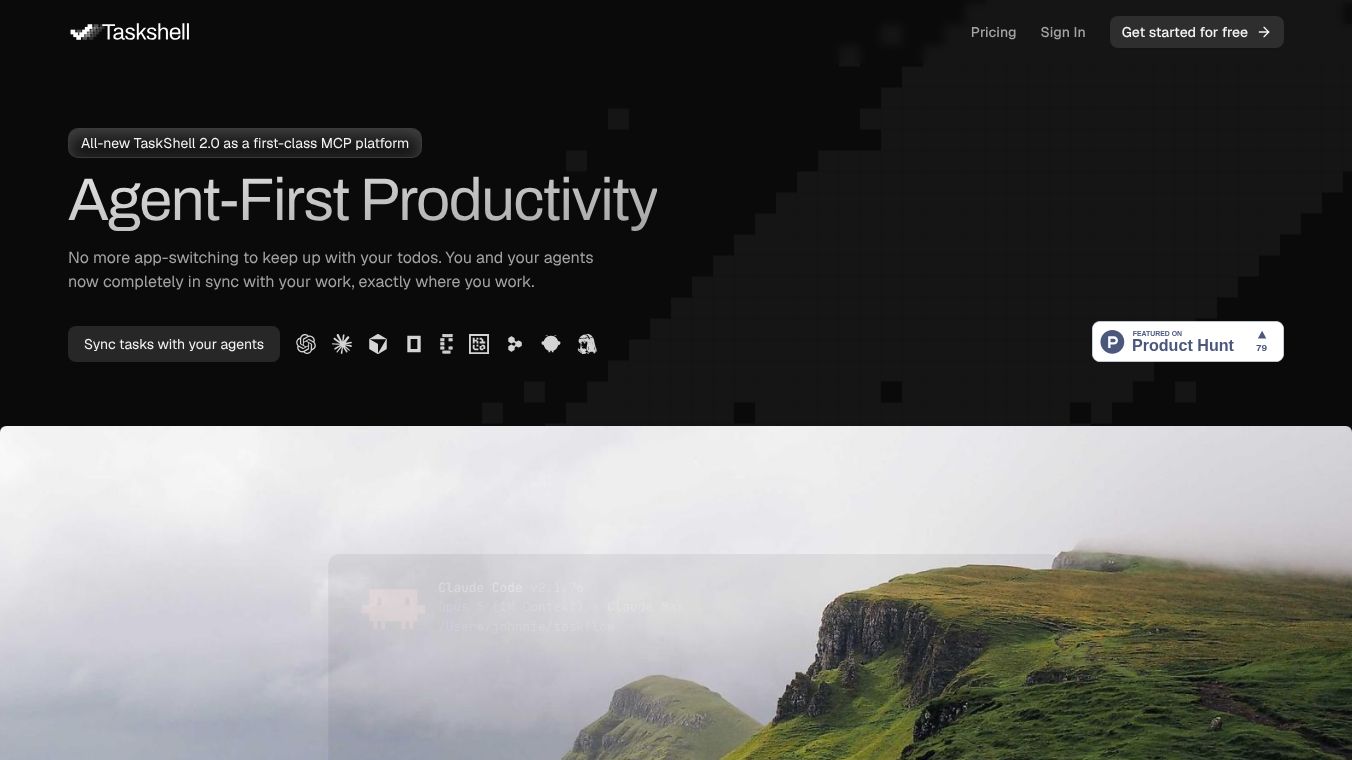





TaskShell 2.0: A Simple Way to Manage Your Computer
TaskShell 2.0 is a free tool designed to help people organize and control their computers more easily. It acts like a smart assistant that lets users create custom menus and shortcuts without needing to know complex coding. The software is built to make daily computer tasks faster and less confusing for everyone from students to business professionals.
Benefits
The main advantage of TaskShell 2.0 is that it simplifies how users interact with their operating systems. Instead of digging through long lists of files or remembering complicated commands, users can create their own menus with just a few clicks. This saves time and reduces frustration when trying to find specific programs or settings. The tool also allows users to automate repetitive actions, which means they can complete tasks with a single click rather than going through multiple steps. Because it is free and open source, there are no hidden costs or restrictions on what users can do with the software.
Use Cases
TaskShell 2.0 is useful in many different situations. Students can use it to quickly open their favorite study apps or organize their research files. Office workers can create custom menus to launch specific software needed for their jobs, such as spreadsheets or design tools. Developers often use the tool to streamline their coding environment by setting up quick access to their preferred programming languages and utilities. Even people who are not tech-savvy can benefit from creating simple shortcuts to common tasks like checking the weather or opening a calendar. The flexibility of the tool means it adapts to the unique needs of each user.
Pricing
TaskShell 2.0 is completely free to use. There are no subscription fees or one-time purchase costs. The software is open source, which means anyone can download, install, and modify it without paying anything. This makes it an accessible option for individuals and organizations looking to improve their computer workflow without spending money.
Vibes
Users who have tried TaskShell 2.0 often praise its simplicity and effectiveness. Many appreciate how easy it is to set up custom menus without needing technical skills. Reviews highlight the tool as a great solution for people who feel overwhelmed by too many icons and options on their desktop. Some users mention that it has helped them reclaim lost time by automating small but frequent tasks. The community around the project is also supportive, with users sharing tips and tricks for getting the most out of the software.
Additional Information
TaskShell 2.0 is part of a larger family of tools developed by the same team that created TaskbarX. The project is maintained by a group of volunteers who are passionate about improving the user experience on Windows computers. The software is regularly updated to fix bugs and add new features based on user feedback. It runs on Windows 10 and Windows 11, making it compatible with most modern computers. The open-source nature of the project allows anyone to contribute to its development, ensuring it continues to grow and improve over time.
This content is either user submitted or generated using AI technology (including, but not limited to, Google Gemini API, Llama, Grok, and Mistral), based on automated research and analysis of public data sources from search engines like DuckDuckGo, Google Search, and SearXNG, and directly from the tool's own website and with minimal to no human editing/review. THEJO AI is not affiliated with or endorsed by the AI tools or services mentioned. This is provided for informational and reference purposes only, is not an endorsement or official advice, and may contain inaccuracies or biases. Please verify details with original sources.






Comments
Please log in to post a comment.