Superlist MCP
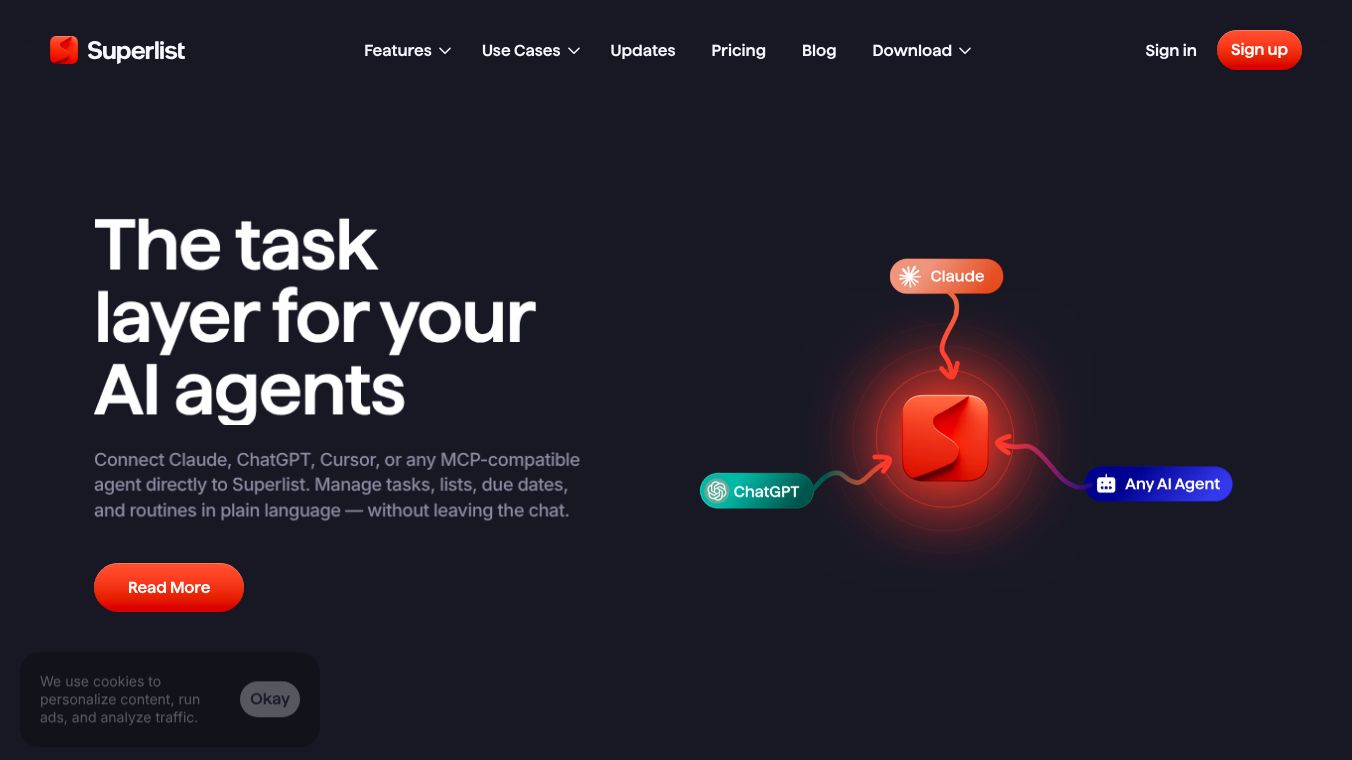





The Superlist MCP is a tool that connects your Superlist account to artificial intelligence assistants. It works like a secure bridge that lets you talk to your AI using normal words instead of copying and pasting data. This connection allows the AI to see your tasks and lists so it can help you manage your work more easily.
Benefits
Using the Superlist MCP saves time by removing the need to switch between different apps. You can add new tasks directly from your chat conversation without leaving the AI interface. The tool helps you turn messy notes or meeting transcripts into clean task lists instantly. It also gives you a quick daily overview of what is overdue or what you need to do today. Finally, it automates boring tasks like rescheduling work or organizing your lists so you can focus on important projects.
Use Cases
This tool is useful for anyone who uses Superlist to track their daily activities. You can ask the AI to create a new list for a specific project or add items to an existing one. It works well for summarizing what you accomplished during the week or drafting a project plan based on a meeting transcript. Users can also use it to take all their weekly assignments and turn them into a status update for their manager. It is designed for people who want to keep their to-do lists organized and up to date without manual effort.
Pricing
Pricing details for the Superlist MCP are not available in the provided information. Some advanced features may require a paid Superlist plan, but specific costs are not listed.
Vibes
The provided text does not contain any customer reviews, testimonials, or public reception information about the Superlist MCP.
Additional Information
The Superlist MCP requires an active Superlist account to function. Most features work on standard plans, though some advanced capabilities might need a paid subscription. The connection uses standard OAuth login to keep your password safe. The AI tool never sees your password because you sign in directly to Superlist. You can remove the connection at any time from either your AI tool or your Superlist settings. If you have trouble connecting, you can try disconnecting and reconnecting the tool or contacting the Superlist support team for help.
This content is either user submitted or generated using AI technology (including, but not limited to, Google Gemini API, Llama, Grok, and Mistral), based on automated research and analysis of public data sources from search engines like DuckDuckGo, Google Search, and SearXNG, and directly from the tool's own website and with minimal to no human editing/review. THEJO AI is not affiliated with or endorsed by the AI tools or services mentioned. This is provided for informational and reference purposes only, is not an endorsement or official advice, and may contain inaccuracies or biases. Please verify details with original sources.

Comments
Please log in to post a comment.