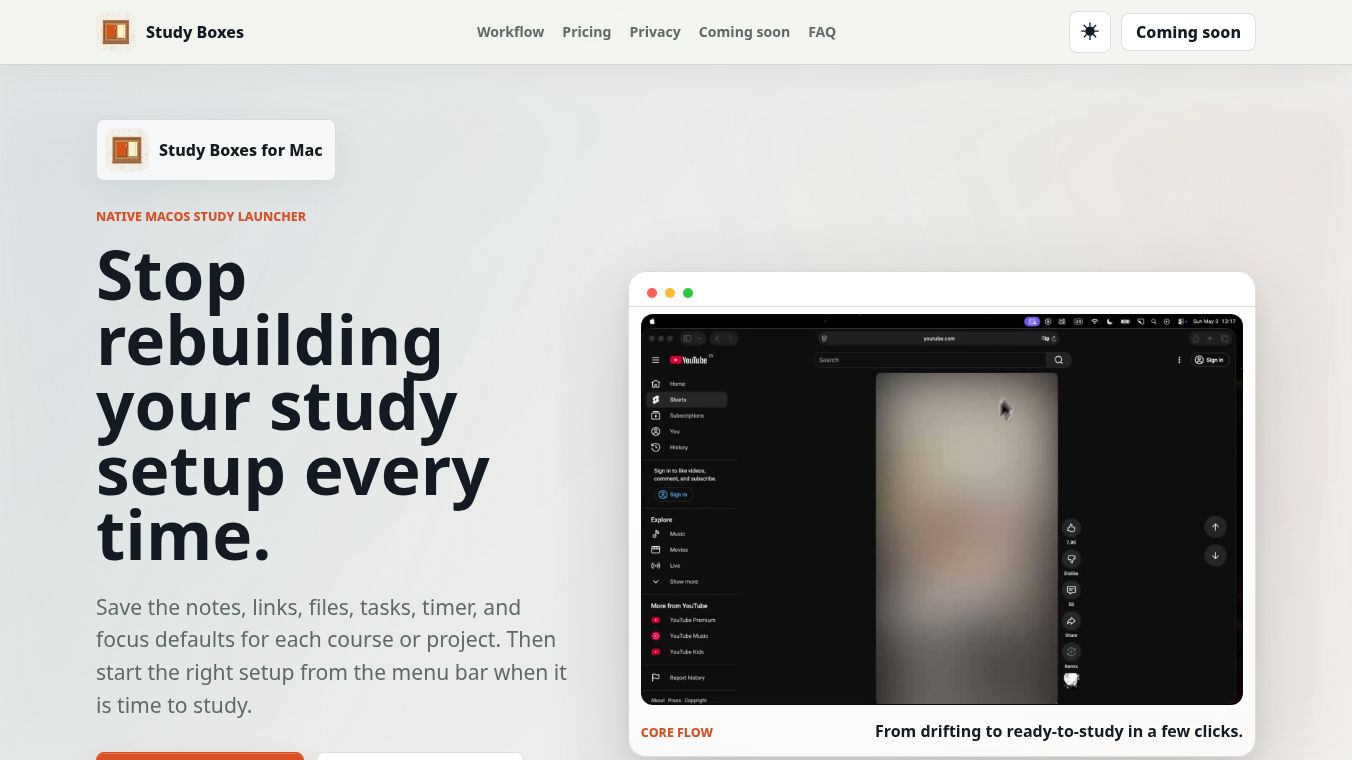





Study Boxes is a native application for Mac computers that helps users organize their study sessions. It works by separating the planning phase from the actual work phase. Users can save all their notes, links, files, and tasks into a special container called a box. When they need to study, they can launch this box directly from the menu bar at the top of their screen. The app is built using Swift and SwiftUI for macOS 14 and later versions. It uses a local-first architecture which means all data stays on the user's computer. This design ensures privacy and security because the app does not send information to the cloud.
Benefits
Study Boxes offers several key advantages for students and professionals. It streamlines the study process by allowing users to save comprehensive configurations in one place. The app lets you manage boxes, tasks, notes, and resources within a compact library without cluttering your desktop. You can start a specific study setup instantly from the menu bar without opening a large window. During your session, a compact display keeps the current task, the next task, and a timer visible so you stay focused. The app prioritizes data privacy by storing everything locally on your Mac. It does not inspect or read individual browser tabs even when it opens study websites. This gives users full control over their data and browsing habits.
Use Cases
This tool is ideal for anyone who needs a structured environment to work or study. Students can create different boxes for different subjects like math, history, or coding. They can add relevant files and links to each box and launch the correct one when needed. Professionals can use it to prepare for deep work sessions by setting up specific tasks and timers. Users can assign apps to specific desktop spaces to organize their workspace. For example, one space can be for notes and another for reference materials. When a session ends, the app restores the apps it changed during the session so the user can continue working elsewhere. It is particularly useful for people who want to maintain focus and avoid distractions without using complex website blockers. The app is available for Mac users running macOS 14 or later.
Pricing
Study Boxes is currently preparing for its public release. The pricing structure includes a free plan and a pro plan. The free plan costs zero euros. It includes one study box, up to three resources, tasks, notes, a menu bar timer, basic reminders, and the ability to export backups. The pro plan costs nine euros ninety-nine at launch but is expected to rise to twelve euros ninety-nine after the official release. This is a lifetime license which means you pay once and keep using it forever. The pro plan removes all limitations found in the free version. It includes unlimited study boxes and resources, access to templates, advanced focus modes, window layout capture, calendar feeds, and up to three Mac activations.
Additional Information
Study Boxes is built with Swift and SwiftUI for macOS 14 and later. It emphasizes a local-first architecture to ensure data privacy and security. The app does not inspect or manage individual browser tabs. It uses macOS permissions only for features that affect other applications. Core features like boxes and timers do not require special permissions. Focus and window restore features require Accessibility permission. The app is currently in the final preparation phase for its public Mac build. It aims to provide a seamless, privacy-focused, and efficient study environment for Mac users. The development team is working on Developer ID signing, notarization, Sparkle updates, and proper release packaging.
This content is either user submitted or generated using AI technology (including, but not limited to, Google Gemini API, Llama, Grok, and Mistral), based on automated research and analysis of public data sources from search engines like DuckDuckGo, Google Search, and SearXNG, and directly from the tool's own website and with minimal to no human editing/review. THEJO AI is not affiliated with or endorsed by the AI tools or services mentioned. This is provided for informational and reference purposes only, is not an endorsement or official advice, and may contain inaccuracies or biases. Please verify details with original sources.

Comments
Please log in to post a comment.