SKI





SKI: A Private, Voice-First Interface for AI Coding Agents
Research Context and Background
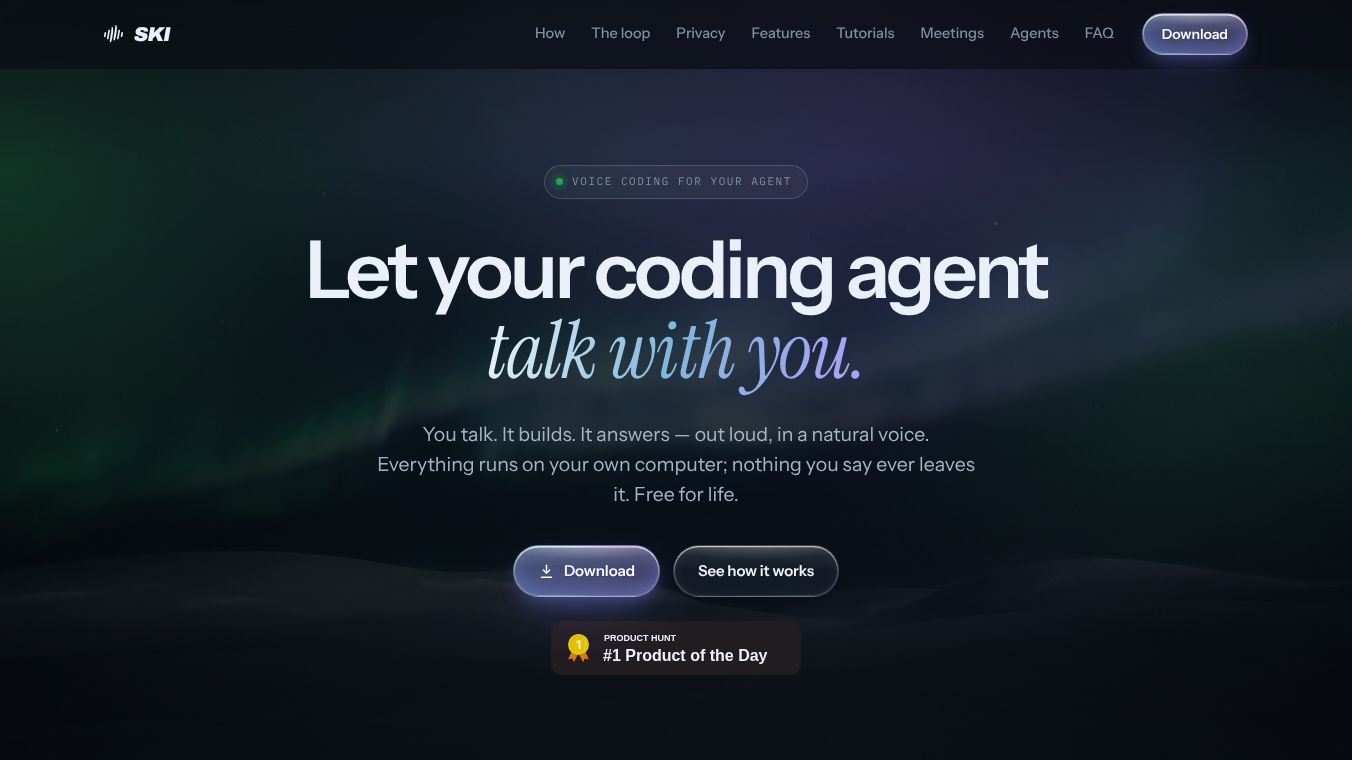
SKI is a lightweight application designed for Mac and Windows computers. It acts as a bridge between developers and their AI coding agents like Claude Code, Cursor, Codex, and Gemini CLI. Instead of typing commands, users can talk to these AI tools naturally. The app creates a full conversation loop where it listens to the user, sends the request to the AI, and then speaks the AI's response back aloud using a natural neural voice. It is free to use forever and does not require a credit card to sign up. The company prioritizes privacy by keeping all voice processing on the user's local machine rather than sending audio to the cloud.
Benefits
SKI offers several key advantages for developers who want to work faster and more privately.
- Complete Privacy:All voice recognition and text-to-speech happen on the user's computer. No audio is uploaded to a cloud server. Users can even review their transcripts before sending them to the AI or choose to send only text while keeping the microphone active.
- Natural Conversation:Unlike old dictation tools, SKI supports a back-and-forth dialogue. Users can interrupt the AI mid-sentence to correct a mistake without needing to press a button to start speaking. The app also shows a visual indicator when it is listening so the user knows the system is active.
- Project Organization:Users can link multiple code repositories to the app. Each project can have its own unique voice, allowing a developer to talk to different parts of their codebase without confusion.
- Visual Context:Developers can take a screenshot of their code with a simple hotkey. This image is included in the voice request, giving the AI visual context to understand what the user is working on.
- Free Core Features:The main app, the voice conversation loop, and the local meeting recorder are free forever. There are no hidden fees for the basic functionality.
Use Cases
SKI is built for developers who want to streamline their coding workflow and integrate AI into their daily tasks.
- Hands-Free Coding:Developers can keep their hands on the keyboard while asking the AI to write code, explain errors, or refactor functions. This is especially useful when working on complex tasks that require constant typing.
- Local Meeting Transcription:Users can record video meetings on their own device. The app transcribes the conversation locally with speaker tags. This is useful for reviewing discussions without relying on third-party meeting tools.
- AI Agent in Meetings:For an advanced feature, users can send their AI coding agent into a video call as a live participant. The agent can answer questions, share screens, or take notes silently. This is billed per minute but includes some free hours.
- Cross-Platform Support:The app works on both Mac and Windows, making it accessible to a wide range of developers regardless of their operating system choice.
Pricing
The core application is free to use forever. There is no need for a credit card to register or use the main features. The only paid feature is called AgentCall, which allows the AI agent to join video meetings as a live participant. This feature is billed per minute but comes with included free hours. All other features, including the voice loop and local meeting transcription, remain free.
Vibes
SKI has been designed with a focus on user privacy and ease of use. The developers emphasize that no data leaves the user's machine unless the user chooses to send it to an AI agent. This approach builds trust with users who are concerned about data security. The interface is simple and unobtrusive, appearing as a small floating widget that does not clutter the workspace. Users appreciate the ability to interrupt the AI naturally, which makes the interaction feel more like talking to a colleague than giving commands to a machine.
Additional Information
SKI is available for macOS 14.4 or newer on Apple Silicon chips and for Windows 10 or 11. The app currently supports English, with plans to add more languages in the future. All transcripts and voice sessions are stored locally in a dedicated window on the user's computer. Users can view, edit, export, or delete these files at any time. The app uses plain files within the project directory to communicate with the AI agent, ensuring full transparency and control over the data.
This content is either user submitted or generated using AI technology (including, but not limited to, Google Gemini API, Llama, Grok, and Mistral), based on automated research and analysis of public data sources from search engines like DuckDuckGo, Google Search, and SearXNG, and directly from the tool's own website and with minimal to no human editing/review. THEJO AI is not affiliated with or endorsed by the AI tools or services mentioned. This is provided for informational and reference purposes only, is not an endorsement or official advice, and may contain inaccuracies or biases. Please verify details with original sources.




Comments
Please log in to post a comment.