SEO Content Architect





SEO Content Architect: A Comprehensive Guide to Local AI Content Creation
Overview
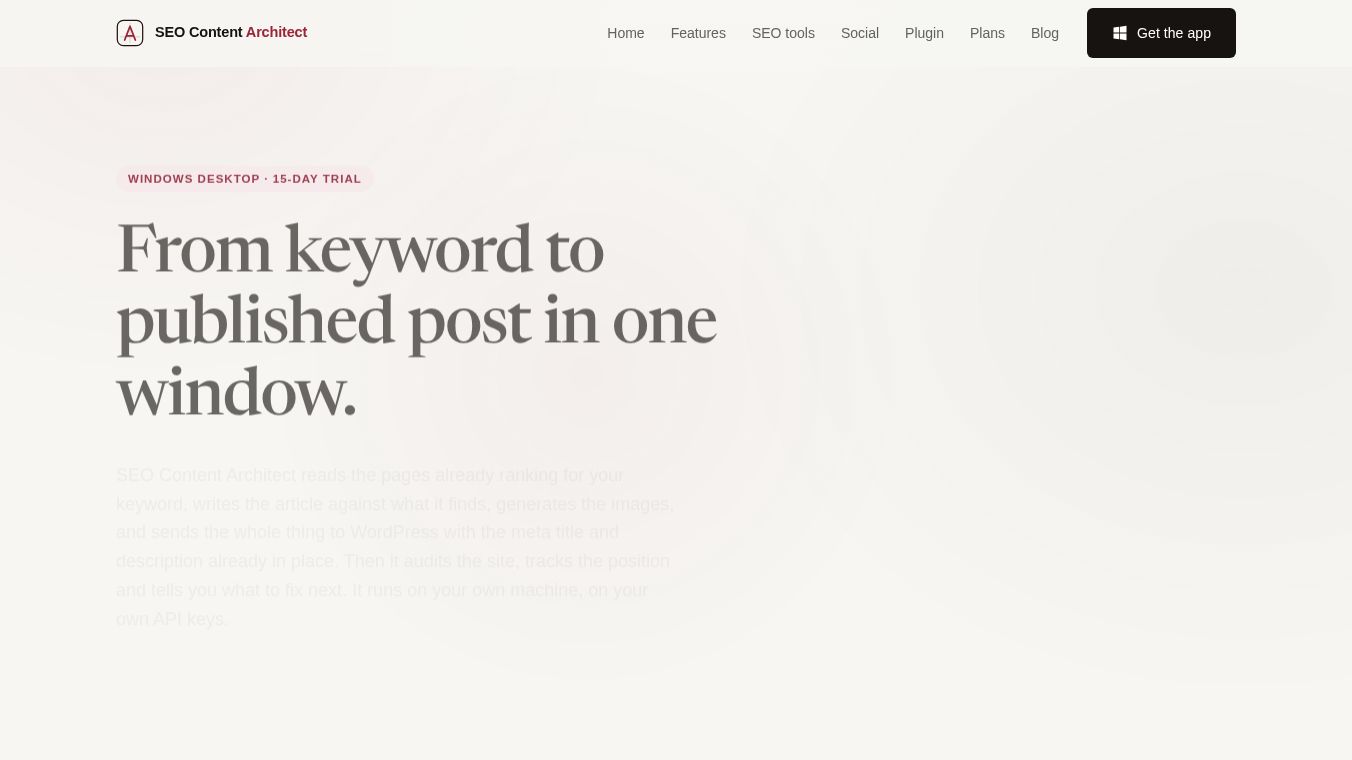
SEO Content Architect is a native Windows desktop application designed to streamline the entire content creation lifecycle, from keyword research to social media distribution. Unlike cloud-based competitors, this tool runs locally on the user's machine, ensuring that API keys, site credentials, and draft data remain private and stored on the user's disk. It integrates research, drafting, image generation, SEO auditing, and publishing into a single workflow.
Core Philosophy: Local and Private
The application is built on a "bring-your-own-key" model. It is installed locally (via Microsoft Store) rather than hosted in the cloud. This architecture offers several distinct advantages:-Data Privacy: Drafts, API keys, site credentials, and keyword strategies never leave the user's computer unless explicitly sent to an API provider.-No Subscription Lock-in: Article generation remains free indefinitely. Only specific features like WordPress auto-posting require a license after the trial period.-Security: Credentials are stored locally, and the application does not rely on a vendor's database for strategy.
Key Features
1. Integrated Workflow
The tool consolidates seven jobs that typically require separate tools into one window:-Research: Crawls live SERPs to analyze ranking pages.-Drafting: Generates articles based on outlines.-Images: Generates or sources visuals.-Metadata: Creates meta titles and descriptions.-Publishing: Sends content to WordPress.-Repurposing: Converts articles into social media content.-Distribution: Schedules posts across multiple platforms.
2. Advanced Research and Briefing
Before writing begins, the tool performs deep research to create a precise brief:-SERP Analysis: Crawls pages currently ranking for a keyword to determine word count, covered terms, "People Also Ask" questions, and heading/image usage.-Topic Clustering: Converts seed keywords into clusters with search volume, CPC, and difficulty.-Briefing: Offers 5 categories (News, Products, Educational, Business/Tech, General) and 30+ article types (e.g., Fact-check, Comparison, Buying Guide) with adjustable tones and lengths (1,500, 2,500, or 4,000 words).
3. Flexible AI Integration
Users can choose from various AI models for different tasks:-Text Models: Direct connections to Google Gemini, OpenAI GPT, and Anthropic Claude. OpenRouter integration allows access to hundreds of other models (e.g., Llama, Mistral, DeepSeek).-Image Models: Supports Nano Banana, DALL-E 3, Pexels, Flux 2 Pro, and others. Users can mix stock photos (Pexels) with AI-generated images.-Cost Control: Since users pay the AI providers directly, costs vary from a few cents to a few dollars per article depending on the model selected.
4. Studio Editor and SEO Scoring
The built-in editor grades every draft against the live SERP data for the target keyword:-Real-time Scoring: Provides a score (e.g., 82/100) and highlights missing elements like recommended terms, word count, heading structure, and image count.-Modular Editing: Articles are built in blocks, allowing users to regenerate specific paragraphs without rewriting the entire piece.-SEO Metadata: Automatically generates meta titles and descriptions compatible with major SEO plugins (Yoast, Rank Math, SEOPress, SiteSEO).
5. SEO and Analytics Suite
Beyond writing, the app includes robust tools for site management:-Site Explorer: Scans domains to see all ranking keywords, split by position bands.-Content Gap: Compares the user's domain against up to three competitors to identify missing keywords and topics.-Rank Tracker: Monitors positions over time, detecting stagnation and flagging keywords that need refreshing.-Site Audit: Performs 26 technical checks (crawlable from the user's IP) to identify issues like broken links, thin content, and redirect chains.-Search Console Insights: Integrates with Google Search Console to provide reports on opportunities, falling clicks, and query splits.
6. Bulk Engine and Automation
For scaling content production:-Bulk Generation: Allows users to paste a list of titles or send clusters from the Content Gap tool to generate multiple articles sequentially (to respect API rate limits).-Auto Posting: Schedules articles to be published automatically based on a custom cadence (minutes, hours, days).-Cross-posting: Publishes articles to platforms like Dev.to as Markdown with canonical links back to the original site.
7. Social Studio and Distribution
The app transforms finished articles into social media assets:-Repurposing: Converts articles into carousels, short videos (MP4), and slides with music and transitions.-Multi-Platform Publishing: Connects to 15+ platforms including Instagram, TikTok, X, Facebook, LinkedIn, YouTube, Threads, Pinterest, Reddit, Bluesky, Telegram, Discord, Snapchat, WhatsApp, and Google Business.-Calendar: Provides a month-view calendar for managing content distribution.
Pricing and Licensing
The application operates on a hybrid free/paid model:-Free Forever: Article generation, editing, research, and image generation remain free and unlimited.-15-Day Trial: Full access to all features, including WordPress auto-posting and bulk operations, with no credit card required.-Premium License: Required after the trial for WordPress auto-posting and bulk operations.-30-Day License: $5.99.-Annual License: $39 (approx. $3.25/month).-SEO Data Providers: Users can choose from Serper (free tier), Moz (on-demand), or DataForSEO (paid) for search volume and difficulty data.
Technical Requirements and Setup
- OS: Windows (distributed via Microsoft Store).
- Dependencies: Built with Electron, React, TypeScript, and Vite; includes a local Node.js backend.
- WordPress Integration: A free WordPress plugin (
Diflowrin AI Content Generation) is available to bridge the desktop app with WordPress REST API, allowing the app to fill meta fields that WordPress hides by default. - Backup: The entire application state (articles, sites, settings, history) can be exported to a single JSON file for easy backup and restoration.
Conclusion
SEO Content Architect offers a powerful, privacy-focused alternative to cloud-based AI writing tools. By keeping data local and allowing users to control their AI model costs, it provides a flexible environment for creating high-quality, SEO-optimized content at scale. Whether for a single article or a bulk content strategy, the tool integrates research, creation, and distribution into a cohesive workflow.
This content is either user submitted or generated using AI technology (including, but not limited to, Google Gemini API, Llama, Grok, and Mistral), based on automated research and analysis of public data sources from search engines like DuckDuckGo, Google Search, and SearXNG, and directly from the tool's own website and with minimal to no human editing/review. THEJO AI is not affiliated with or endorsed by the AI tools or services mentioned. This is provided for informational and reference purposes only, is not an endorsement or official advice, and may contain inaccuracies or biases. Please verify details with original sources.





Comments
Please log in to post a comment.