




ScribleSketch AI Canvas: An Infinite Surface for Non-Linear Thinking
Introduction
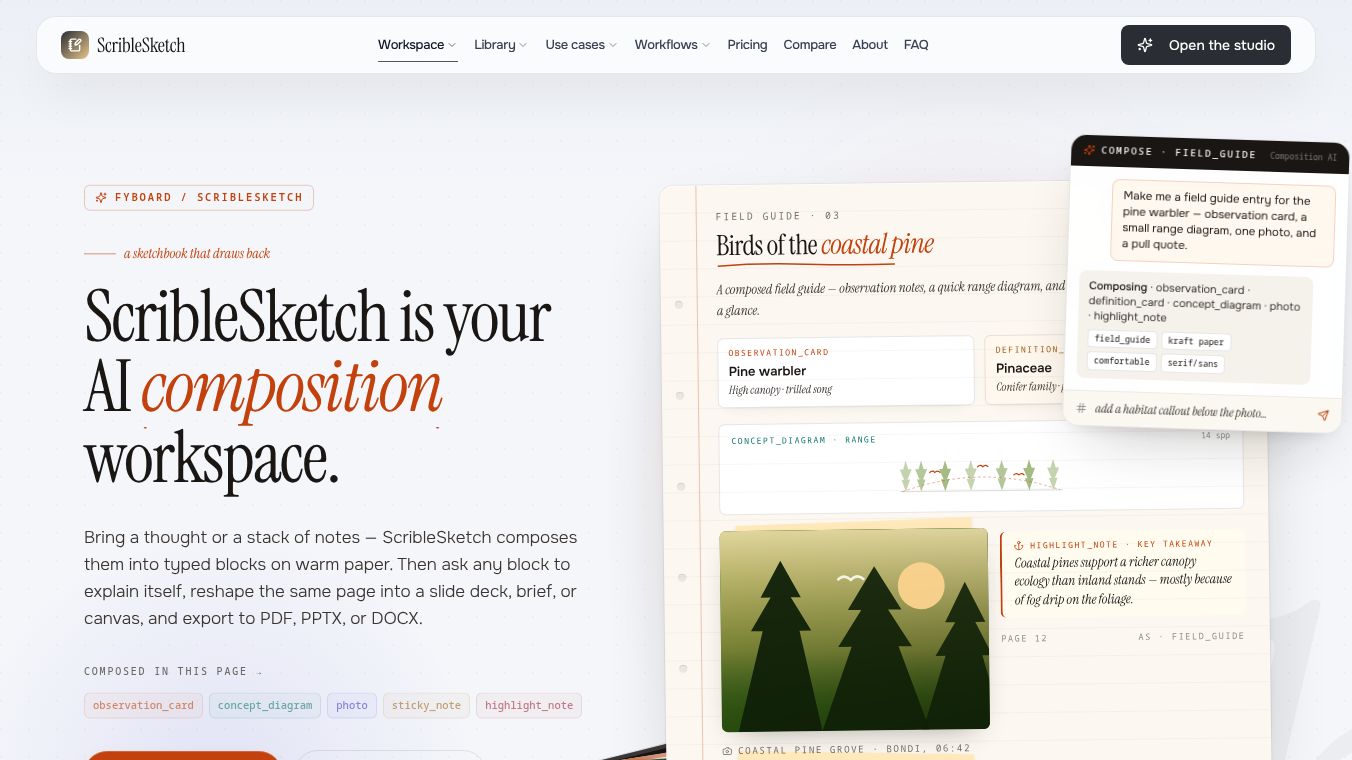
ScribleSketch is a digital tool designed to help people think more freely. Unlike traditional notebooks or documents that force ideas into a strict line-by-line order, ScribleSketch provides an infinite canvas. This space allows users to place their thoughts side-by-side without worrying about sequence. The tool is built on the idea that spatial relationships are more important than order when ideas are still forming. It is a workspace for exploring messy thoughts rather than finishing a final draft.
Benefits
ScribleSketch offers several key advantages for anyone who struggles with linear writing. First, it uses an AI to create a natural layout. The tool arranges sticky notes, callouts, and diagrams in a golden-angle spiral. This pattern mimics how nature grows, creating an organic feel that avoids the rigid grid of standard documents. Second, the interface is simple and intuitive. Users interact with the tool using just four basic actions: pan, zoom, drag blocks, and reset. There are no complex menus or toolbars to navigate. Third, the tool remembers exactly where every block is placed. If a user drags a note to a new spot, that position is saved as real data. This means the layout stays consistent even after the page reloads or the AI reshuffles other content.
Use Cases
ScribleSketch is ideal for brainstorming sessions, planning projects, or mapping out complex concepts. It works well for anyone who needs to visualize how different ideas connect before writing them down. For example, a writer might use it to group related themes without forcing a chapter order. A developer could use it to sketch out system architecture or flowcharts. The tool supports various block types like sticky notes for quick opinions, callouts for key insights, and diagrams for structural relationships. It is also helpful for creating concept maps or defining terms in a visual way. Users should avoid using it for long paragraphs, detailed tables, or step-by-step tutorials, as these formats work better in linear documents.
Pricing
ScribleSketch offers a free plan that includes manual creation, clean exports, up to 1,000 active blocks, and a starter amount of AI credits. For users who need more power, there is a Pro plan. This tier provides larger AI budgets and a 7-day trial period. There is also a Studio plan designed for heavy solo work and a Team plan that includes shared libraries, real-time collaboration, and admin controls.
Vibes
While specific user reviews are not detailed in the available information, the tool is designed to feel like scribbling on a wall rather than writing a formal essay. The tone encouraged by the AI is punchy, opinionated, and fragmentary. This approach helps users capture raw ideas quickly without the pressure of perfect grammar or structure. The interface feels responsive and natural, allowing the user to move freely across an infinite plane.
Additional Information
ScribleSketch is part of a broader platform that includes different shapes for different types of work. The Canvas shape is specifically tuned for non-linear thinking. The underlying technology uses a deterministic algorithm to ensure that layouts remain stable and predictable. This system allows new blocks to join the spiral without breaking the existing arrangement of ideas.
This content is either user submitted or generated using AI technology (including, but not limited to, Google Gemini API, Llama, Grok, and Mistral), based on automated research and analysis of public data sources from search engines like DuckDuckGo, Google Search, and SearXNG, and directly from the tool's own website and with minimal to no human editing/review. THEJO AI is not affiliated with or endorsed by the AI tools or services mentioned. This is provided for informational and reference purposes only, is not an endorsement or official advice, and may contain inaccuracies or biases. Please verify details with original sources.





Comments
Please log in to post a comment.