Screenshotify
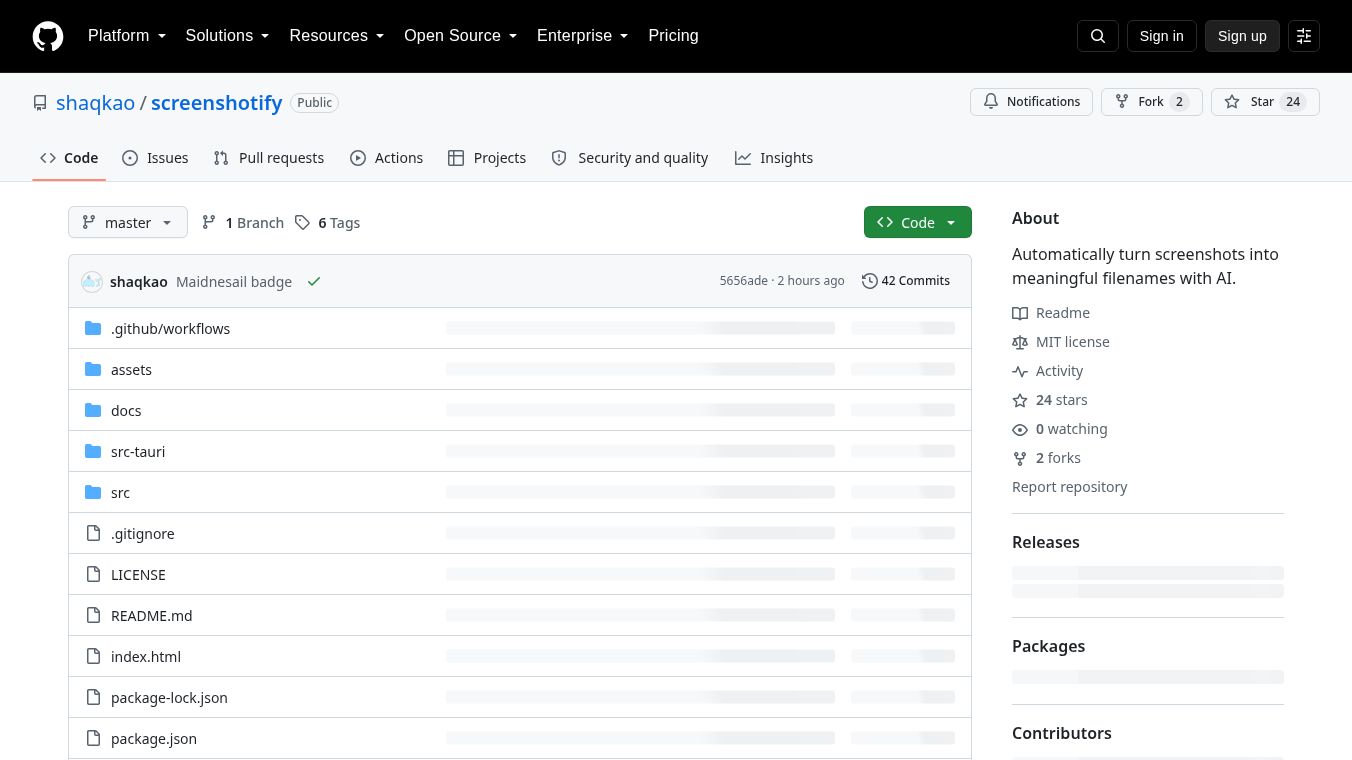





Screenshotify: Automatically Rename Screenshots with AI
Overview
Screenshotify is a free, open-source desktop application designed to solve the problem of unmanageable screenshot folders. It sits in the system tray on Windows or the menu bar on macOS, monitors your screenshot folders for new images, and uses an AI model to suggest meaningful filenames. Unlike existing solutions that are manual batch tools or subscription-based, Screenshotify operates in the background, is free, and allows users to retain full control over the renaming process.
Benefits
Screenshotify offers several key advantages for users who deal with many images. The application automatically detects new screenshots as soon as the file writing process completes. This means users do not need to manually check folders for new files. The tool suggests names but never assumes them. Every suggestion is placed in a review list where the user can confirm the suggestion, edit the name manually, skip the file, or undo changes. This human-in-the-loop approach ensures that no file is renamed incorrectly without user approval. For existing piles of unorganized screenshots, users can point the application to a folder, and it will queue every image in that folder for review and renaming using the same AI logic. The application has no backend or account requirements. It connects to various AI providers, including OpenAI, OpenRouter, Ollama, and LM Studio. Users can choose from these options based on their needs. Privacy and security are major benefits. Screenshots are sent only to the configured endpoint when a suggestion is needed and are downscaled before transmission. API keys are stored securely in the Windows Credential Manager or macOS Keychain, never in plain text config files. The application includes no analytics, no accounts, and no external servers. By pointing the base URL to local services like Ollama or LM Studio, no images ever leave the machine.
Use Cases
Screenshotify is ideal for anyone who takes many screenshots daily. It works well for developers, designers, writers, and students who need to organize their digital assets. The application is useful for managing screenshots saved in standard folders or custom directories. Users can configure the AI to generate filenames in different styles, such as kebab-case, snake_case, Title Case, camelCase, or spaces. A date prefix can be added to the filename to help with sorting. Users can control the length of the generated description and specify the language. Extra instructions can be provided to guide the AI for specific needs. The workflow is simple. Users configure the AI provider, set the watched folders, capture a screenshot, and then review the suggested name in the tray or menu bar. Pressing Enter or clicking Apply finalizes the rename. This process can be repeated for all new files or for a batch of old files.
Pricing
Screenshotify is completely free to use. It is open-source software licensed under the MIT license. There are no subscription fees or hidden costs. Users can download the installer for Windows or macOS from the GitHub repository. The application does not require an account or any payment information.
Vibes
Screenshotify has received positive feedback from the open-source community. Users appreciate the privacy-focused design and the ability to run the AI locally without sending data to external servers. The human-in-the-loop renaming feature is praised for preventing errors and giving users full control. The flexibility to choose different AI providers is another highlight. Some users prefer the local execution options like Ollama for maximum privacy, while others use OpenAI for better accuracy. The application is seen as a robust solution for organizing digital assets without compromising user data.
Additional Information
Screenshotify is built using Tauri, which combines a Rust backend with an HTML, CSS, and JavaScript frontend. The project is hosted on GitHub and is actively maintained by the developer shaqkao. The application supports Windows and macOS but does not yet support Linux. The first release excluded features like managing local model runtimes and distribution via official app stores. A code-signing certificate is available for purchase to remove Windows security warnings. The project aims to provide a transparent and powerful tool for screenshot management while maintaining user privacy and control.
This content is either user submitted or generated using AI technology (including, but not limited to, Google Gemini API, Llama, Grok, and Mistral), based on automated research and analysis of public data sources from search engines like DuckDuckGo, Google Search, and SearXNG, and directly from the tool's own website and with minimal to no human editing/review. THEJO AI is not affiliated with or endorsed by the AI tools or services mentioned. This is provided for informational and reference purposes only, is not an endorsement or official advice, and may contain inaccuracies or biases. Please verify details with original sources.




Comments
Please log in to post a comment.