ScreenaAI
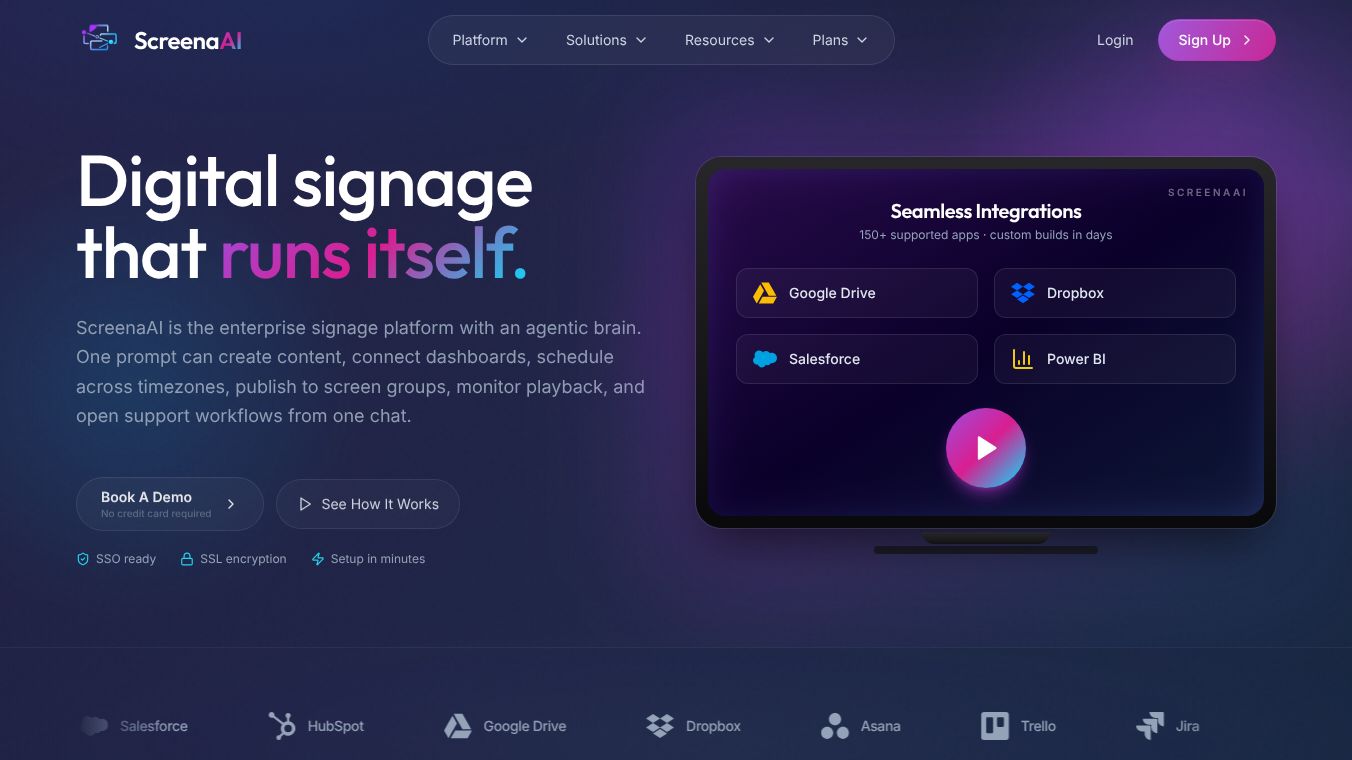





ScreenaAI: A Tool for Smarter Screen Recording
Introduction
ScreenaAI is a software tool designed to help people record their computer screens in a smart and efficient way. Unlike traditional screen recorders that just capture everything on the screen, ScreenaAI uses artificial intelligence to make the recording process better. It focuses on creating high-quality videos that are easy to understand and look professional. The tool is built for anyone who needs to share their screen, whether for work, education, or personal projects.
Benefits
ScreenaAI offers several key advantages that set it apart from other recording tools. First, it uses AI to automatically remove unnecessary background noise and distractions. This means the final video is clean and focused on what matters most. Second, the tool can generate captions and summaries automatically, which helps viewers understand the content even without sound. Third, ScreenaAI allows users to edit their recordings quickly by removing mistakes or long pauses without needing advanced video editing skills. These features save time and make the final product look polished.
Use Cases
This tool is useful in many different situations. Teachers and trainers can use it to create clear lesson videos that students can watch at their own pace. Business professionals can record meetings or presentations to share with colleagues who could not attend. Developers can capture coding sessions to help others learn or to document their work. Even content creators can use ScreenaAI to make tutorials or reviews without spending hours editing. The ability to add captions and summaries makes it especially helpful for people who watch videos without sound or for those who want to search for specific parts of the video later.
Pricing
ScreenaAI offers different pricing plans to fit various needs. There is a free version that allows users to try out the basic features. For more advanced options like longer recording times, AI-powered editing, and team collaboration tools, there are paid plans available. The exact prices may vary depending on the features chosen, but the company provides clear options for individuals and businesses. Users can check the official website for the most current pricing details.
Vibes
Early users of ScreenaAI have shared positive feedback about the tool. Many appreciate how easy it is to use and how quickly it produces good results. Some users mention that the automatic captioning feature is a game-changer for their workflow. Others highlight the clean interface and the fact that it does not slow down their computer. While the tool is still relatively new, the initial reception suggests that it is well-received by those looking for a modern screen recording solution.
Additional Information
ScreenaAI was developed by a team focused on making technology accessible and useful for everyday tasks. The company has partnered with several educational and business organizations to help promote the tool. These partnerships show that ScreenaAI is gaining trust in professional circles. The developers are also committed to improving the product based on user feedback, which ensures that the tool continues to evolve and meet the needs of its users.
This content is either user submitted or generated using AI technology (including, but not limited to, Google Gemini API, Llama, Grok, and Mistral), based on automated research and analysis of public data sources from search engines like DuckDuckGo, Google Search, and SearXNG, and directly from the tool's own website and with minimal to no human editing/review. THEJO AI is not affiliated with or endorsed by the AI tools or services mentioned. This is provided for informational and reference purposes only, is not an endorsement or official advice, and may contain inaccuracies or biases. Please verify details with original sources.



Comments
Please log in to post a comment.