Screen Charm





Screen Charm: The Ultimate Mac Screen Recorder for Polished Videos
Overview
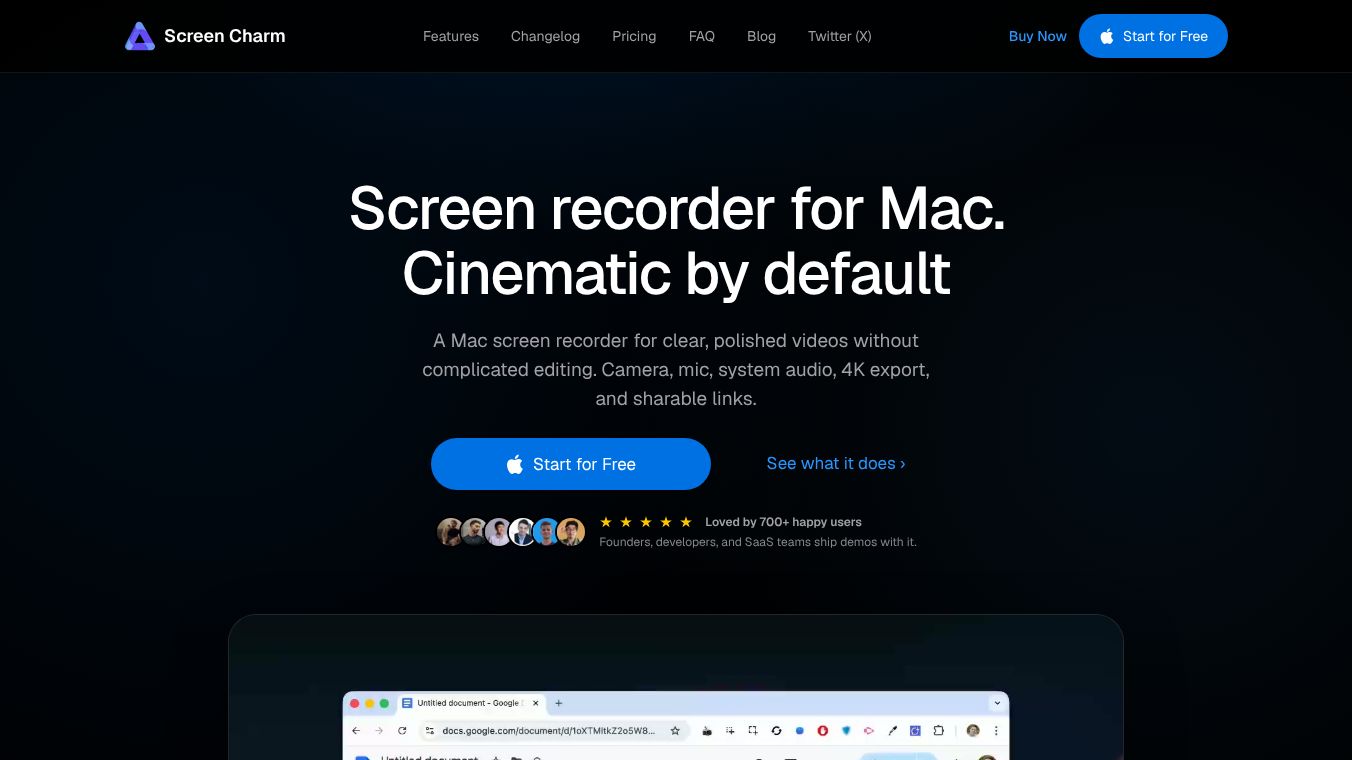
Screen Charm is a dedicated screen recording application designed specifically for macOS. It empowers developers, course creators, and founders to transform raw screen captures into professional, cinematic videos without the need for complex editing software. The app is celebrated for its ability to produce clear, polished videos by default, featuring automatic enhancements like smart auto-zoom, cursor smoothing, and high-quality 4K exports.
Benefits
Screen Charm offers a comprehensive suite of tools to record and edit within a single application, ensuring a streamlined workflow.
Recording Capabilities
- Flexible Capture:Record your entire screen, a single window, or a selected area.
- Multimedia Integration:Simultaneously capture your screen, webcam, microphone, and system audio. This allows for capturing app sounds, voiceovers, and camera footage in one session.
- Camera Layouts:Customize how your webcam appears, choosing from floating bubble overlays or pinned positions (left, right, top, or bottom).
- Beautiful Backgrounds:Wrap recordings in gradients, photos, or solid colors to match your brand aesthetic.
- Device Frames:Add realistic MacBook frames to turn plain captures into presentation-ready visuals.
Intelligent Enhancements
- Smart Auto-Zoom:Automatically applies smooth focus effects to every click, highlighting important moments without manual intervention. Users can tweak duration, zoom levels, and cursor following, or remove effects entirely.
- Smooth Cursor:Automatically smooths cursor movements and adjusts size and speed for a polished look, eliminating the need for re-recording.
- Motion Blur:Adds natural motion blur to fast cursor moves and zooms for a cinematic feel.
- Cursor Click Highlights:Mark every mouse click with a subtle ripple animation to guide the viewer's eye, particularly useful in fast-paced demos.
- Mic Enhancement:A single toggle removes background hiss, keyboard clicks, and room noise, ensuring crisp audio without external plugins.
Editing Tools
- Trim & Cut:Precisely remove dead air, mistakes, and filler by dragging handles or splitting clips. All edits happen without re-recording.
- Speed Control:Accelerate slow walk-throughs or slow down fast interactions. Apply different speeds to specific clips.
- Zoom Effect Editor:Fine-tune auto-zoom settings for each clip.
- Video Style:Control shadow depth, inner padding, corner radius, and background blur intensity. Resize the canvas to fit platforms like YouTube, Twitter, or LinkedIn.
- Background Music:Add music to tutorials and demos to increase energy.
- Undo & Redo:Make changes fearlessly with single-keystroke undo and redo functions.
- Save & Resume:Name projects and save progress to resume editing later.
Use Cases
Screen Charm is tailored for three primary user groups:*Developers:Turn code walkthroughs into professional demos for landing pages, launch posts, or documentation.*Course Creators:Create lessons that look as good as they teach, utilizing auto-zoom to keep students focused and tools to cut dead air.*Founders:Generate high-converting product demos for SaaS apps, mobile applications, and indie products.
Pricing
- Cost:$79 one-time purchase.
- Access:Lifetime access with free lifetime updates. No subscriptions or renewals.
- Devices:Use on up to 3 devices.
- Guarantee:14-day money-back guarantee with a no-questions-asked refund policy.
- Support:Contact support via email for issues such as lost activation codes or general inquiries.
- Affiliate Program:Available for partners, offering a 50% commission on payments.
Additional Information
Unlike other recording apps, Screen Charm focuses on making screen recordings more engaging and informative through innovative technology that tracks and memorizes cursor positions. It is designed to help makers showcase their products effectively, bridging the gap between building amazing products and having the video editing skills to present them professionally. The app requires no sign-up or credit card to download and is built exclusively for the macOS ecosystem. It is Apple Silicon ready and recommends macOS Sonoma 14.0 or higher for optimal performance. Recordings are saved locally where no one else can see them, unless shared via link.
This content is either user submitted or generated using AI technology (including, but not limited to, Google Gemini API, Llama, Grok, and Mistral), based on automated research and analysis of public data sources from search engines like DuckDuckGo, Google Search, and SearXNG, and directly from the tool's own website and with minimal to no human editing/review. THEJO AI is not affiliated with or endorsed by the AI tools or services mentioned. This is provided for informational and reference purposes only, is not an endorsement or official advice, and may contain inaccuracies or biases. Please verify details with original sources.





Comments
Please log in to post a comment.