Ruki
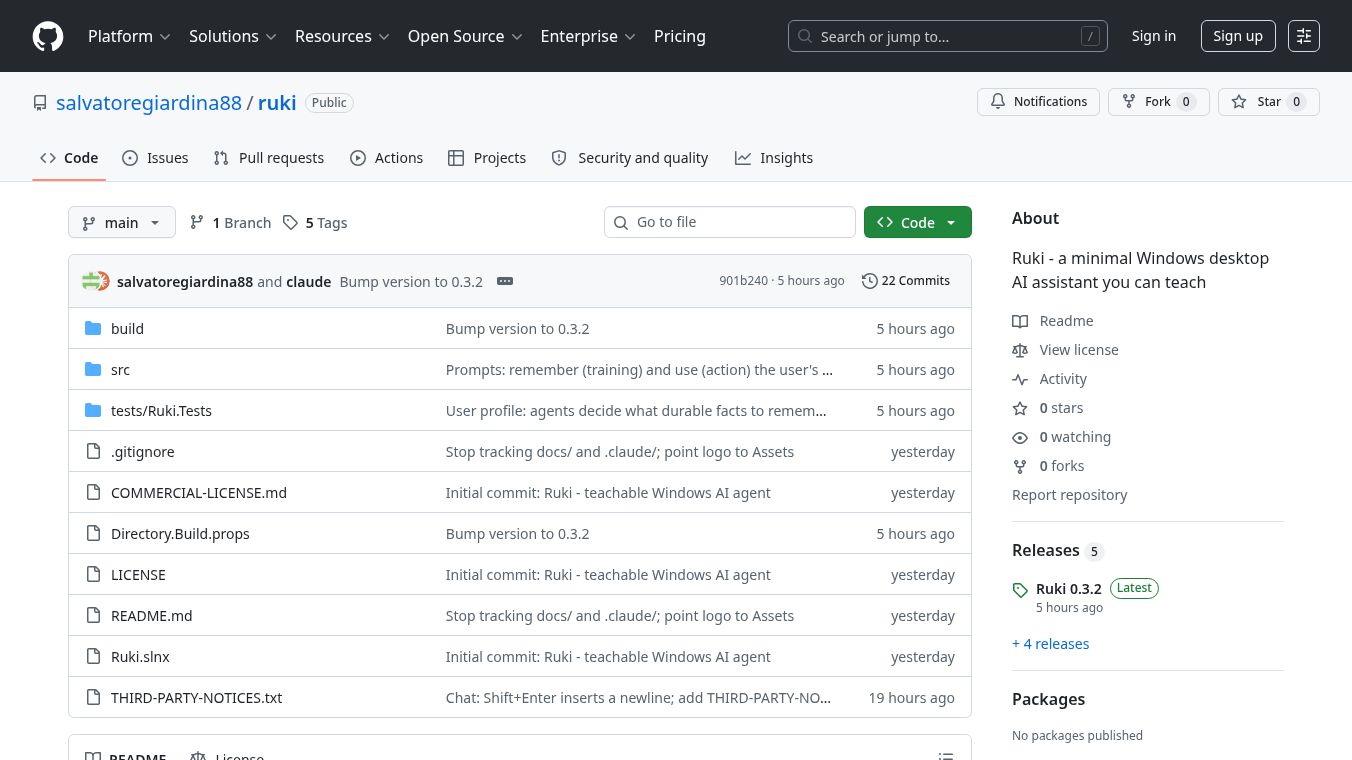





Ruki: A Minimal Windows Desktop AI Assistant You Can Teach
Research Context and Background
Ruki is a small, lightweight AI tool built specifically for Windows computers. It acts as a personal assistant that floats on your desktop screen. Unlike complex software that requires complicated setup, Ruki is designed to be simple and easy to use. It allows users to show the program how to do a task once, and then Ruki can repeat that task automatically whenever asked. The tool was created by Salvatore Giardina and is available on GitHub for anyone to try.
Benefits
Ruki offers several key advantages for users who want to automate their computer work. First, it uses a "teach and execute" model. You simply talk to Ruki in natural language or press a button to show it a task. The program records your screen, audio, and mouse movements to learn the workflow. Once learned, Ruki can perform the task on its own while you watch. You can pause or stop it at any time if something goes wrong.
Privacy is a major benefit of this tool. Ruki is built with a local-first architecture, meaning all processing happens on your own computer. It does not send your data to external servers for storage. The only time it connects to the internet is to use Google Gemini for AI processing, and this requires you to provide your own API key. During the recording phase, Ruki automatically masks password fields to protect sensitive information. This ensures your data stays safe on your device.
The software is also very easy to install. It comes as a self-contained installer, so you do not need to worry about installing extra dependencies like the .NET framework. The interface is available in both English and Italian, making it accessible to a wider range of users. It runs smoothly on Windows 10 and Windows 11 systems.
Use Cases
Ruki is perfect for automating repetitive tasks on a Windows desktop. For example, if you frequently need to fill out the same form on a website, you can teach Ruki how to do it once. After that, you can ask it to open the browser and fill out the form for you. This saves time and reduces the chance of human error.
It is also useful for managing files. You can show Ruki how to move a specific type of file from your Downloads folder to your Documents folder. Once it learns this, you can simply tell it to run the task whenever you have new files to organize. Other common uses include opening specific applications, copying text from one place to another, or navigating through a series of menus to reach a desired page. Because it works as a floating overlay, it does not block your view of other windows while it is working.
Pricing
Ruki is free to use for personal, noncommercial purposes under the MIT License. This means individuals can download and use it without paying any fees. However, using Ruki within a company or for business purposes requires a separate commercial license. Interested parties should contact the author directly to discuss licensing details. The tool requires a Google Gemini API key to function, and users are responsible for any costs associated with their own API usage, though a free tier is available.
Vibes
As an open-source project hosted on GitHub, Ruki has not yet gathered a large number of public reviews or testimonials. The project page indicates that it is in an active development phase. The creator, Salvatore Giardina, has shared the code and documentation to encourage community feedback and contributions. Early feedback from developers suggests that the "teach me" approach is intuitive and that the local-first design is a significant plus for privacy-conscious users. The clean interface and straightforward installation process have been noted as positive aspects by those who have tested the beta versions.
Additional Information
Ruki was created by Salvatore Giardina in 2026. The project is built using .NET 10 SDK and is designed to be portable. For developers who want to build the application from source, the project provides clear instructions on how to compile the code and create the installer. The software uses a tree-structured memory system to organize the tasks it learns, which helps it recall past interactions effectively. The project is licensed under the MIT License for noncommercial use, promoting open collaboration and transparency.
This content is either user submitted or generated using AI technology (including, but not limited to, Google Gemini API, Llama, Grok, and Mistral), based on automated research and analysis of public data sources from search engines like DuckDuckGo, Google Search, and SearXNG, and directly from the tool's own website and with minimal to no human editing/review. THEJO AI is not affiliated with or endorsed by the AI tools or services mentioned. This is provided for informational and reference purposes only, is not an endorsement or official advice, and may contain inaccuracies or biases. Please verify details with original sources.

Comments
Please log in to post a comment.