rproc





rproc: A Resource & Process Monitor for Linux
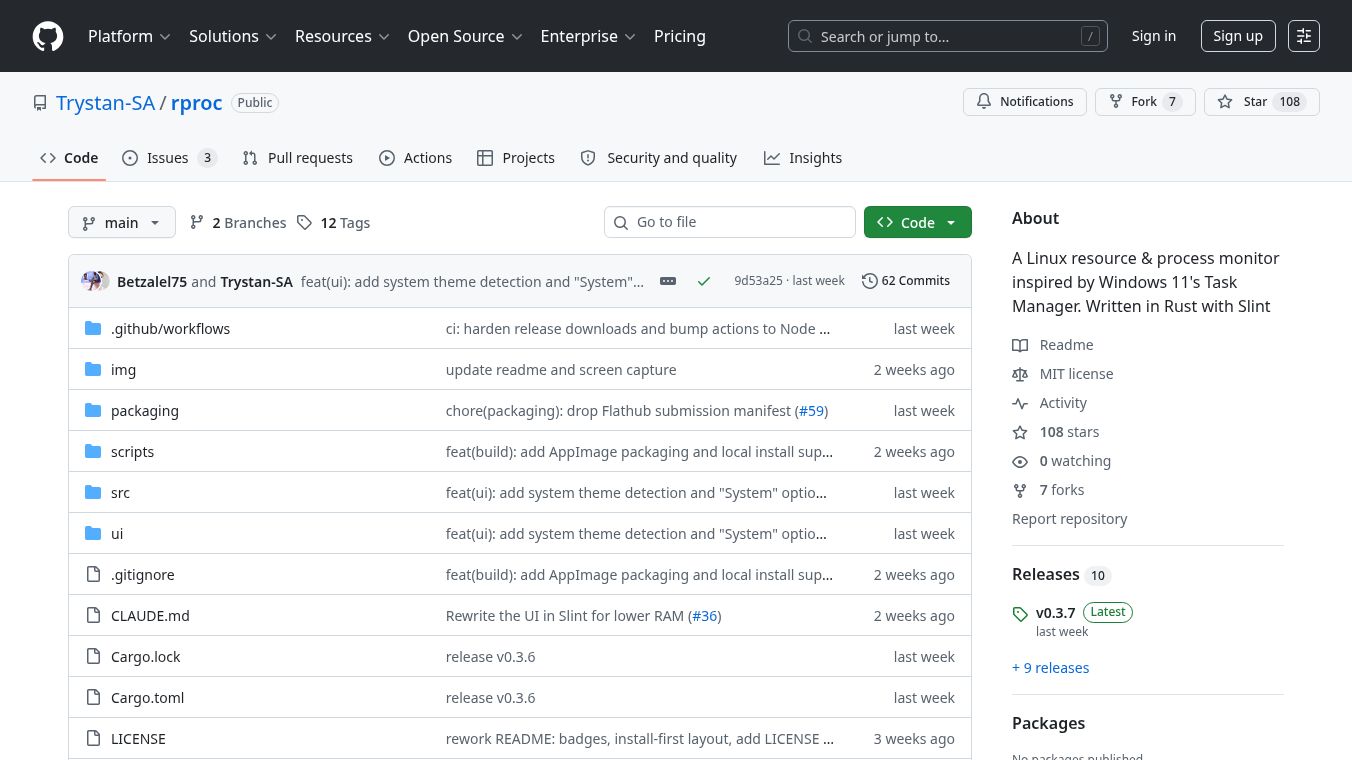
rproc is a lightweight system monitoring tool for Linux computers. It is designed to help users keep track of their computer's performance and running programs. The tool was inspired by the Task Manager found in Windows 11. It uses the Rust programming language and the Slint UI framework to create a fast and modern interface. This makes it easy for both technical experts and regular users to understand what is happening on their system.
Benefits
rproc offers several advantages over other monitoring tools. It is built to be very efficient with memory. It uses about 25 to 45 megabytes of RAM, which is much less than other popular monitors that can use over 180 megabytes. This means your computer will run smoother while you are watching the stats.
The tool provides detailed information about your system. You can see how much CPU and memory each program is using. It also tracks disk activity and network usage. For users with graphics cards, it can monitor NVIDIA, AMD, and Intel GPUs. A special feature allows you to hover over a graph to see exactly which programs are causing high usage. You can also control processes directly from the window by sorting, filtering, or ending them.
The interface is highly customizable. Users can change how often the data updates. They can turn off GPU monitoring to save resources if they do not need it. The tool also supports both X11 and Wayland display servers, making it compatible with most modern Linux setups.
Use Cases
rproc is useful for anyone who wants to manage their Linux computer better. It is great for developers who need to see how much memory their applications are consuming. It helps system administrators check if background services are running correctly. The tool can show you which programs start automatically when you log in, helping you manage startup items.
It is also helpful for troubleshooting performance issues. If your computer feels slow, you can use the live graphs to find the cause. The per-process attribution feature is especially useful here. It lets you identify the top five programs using a specific resource like the CPU or GPU. This makes it easy to decide which program to close to free up space.
The tool works well for daily use because it is lightweight. It does not slow down your computer while running in the background. Users can enable a background history feature to keep track of data even after closing the main window.
Pricing
rproc is free to use. It is an open-source project, which means anyone can download and install it without paying a fee. Prebuilt packages are available for many Linux distributions like Ubuntu, Fedora, and Arch Linux. You can also install it using Flatpak or run it directly as an AppImage file.
Vibes
The community generally views rproc as a smart and efficient alternative to heavier system monitors. Users appreciate its low memory footprint and modern design. The ability to interact with processes directly from the interface is seen as a major convenience. Reviews highlight that it feels fast and responsive compared to other tools in the Linux ecosystem.
Additional Information
The project is hosted on GitHub under the username Trystan-SA. It is developed using Rust and the Slint UI framework. The code is open-source, allowing others to review and contribute to the project. The developers provide clear instructions for building the software from source for users who prefer to compile it themselves. The project includes a Makefile to simplify the creation of installation packages for different Linux systems.
This content is either user submitted or generated using AI technology (including, but not limited to, Google Gemini API, Llama, Grok, and Mistral), based on automated research and analysis of public data sources from search engines like DuckDuckGo, Google Search, and SearXNG, and directly from the tool's own website and with minimal to no human editing/review. THEJO AI is not affiliated with or endorsed by the AI tools or services mentioned. This is provided for informational and reference purposes only, is not an endorsement or official advice, and may contain inaccuracies or biases. Please verify details with original sources.
Other Interesting AI Tools





Comments
Please log in to post a comment.