Reply Better AI
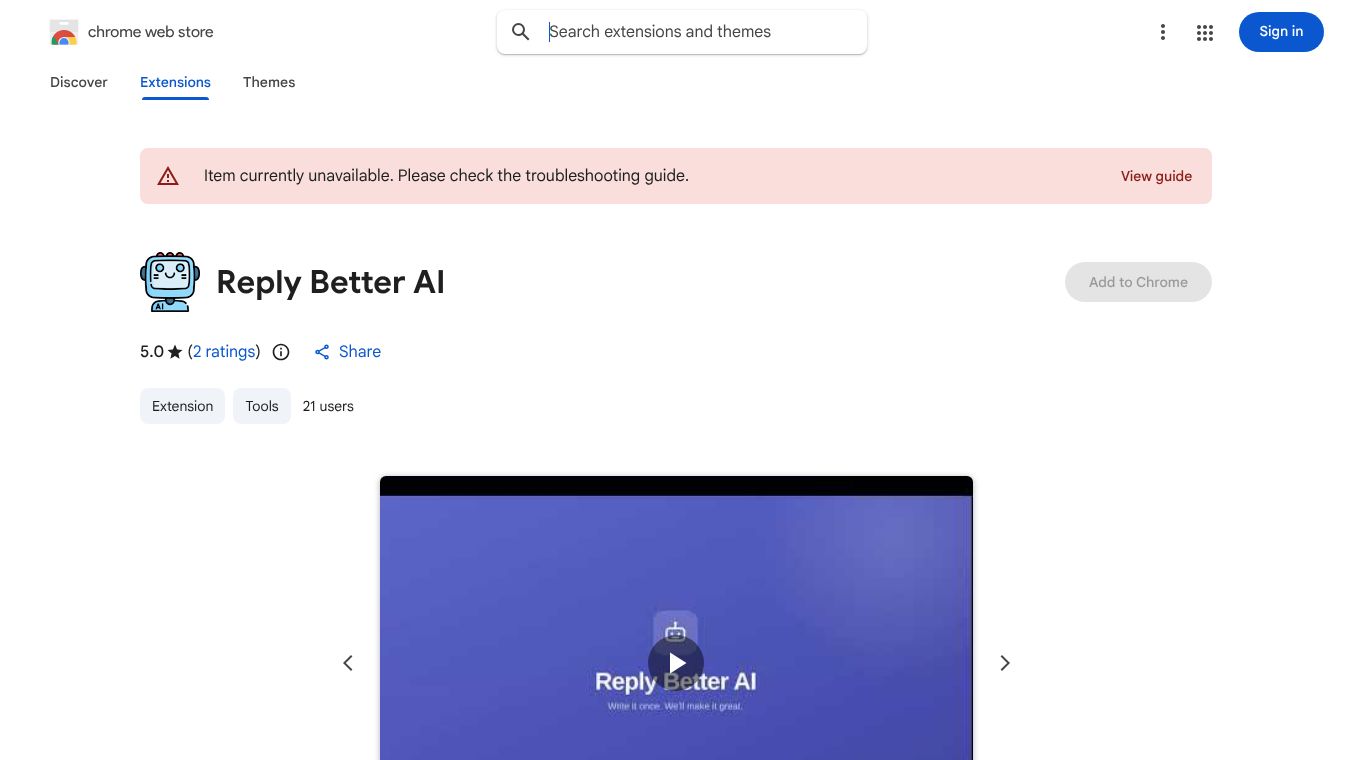





Reply Better AI: A Simple Tool for Smarter Email Replies
Introduction
Reply Better AI is a browser extension designed to help people write better email responses. It works directly in the Chrome browser and sits quietly in the corner of your screen. When you start typing an email, the tool suggests improvements to make your message clearer, more polite, and more effective. It is meant for anyone who sends emails regularly, from students to business professionals. The goal is to save time and reduce the stress of trying to find the perfect words.
Benefits
The main advantage of Reply Better AI is that it helps users communicate more effectively without needing to be an expert writer. It offers several key benefits:
- Clearer Writing: The tool analyzes your sentences and suggests changes to make them easier to understand. It removes confusing words and fixes awkward phrasing.
- Tone Adjustment: It can help you sound more professional or more friendly depending on who you are emailing. This is useful when writing to a boss or a new client.
- Time Saving: Instead of staring at a blank screen or rewriting paragraphs, the tool gives you instant suggestions. This speeds up the writing process significantly.
- Grammar and Style: It checks for basic grammar mistakes and style issues, ensuring your emails look polished and correct.
Use Cases
Reply Better AI can be used in many different situations where email communication is important:
- Workplace Communication: Employees can use it to draft responses to colleagues, clients, or managers. It helps ensure that important work messages are clear and professional.
- Academic Writing: Students can use the tool to improve their emails to professors or classmates. It helps them sound respectful and articulate.
- Customer Service: People who handle customer inquiries can use it to create friendly and helpful responses quickly.
- Personal Use: Anyone can use it to send better messages to friends or family, ensuring their thoughts are expressed clearly.
Pricing
The tool is available as a free Chrome extension. Users can download it directly from the Chrome Web Store at no cost. There are no known subscription fees or paid tiers mentioned in the available information. This makes it accessible to everyone who wants to improve their email writing.
Vibes
While there are no specific reviews or testimonials provided in the current information, the tool is designed with user feedback in mind. The developers aim to create a helpful experience that feels natural while typing. The interface is simple, and the suggestions appear in real time, which many users find convenient. The general reception suggests that it is a practical tool for anyone looking to polish their digital communication.
Additional Information
Reply Better AI is developed by a team focused on improving digital communication tools. It is built specifically for the Chrome browser and integrates seamlessly with Gmail and other email services. The tool is constantly updated to improve its suggestions and adapt to new writing styles. There are no major funding announcements or partnerships listed in the available data, but the product stands on its own as a useful utility for everyday users.
This content is either user submitted or generated using AI technology (including, but not limited to, Google Gemini API, Llama, Grok, and Mistral), based on automated research and analysis of public data sources from search engines like DuckDuckGo, Google Search, and SearXNG, and directly from the tool's own website and with minimal to no human editing/review. THEJO AI is not affiliated with or endorsed by the AI tools or services mentioned. This is provided for informational and reference purposes only, is not an endorsement or official advice, and may contain inaccuracies or biases. Please verify details with original sources.



Comments
Please log in to post a comment.