RedLinz
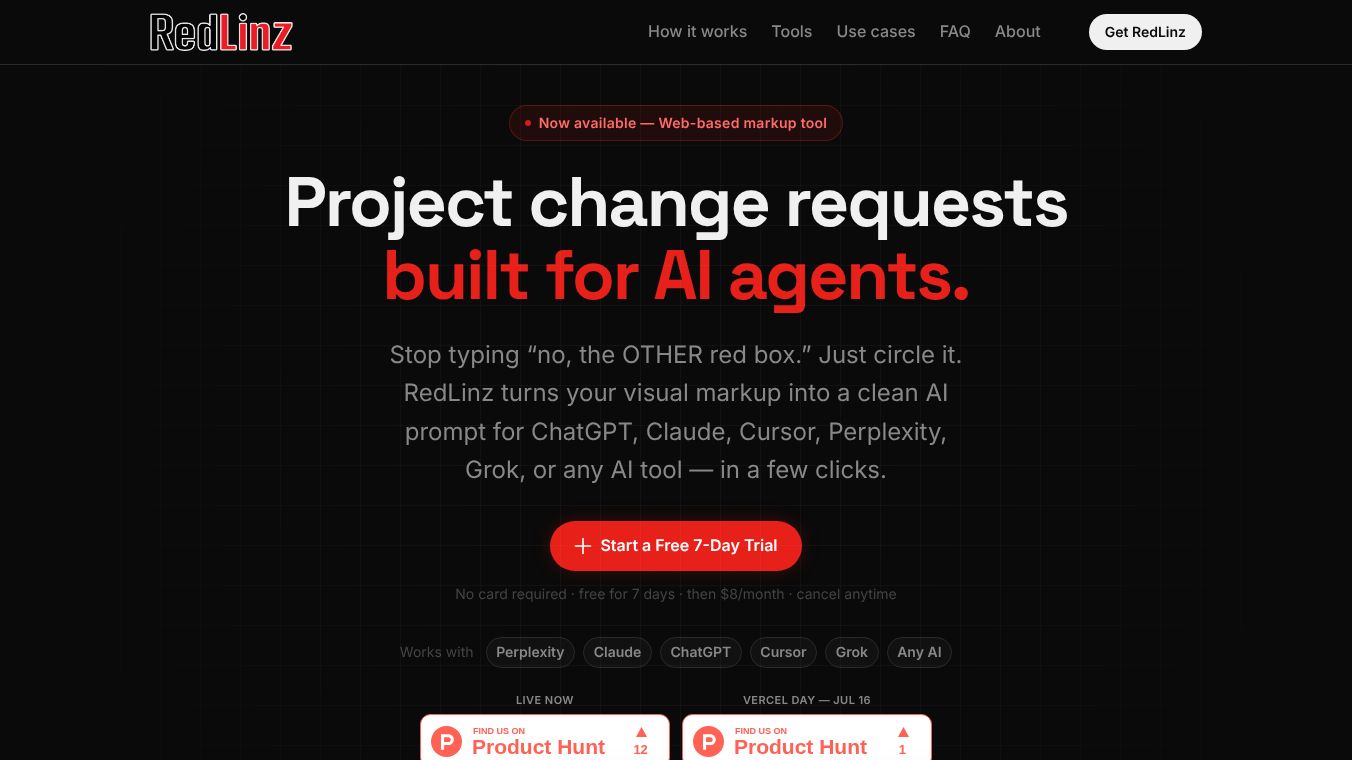





RedLinz: Visual Markup for AI Collaboration
Research Context and Background
RedLinz is a browser-based tool designed to bridge the gap between human visual intent and AI execution. It transforms visual markups such as circles, arrows, and notes into clean, structured prompts compatible with major AI agents like ChatGPT, Claude, Cursor, Perplexity, and Grok. By eliminating the need for verbose text descriptions, RedLinz allows developers, founders, designers, and marketers to ship precise instructions to AI tools in just a few clicks. The tool operates entirely client-side, ensuring user images never leave the browser.
Benefits
RedLinz offers several key advantages for anyone working with AI tools. It solves the common problem of misinterpretation that occurs when users try to describe visual elements in paragraphs of text. Instead of typing vague instructions like no the other red box, users simply circle the element, and the tool exports a machine-readable prompt that targets the specific change. This leads to faster workflows and more accurate results. The tool provides a set of twelve professional symbols that map to machine-readable semantics, allowing users to specify actions like change element, move to, apply to region, or delete element with precision. It also includes features like an eyedropper color picker and a previous work library to save and reload sessions. The pricing model is simple and honest with no hidden fees or contracts, offering a 7-day free trial and affordable monthly or annual plans.
Use Cases
RedLinz is utilized daily across various roles to streamline workflows. Developers can circle broken buttons or elements and add notes, generating a prompt that prevents AI tools from misreading the issue. When an AI builds something 90% correctly, users can markup the remaining 10% to get the fix applied correctly the first time. Users can screenshot landing pages or competitor sites, box weak sections, and provide a structured brief to ChatGPT rather than vague instructions like make it better. For image revision tools like Midjourney, users can circle specific errors such as wrong hands or off-brand colors to generate revision prompts that target only those areas. Annotating a Figma export or staging site once creates a precise brief that works for both AI assistants and human teammates, eliminating follow-up questions like wait, which section. Instead of writing long Slack messages about ad drafts, users can markup the image and export a prompt to achieve revision two in minutes. Users can also number-stamp a screenshot to indicate the order of changes, exporting a spec that engineers or AI can follow sequentially.
Pricing
RedLinz offers a simple, honest pricing model with no hidden fees or contracts. There is a free trial that requires no card and provides full access for 7 days. The monthly plan costs $8 per month and can be canceled anytime. The annual plan costs $82 per year and includes two months free compared to paying monthly. Both plans provide full access to all RedLinz tools.
Vibes
The tool is designed to be user-friendly and efficient. Users can begin in under 60 seconds by starting the free trial, navigating to the app, and uploading an image or pasting a screenshot. The workflow consists of four simple steps: open the app, draw markup using professional annotation tools, export the prompt, and execute the changes in the preferred AI tool. The interface allows for annotation without browser extensions, and the tool supports multi-step undo and session save and reload features. The upcoming versions promise even more convenience with Chrome and Comet extensions to activate RedLinz directly on live webpages without uploading images.
Additional Information
RedLinz is currently at version 2.1, which includes a web app allowing image uploads and pasted screenshots. Version 2.2 is in progress and will feature Chrome and Comet extensions for in-browser annotation and prompt export. Version 2.3 is planned for the future and will include team collaboration features such as real-time shared sessions, annotation history, team sharing, and comment threads. The tool is available at redlinz.com/app and does not require any installation.
This content is either user submitted or generated using AI technology (including, but not limited to, Google Gemini API, Llama, Grok, and Mistral), based on automated research and analysis of public data sources from search engines like DuckDuckGo, Google Search, and SearXNG, and directly from the tool's own website and with minimal to no human editing/review. THEJO AI is not affiliated with or endorsed by the AI tools or services mentioned. This is provided for informational and reference purposes only, is not an endorsement or official advice, and may contain inaccuracies or biases. Please verify details with original sources.




Comments
Please log in to post a comment.