QuickSteps
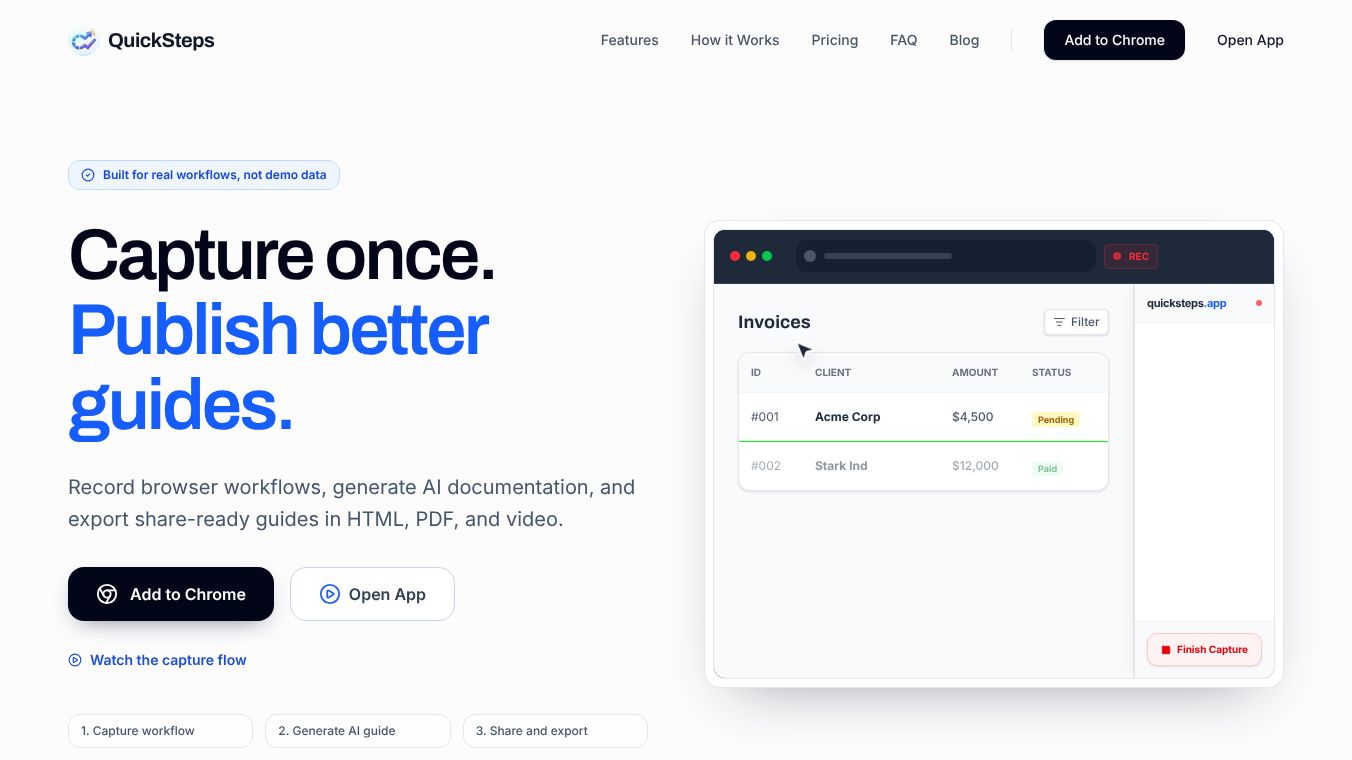





What is QuickSteps?
QuickSteps is a tool designed to help people organize and automate their daily tasks. It acts like a digital assistant that lives inside your browser. The main goal of QuickSteps is to save time by letting users create custom shortcuts for websites and apps. Instead of typing long addresses or navigating through many menus, users can click a single button to open a specific page or run a set of actions. This makes it easier to get things done quickly without getting lost in complicated software.
Benefits
The biggest advantage of QuickSteps is how much time it saves. Users can create a shortcut that opens a specific website and fills in common forms automatically. This removes the need to type the same information over and over again. Another key benefit is the ability to customize workflows. People can set up steps that change their browser settings or open multiple tabs at once. This helps teams stay organized and ensures everyone follows the same process. The tool also works on different devices, so users can access their shortcuts from a phone or a computer. This flexibility makes it useful for both personal and professional work.
Use Cases
QuickSteps is useful for many different types of people. Students can use it to open their favorite study sites and notes instantly. Freelancers can create shortcuts to their client portals and project management tools. Small business owners can set up quick links for their team to access shared documents or customer databases. Even people who just want to organize their browsing experience can benefit. For example, a user can make a button that opens their email, calendar, and to-do list all at the same time. This is helpful for anyone who spends a lot of time online and wants to work more efficiently.
Pricing
QuickSteps offers a free version that includes basic features for individuals. This allows users to create a limited number of shortcuts without paying. For teams and businesses, there is a paid plan called QuickSteps Pro. This version costs $5 per user per month. It includes advanced features like team management, custom branding, and unlimited shortcuts. There is also an annual option that provides a discount for companies that pay for the whole year at once. This pricing model makes it accessible for solo users while offering powerful tools for larger organizations.
Vibes
Users generally have a positive view of QuickSteps. Many people appreciate how simple the interface is. Reviews often mention that the tool is easy to set up and does not require technical skills. Some users note that it integrates well with other popular apps like Google Workspace and Slack. There are also comments about how the automation features reduce repetitive work. While some users wish for more advanced reporting tools, the overall sentiment is that QuickSteps is a reliable and helpful addition to any browser.
Additional Information
QuickSteps was founded by a team of developers who wanted to solve the problem of browser clutter. The company has grown steadily since its launch and now serves thousands of users worldwide. They have partnered with several major productivity platforms to ensure compatibility and smooth performance. The team focuses on continuous improvement and regularly adds new features based on user feedback. Their mission is to make digital workspaces more efficient and less stressful for everyone.
This content is either user submitted or generated using AI technology (including, but not limited to, Google Gemini API, Llama, Grok, and Mistral), based on automated research and analysis of public data sources from search engines like DuckDuckGo, Google Search, and SearXNG, and directly from the tool's own website and with minimal to no human editing/review. THEJO AI is not affiliated with or endorsed by the AI tools or services mentioned. This is provided for informational and reference purposes only, is not an endorsement or official advice, and may contain inaccuracies or biases. Please verify details with original sources.






Comments
Please log in to post a comment.