QuickCopy AI
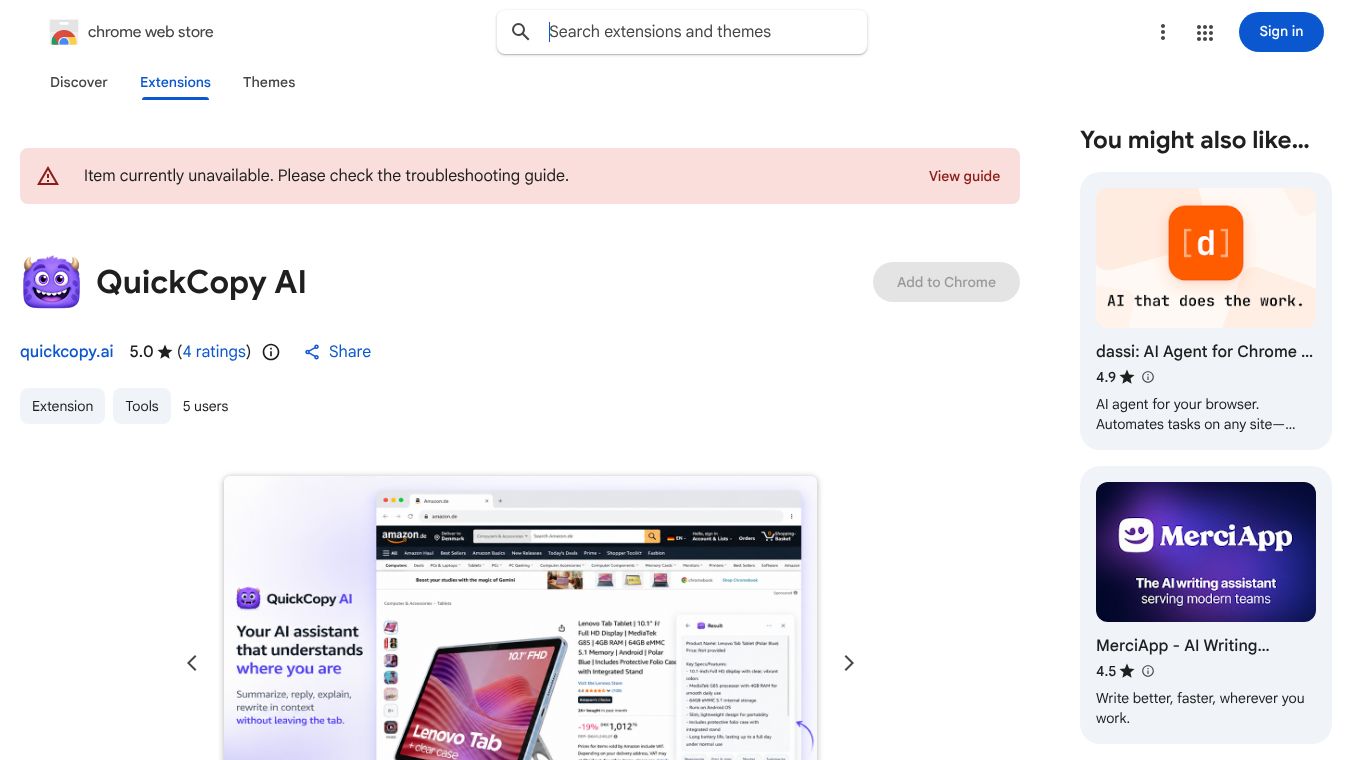





QuickCopy AI: Your Smart Browser Assistant
QuickCopy AI is a Chrome extension that acts as an intelligent helper right inside your web browser. It is designed to help users work faster by letting them summarize, reply to, explain, and rewrite text without leaving the page they are currently on. This tool works on many popular sites like Gmail, Slack, LinkedIn, and shopping websites. It removes the need to copy and paste text into other apps to get help from an AI.
Benefits
QuickCopy AI offers several key advantages for daily users. First, it saves time by eliminating the need to switch between different tabs or applications. Users can get instant help with their text directly where they are working. Second, it adapts to the specific website being used. For example, it knows how to draft a professional email reply on Gmail or how to summarize a long article on a news site. Third, it provides useful shortcuts. Users can map their favorite actions to simple key combinations for quick access. Finally, it offers a free tier that allows for a generous number of daily uses, making it accessible for most people.
Use Cases
This tool is useful in many different situations. In email, it can read a long conversation thread and draft a polite reply or list the main action items. In documents, it can help polish writing, shorten paragraphs, or translate text while the user stays on the Google Docs page. For team chats on Slack or Microsoft Teams, it can draft quick responses that match the right tone or summarize long discussions. On social media like LinkedIn, it helps rewrite posts to sound more professional or concise. When shopping on sites like Amazon, it can generate a list of pros and cons for a product so buyers can make smarter choices. It also works on any other webpage to summarize long articles or explain difficult concepts.
Pricing
QuickCopy AI uses a tiered pricing model. The Free Tier costs nothing and gives users 30 AI generations per day. This plan includes access to all features on every site. The Pro Tier costs $7 per month or $86 per year. This plan offers unlimited AI generations and gives users early access to new features. One subscription covers both the browser extension and the web platform.
Vibes
While specific customer reviews are not detailed in the available information, the tool is designed with user feedback in mind. It includes features like an action history that lets users revisit and regenerate past results. The interface is built to be minimal, with a floating panel that does not clutter the screen. Users can also add their own API keys if they prefer to manage their own data hosting. These features suggest a focus on flexibility and user control.
Additional Information
QuickCopy AI is compatible with every website in the browser. It uses special adapters for major platforms like Gmail and Slack to provide the best experience. For other pages, it uses smart defaults to function correctly. The extension is available for the Chrome browser and requires a simple sign-in to get started. It does not store user content in its logs, focusing on sending only the selected text to generate the result.
This content is either user submitted or generated using AI technology (including, but not limited to, Google Gemini API, Llama, Grok, and Mistral), based on automated research and analysis of public data sources from search engines like DuckDuckGo, Google Search, and SearXNG, and directly from the tool's own website and with minimal to no human editing/review. THEJO AI is not affiliated with or endorsed by the AI tools or services mentioned. This is provided for informational and reference purposes only, is not an endorsement or official advice, and may contain inaccuracies or biases. Please verify details with original sources.


Comments
Please log in to post a comment.