Quick Image Tools
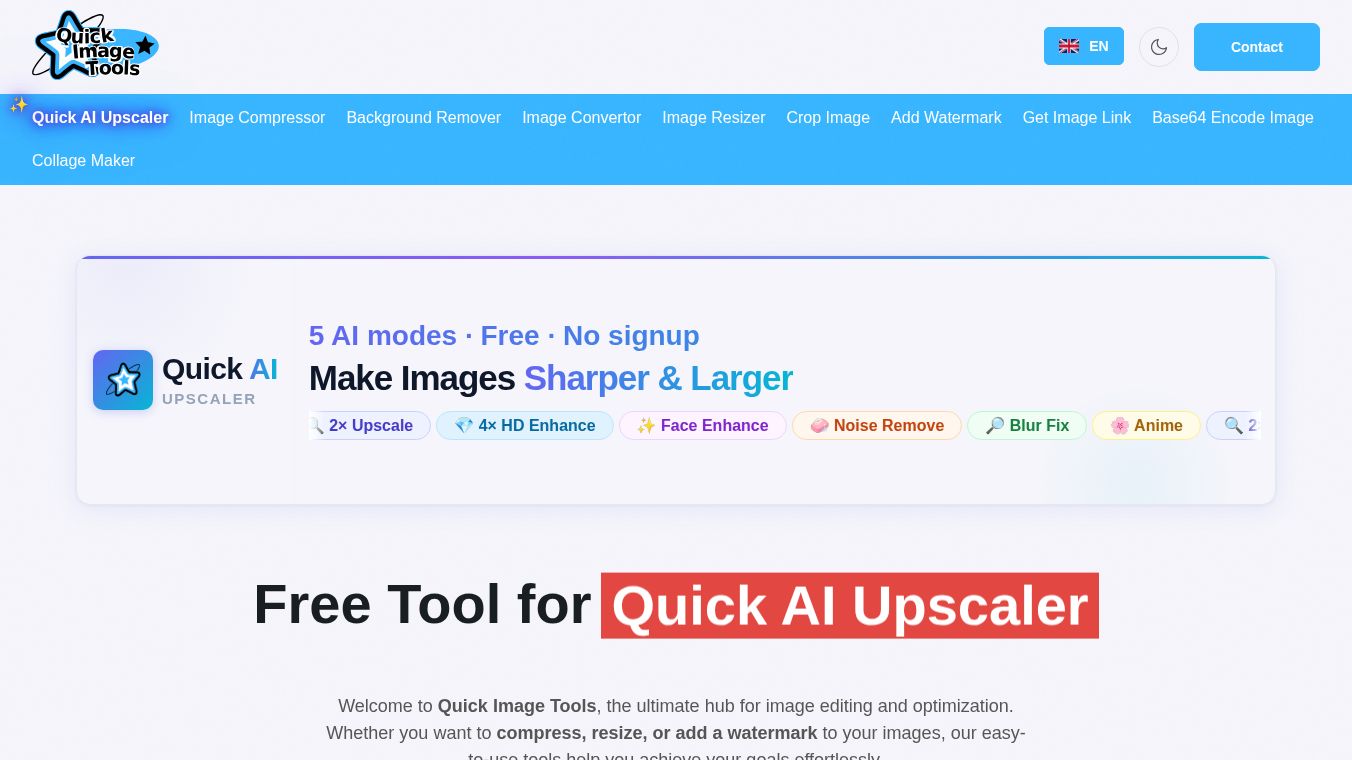





Quick Image Tools: A Simple Way to Fix Your Photos
Quick Image Tools is a free online website that helps people change and fix their pictures without needing to install any software. It runs directly in your web browser, which means you can use it on a computer, a tablet, or a phone. The site offers many different ways to edit images, making it a useful choice for anyone who wants to improve their photos quickly and easily.
Benefits
The main benefit of Quick Image Tools is that it is completely free. Users do not have to pay for a subscription or buy a license to use its features. Another big advantage is that it is very fast. Because the editing happens on the website itself, users do not need to wait for a program to download or install. This makes the process much quicker than using traditional photo editing software.
The tool also offers a wide range of features in one place. Users can resize images to fit different screens, change the file format, and adjust the quality. It also includes tools for cropping, rotating, and flipping pictures. For people who need to compress large files to save space, this site provides a way to reduce the file size without losing too much detail. The interface is simple and clean, so even people who are not tech experts can find the tools they need without getting confused.
Use Cases
Quick Image Tools is useful for many different situations. Students might use it to resize images for school projects or presentations. Social media managers can use the site to crop and format photos for posts on platforms like Instagram or Facebook. Anyone sending large photo files via email can use the compression tools to make sure the email does not get blocked by size limits.
Photographers who need to make quick adjustments before sharing a photo online can also find this helpful. It is great for converting images from one format to another, such as changing a JPEG to a PNG. The ability to batch process images, which means editing many photos at once, is also a strong feature for people who have a lot of pictures to organize.
Pricing
Quick Image Tools is free to use. There are no hidden costs or required payments to access its core features. The website does not ask users to sign up or enter credit card information to start editing. This makes it an accessible option for everyone, from casual users to professionals who need a quick fix.
Vibes
Users generally appreciate the simplicity and speed of Quick Image Tools. Many people like that they can do their work without installing anything new on their computer. Reviews often mention how easy it is to find the right tool for a specific job. The fact that it works well on mobile devices is also a point of praise for many users who need to edit photos on the go.
Additional Information
Quick Image Tools is part of a larger group of online tools created by the same developers. The company focuses on providing free, easy-to-use utilities for everyday tasks. While there is no specific funding news or major partnerships mentioned publicly, the site has gained a reputation for being a reliable resource for quick image editing needs. It continues to update its features to meet the changing needs of its users.
This content is either user submitted or generated using AI technology (including, but not limited to, Google Gemini API, Llama, Grok, and Mistral), based on automated research and analysis of public data sources from search engines like DuckDuckGo, Google Search, and SearXNG, and directly from the tool's own website and with minimal to no human editing/review. THEJO AI is not affiliated with or endorsed by the AI tools or services mentioned. This is provided for informational and reference purposes only, is not an endorsement or official advice, and may contain inaccuracies or biases. Please verify details with original sources.



Comments
Please log in to post a comment.