Prompt Nest
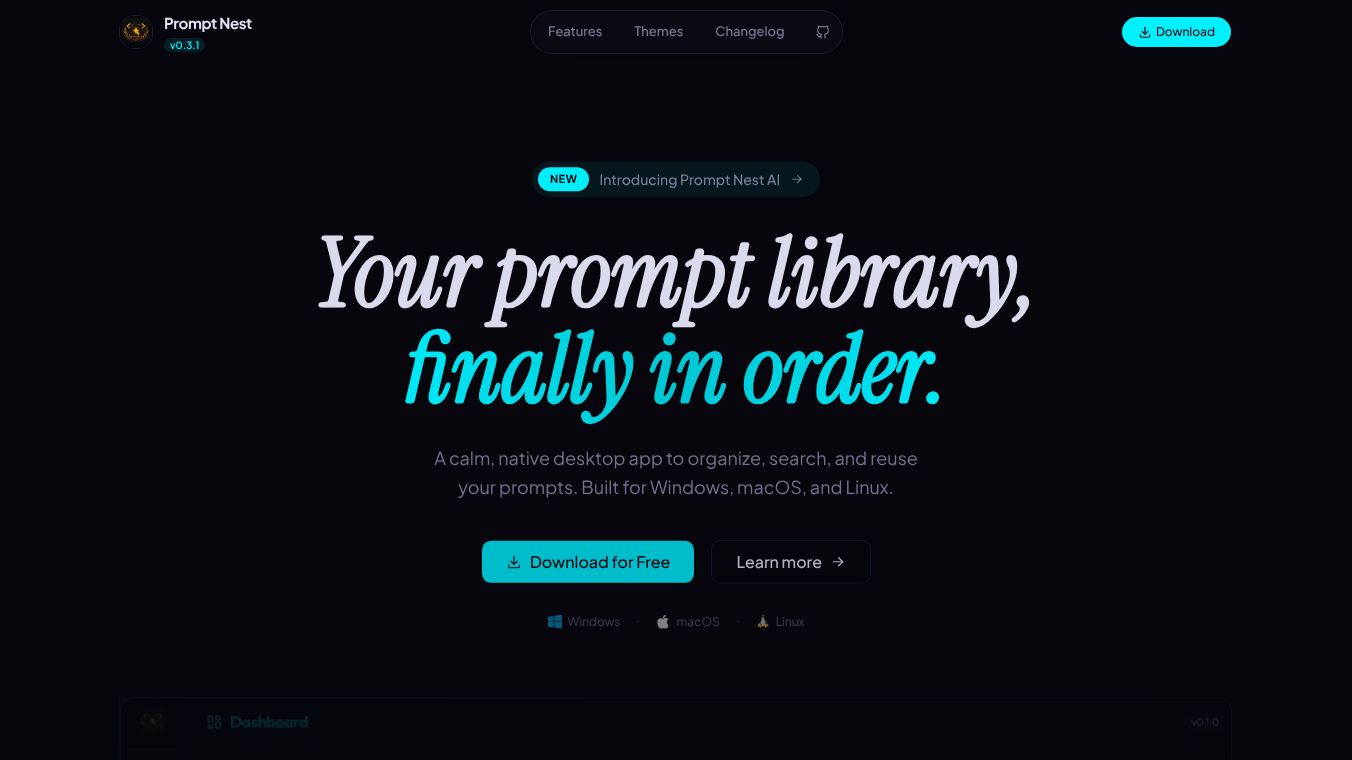





Prompt Nest: Your AI Prompts, Finally Organized
Prompt Nest is a fast, native Mac application designed to help users organize, store, and manage AI prompts for every tool they use. It allows people to save, search, and paste their best prompts in one keystroke. This ensures that valuable AI interactions are never lost or scattered across different apps. The tool was built to solve common problems like forgetting where a good prompt was saved, wasting time rewriting the same prompt, or having prompts spread across ten different applications.
Benefits
Prompt Nest offers several key advantages for anyone who uses AI regularly. First, it provides quick search functionality. Users can press a specific keyboard shortcut from any app on their Mac to open a floating panel. They can type a few letters and hit return to instantly copy the desired prompt to their clipboard. This works just like Spotlight but is dedicated only to prompts.
Second, the app supports one-click copying. A saved prompt is copied to the clipboard with a single click, ready to be pasted into ChatGPT, Claude, or any other AI tool. If a prompt contains variables, a simple form appears to let users fill in the blanks before copying. This ensures the prompt is fully customized for the task at hand.
Third, the app uses smart variables. It supports templates with placeholders. When a user tries to copy a prompt with these placeholders, the app asks them to fill in the details. It also remembers previous values for each project, enabling automatic autocomplete. This helps users never forget client names or specific topics again.
Fourth, users can organize their prompts into projects. They can create distinct folders to separate work prompts from personal ones or organize them by clients and workflows. Whether a user has ten prompts or five hundred, everything remains neatly categorized.
Finally, the app uses file-based storage. Prompts are saved as plain text files directly on the Mac. This means there is no proprietary database or vendor lock-in. Users can edit prompts in any text editor and easily sync them with iCloud Drive or Dropbox. The files are also compatible with version control systems like Git.
Use Cases
Prompt Nest is useful for professionals, content creators, marketers, students, and developers. It is ideal for anyone who uses AI every day and needs a dedicated home for their prompts. For example, a marketer can organize prompts by client to ensure they always use the right tone for each campaign. A developer can store code generation prompts and organize them by project type. A student can keep research prompts separate from study aids.
The tool works well when users need to switch between different AI tools quickly. Since the app integrates with the Mac system, users can access their prompts from any application without leaving their current workflow. This is helpful when writing documents, coding, or brainstorming ideas. The ability to attach notes to prompts also helps users document why a specific prompt works or save example outputs for future reference.
Pricing
Prompt Nest is available as a one-time purchase for $19.99. This price includes lifetime updates, so there are no monthly or yearly subscription fees. The app is distributed through the Mac App Store and requires macOS 14 or later to run.
Vibes
While specific user reviews are not included in the provided information, the product description highlights a strong focus on user experience. The developers emphasize that the tool is built for people who use AI daily. The emphasis on privacy, offline functionality, and local file storage suggests a design that values user control and data security. The mention of support for 41 languages indicates an effort to make the tool accessible to a global audience.
Additional Information
Prompt Nest is a native Mac application that works entirely offline. This means user files stay local and are sandboxed for security. The app supports 41 different languages. The developers chose a file-based storage system to avoid vendor lock-in and ensure compatibility with various editing tools and cloud storage services. This approach allows users to maintain full ownership of their prompt library.
This content is either user submitted or generated using AI technology (including, but not limited to, Google Gemini API, Llama, Grok, and Mistral), based on automated research and analysis of public data sources from search engines like DuckDuckGo, Google Search, and SearXNG, and directly from the tool's own website and with minimal to no human editing/review. THEJO AI is not affiliated with or endorsed by the AI tools or services mentioned. This is provided for informational and reference purposes only, is not an endorsement or official advice, and may contain inaccuracies or biases. Please verify details with original sources.


Comments
Please log in to post a comment.