PrintBridge
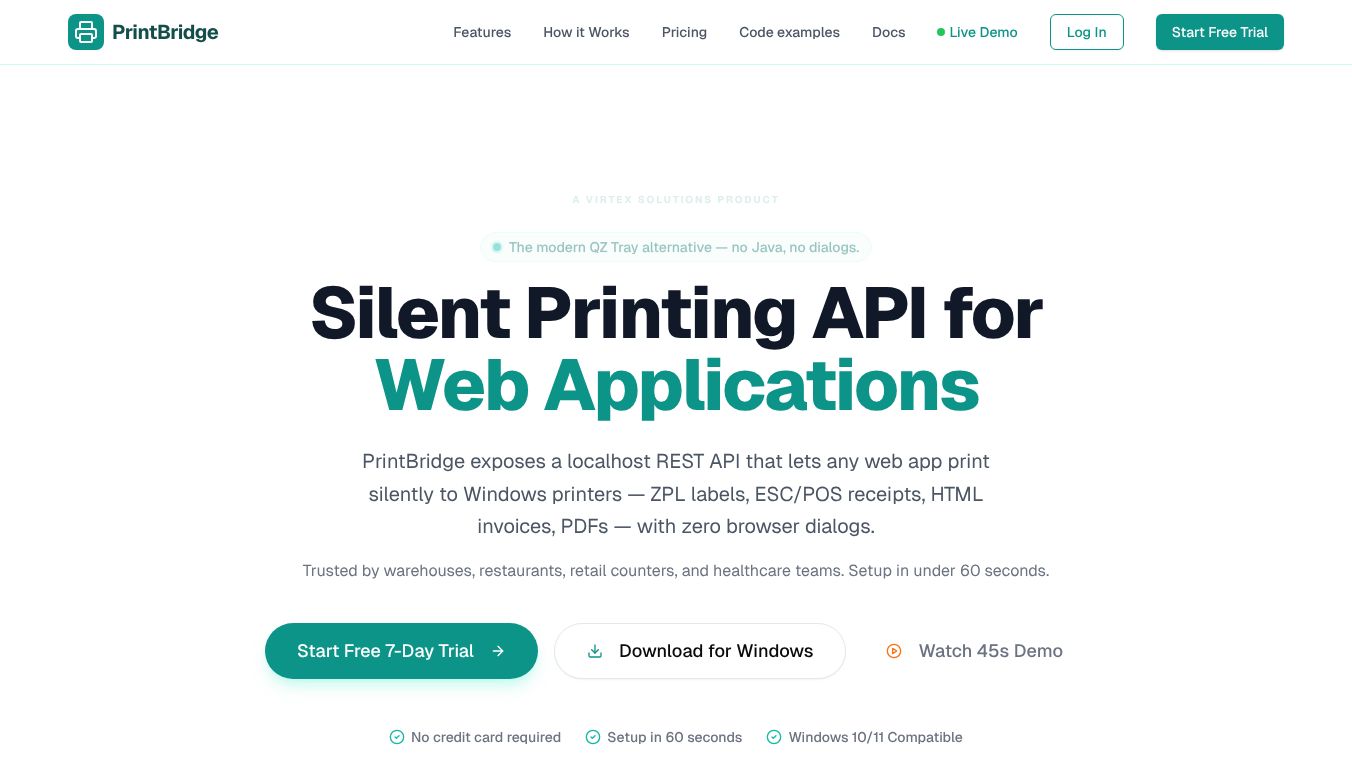





PrintBridge: Silent Printing API for Web Applications
PrintBridge is a software tool made by Virtex Solutions. It helps web applications print documents directly to physical printers without showing annoying pop-up windows. This is especially useful for businesses like warehouses, restaurants, and retail stores that need to print many labels and receipts quickly.
Benefits
PrintBridge solves the common problem of browser printing delays and errors. Instead of forcing users to click through multiple settings, it allows apps to send print jobs instantly. It supports many different printer types including Zebra, Epson, and Star Micronics. The tool handles various file formats like ZPL labels, ESC/POS receipts, HTML invoices, and PDFs. It also lets users send hundreds of labels in a single request. Security is a major focus because the tool only connects to the local computer and uses encrypted keys. This means no data leaves the machine.
Use Cases
This product is perfect for high-volume environments where speed matters. Warehouses use it to print shipping labels without stopping their workflow. Restaurants use it to generate receipts instantly for customers. Retail counters use it to print invoices immediately after a sale. Developers can integrate it into their web apps using standard code libraries. It works with popular frameworks like React, Vue, and Node.js. The system runs quietly in the background so it does not distract users while they work.
Pricing
PrintBridge offers a free trial for seven days without asking for a credit card. The Starter plan costs $19 per month and is designed for single workstations. The Pro plan costs $49 per month and adds cloud management features for small teams. The Business plan costs $99 per month and is built for warehouses with multiple stations. An Enterprise plan is available for custom needs with unlimited devices.
Vibes
Users who have tried PrintBridge report high satisfaction with the tool. One developer noted that the setup took only ten minutes and the system works perfectly without needing extra plugins. Another CTO mentioned that it replaced an older solution that required Java. A third user praised the quick integration time and the helpful support team. Overall, early adopters feel the tool is reliable and easy to use.
Additional Information
PrintBridge was created by Virtex Solutions. It does not require any internet connection to function. The software is lightweight and runs on Windows computers. It uses a local API that only accepts connections from the same computer. There is no cloud backend that stores user data. The company provides an npm package for easy installation. Developers can find full documentation and code examples online.
This content is either user submitted or generated using AI technology (including, but not limited to, Google Gemini API, Llama, Grok, and Mistral), based on automated research and analysis of public data sources from search engines like DuckDuckGo, Google Search, and SearXNG, and directly from the tool's own website and with minimal to no human editing/review. THEJO AI is not affiliated with or endorsed by the AI tools or services mentioned. This is provided for informational and reference purposes only, is not an endorsement or official advice, and may contain inaccuracies or biases. Please verify details with original sources.



Comments
Please log in to post a comment.