Photo Eraser:Remove Objects AI
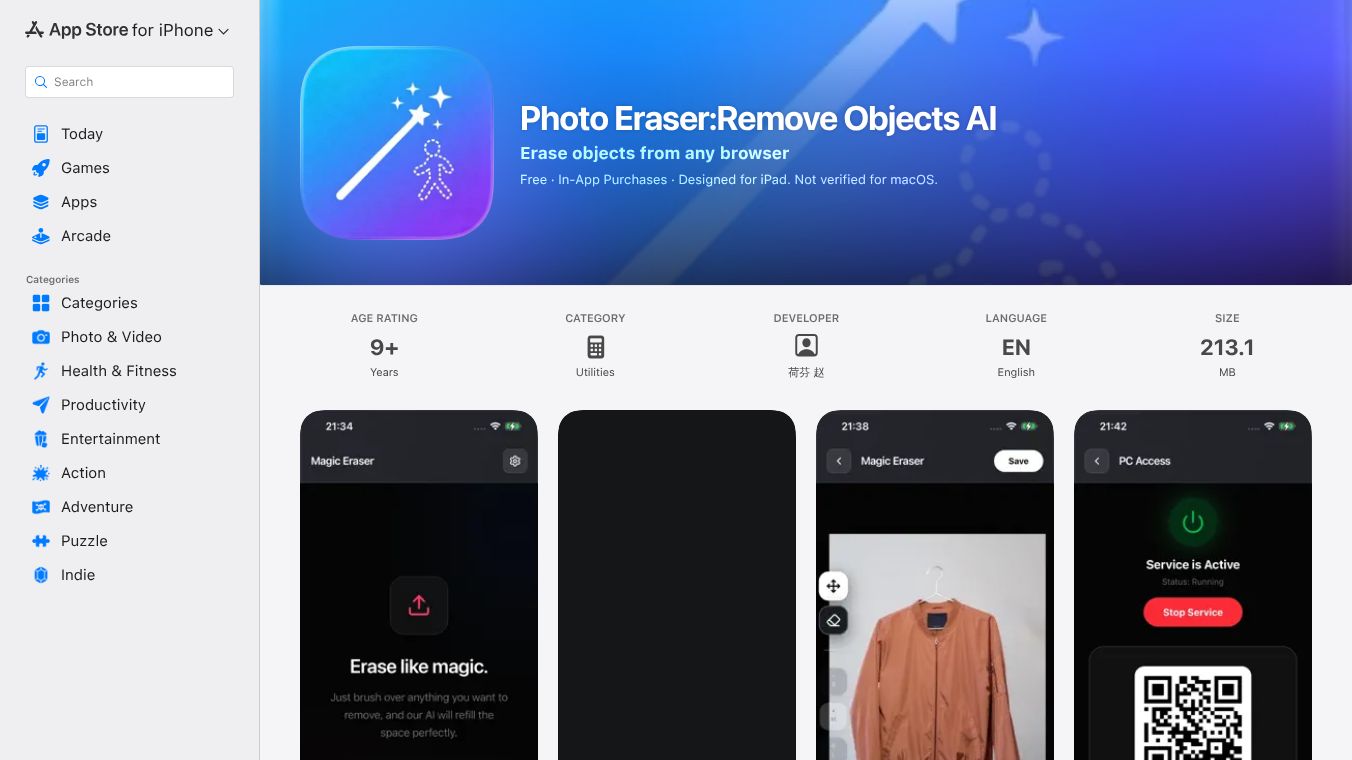





Photo Eraser: Remove Objects AI
Introduction
Photo Eraser: Remove Objects AI is a mobile application designed for iOS devices. It uses artificial intelligence to help users remove unwanted items from their photos. The app scans an image and identifies objects that the user wants to delete. It then replaces the removed area with the surrounding background to make the edit look natural. This tool is useful for people who want to clean up their pictures without needing advanced editing skills.
Benefits
The main advantage of this app is its ability to simplify photo editing. Users no longer need to learn complex software or spend hours on manual retouching. The AI technology works quickly to spot and remove distractions like people, pets, or trash from a scene. Another benefit is the ease of use. The interface is simple, allowing anyone to select an object and see the result instantly. This makes it a great option for social media posts or personal memories where a clean image is desired.
Use Cases
This tool fits well into many everyday situations. Travelers can use it to remove tourists from a landscape photo taken at a famous landmark. Event photographers might use it to take out a person standing in front of a beautiful sunset. Parents can edit family portraits by removing a child who is not in the frame. It is also helpful for real estate agents who want to clear out furniture or clutter from a room photo to make the space look bigger. The app works on various types of images, from casual snapshots to professional shots.
Pricing
The app is available on the Apple App Store. It typically follows a freemium model where basic features are free to use. Users may need to purchase a subscription or make in-app purchases to unlock advanced features or remove watermarks. Specific pricing details can vary and are best checked directly on the app store page for the most current information.
Vibes
Public reception for the app has been generally positive. Users appreciate how fast the tool works and how well it blends the background after an object is removed. Many reviews highlight the convenience of having such a powerful feature on a phone. Some users note that the results are impressive for simple edits, though complex scenes might still require manual touch-ups. Overall, it is seen as a helpful utility for quick photo fixes.
Additional Information
The app was developed by a team focused on mobile photography tools. It leverages modern AI models to achieve its results. While there is no specific funding information publicly listed for this specific app in the provided context, it operates within the competitive mobile app market. The developer continues to update the app to improve performance and add new features based on user feedback.
This content is either user submitted or generated using AI technology (including, but not limited to, Google Gemini API, Llama, Grok, and Mistral), based on automated research and analysis of public data sources from search engines like DuckDuckGo, Google Search, and SearXNG, and directly from the tool's own website and with minimal to no human editing/review. THEJO AI is not affiliated with or endorsed by the AI tools or services mentioned. This is provided for informational and reference purposes only, is not an endorsement or official advice, and may contain inaccuracies or biases. Please verify details with original sources.




Comments
Please log in to post a comment.