Perplexity Personal Computer for Windows
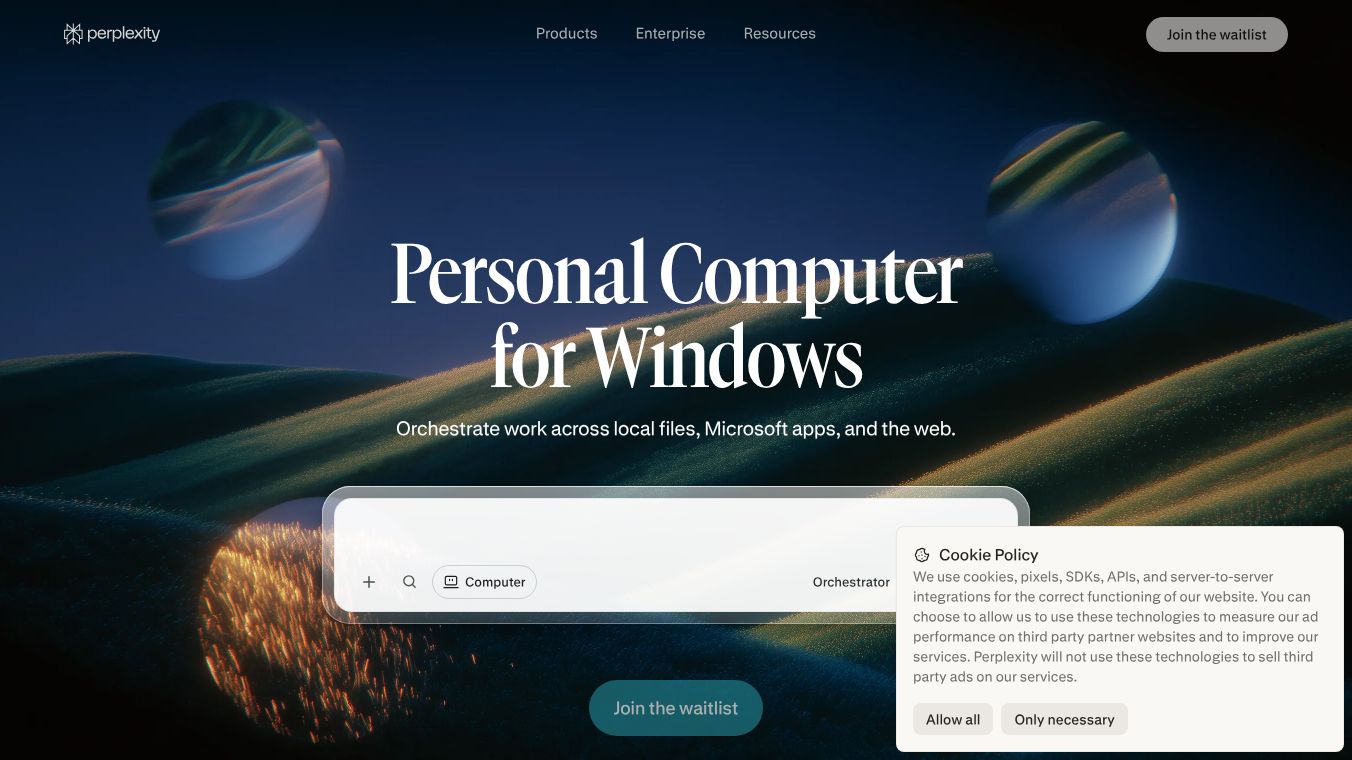





Personal Computer for Windows: Orchestrating Work on the Desktop
Overview
Personal Computer for Windows is a desktop-based AI agent designed to help users manage their work directly on their Windows computer. It acts as a central hub that connects local files, Microsoft applications, and the internet. This tool runs natively on the Windows desktop, meaning it integrates smoothly into the environment where most professionals already work. Users can launch it from anywhere on their desktop interface to get help with tasks without leaving their workspace.
Benefits
Personal Computer for Windows offers several key advantages for users who want to streamline their daily workflows. First, it provides direct access to local files without requiring users to upload sensitive data to the cloud. Users can point the system at approved folders, allowing it to search, read, and edit files directly on their machine. This ensures that private information stays on their local device while still being accessible to the AI.
The tool is built to work seamlessly within the Microsoft ecosystem. It supports deep integration with popular applications like Excel, PowerPoint, Word, Outlook, and OneDrive. Users can analyze data in spreadsheets, create presentations, draft documents, and manage emails without switching between different tabs or applications. This reduces context switching and keeps users focused on their main tasks.
Another major benefit is the ability to control the Comet Browser. The agent can browse the web, conduct research, and automate web interactions directly from the desktop. This eliminates the need to jump between different programs for web-based tasks. Additionally, the system includes a voice mode that allows users to interact through spoken commands. The system listens, understands the context, and executes actions based on what the user says, providing a hands-free interface for managing tasks.
Security is also a top priority. The system operates under a strict approval framework where the agent can only access folders and applications that the user explicitly approves. All actions taken by the agent are fully transparent, and users maintain complete control over what happens. For IT administrators, the system offers robust controls to define specific directories, manage user permissions, and review activity logs for auditing purposes.
Use Cases
Personal Computer for Windows is designed for professionals who need to handle complex tasks across multiple applications. For example, a financial analyst might use the tool to analyze data in Excel while referencing documents in Word and checking the latest news on the Comet Browser. The AI can orchestrate these tasks without the user needing to manually copy and paste information between programs.
Marketing teams can use the tool to create and refine presentations in PowerPoint while simultaneously researching trends online. The voice mode is particularly useful for users who prefer a hands-free experience, such as someone who needs to manage emails in Outlook while walking around the office or attending a meeting.
Remote work scenarios also benefit from this tool. Users can initiate tasks from a mobile device or another machine and have them completed on their local Windows desktop. This flexibility allows for efficient workflow management even when users are not physically at their main workstation. The ability to orchestrate agents across more than 20 different AI models ensures that the system can handle deep, complex work by selecting the most appropriate model for specific tasks.
Pricing
Personal Computer for Windows is currently rolling out to paying Max and Enterprise Max customers first. Specific pricing details for individual users are not publicly available in the provided information, but early adopters benefit from the advanced orchestration and security features designed for real-world professional workflows.
Vibes
The tool is positioned as a powerful solution for professionals who want to enhance their productivity without compromising security. By keeping data local and offering granular control, it addresses common concerns about AI privacy. The integration with familiar Microsoft applications makes it an attractive option for businesses already invested in the Microsoft ecosystem.
Additional Information
Personal Computer for Windows is currently in a rollout phase, prioritizing Max and Enterprise Max customers. This approach ensures that early adopters can test and benefit from the advanced features before a wider release. The system supports orchestration across more than 20 frontier AI models, demonstrating a commitment to providing high-quality results for diverse tasks.
This content is either user submitted or generated using AI technology (including, but not limited to, Google Gemini API, Llama, Grok, and Mistral), based on automated research and analysis of public data sources from search engines like DuckDuckGo, Google Search, and SearXNG, and directly from the tool's own website and with minimal to no human editing/review. THEJO AI is not affiliated with or endorsed by the AI tools or services mentioned. This is provided for informational and reference purposes only, is not an endorsement or official advice, and may contain inaccuracies or biases. Please verify details with original sources.



Comments
Please log in to post a comment.