Orbit





Sprocket Orbit: A Collaborative AI Wiki for Teams
Overview
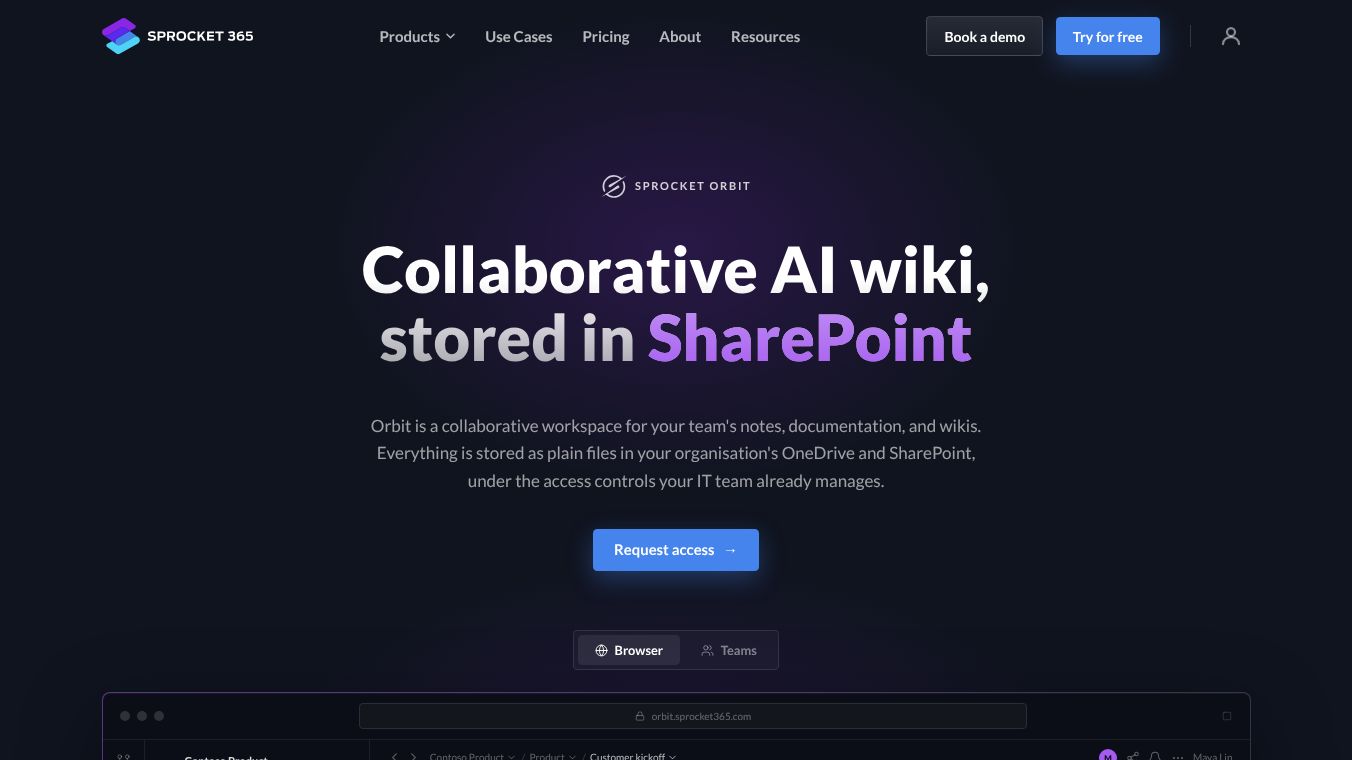
Sprocket Orbit is a collaborative workspace designed for teams to manage notes, documentation, and wikis. It functions as a unified environment where team members can capture ideas, maintain documentation, and leverage AI assistants. A key feature is that it keeps all data securely within the organization's existing Microsoft ecosystem. This means teams do not need to move their files to a new cloud server or worry about losing access to their data if the platform changes.
Benefits
Orbit offers several advantages for teams looking to improve how they share information. First, it ensures data sovereignty by storing all content as plain text files directly in the organization's OneDrive and SharePoint sites. This approach prevents data lock-in, meaning files remain accessible even if the Orbit platform is discontinued. Second, the platform integrates AI assistants like Microsoft Copilot, Claude, and Codex. These tools can search, read, and update notes while following the same security rules as human users. Every change made by an AI is tracked, ensuring full accountability. Third, Orbit supports real-time co-authoring, allowing multiple users to edit the same document simultaneously without overwriting each other's work. Finally, the writing experience is smooth and distraction-free, supporting rich formatting like tables, diagrams, and equations that appear automatically as you type.
Use Cases
Orbit is ideal for teams that already use Microsoft 365 and want a seamless way to manage their knowledge base. It works well for departments that need to capture AI conversations directly into a searchable wiki instead of leaving them in temporary chat windows. The platform is accessible both in a web browser and as a native Microsoft Teams app, making it perfect for teams who want to read and write notes without leaving their conversation threads. It is also suitable for organizations that require strict control over who can access their documentation, as IT teams can manage all permissions through existing Microsoft accounts. The setup process is quick, often taking just an afternoon to configure storage locations and invite team members.
Pricing
Pricing details for Sprocket Orbit are not available in the provided information. Organizations typically request access through a guided process, and specific costs may vary based on the size of the team and the configuration of the workspace.
Vibes
Public reception and specific user reviews are not included in the provided article. However, the platform is designed with a focus on user experience, offering a clean interface and a guided setup process to ensure smooth adoption for new users.
Additional Information
Sprocket Orbit is built on the principle of integration with existing Microsoft infrastructure. During the soft launch phase, Sprocket provides direct support to each organization to help with configuration, including setting up storage locations and installing the Microsoft Teams app. The platform uses Microsoft identity to verify user approval, ensuring that only authorized team members can access the workspace.
This content is either user submitted or generated using AI technology (including, but not limited to, Google Gemini API, Llama, Grok, and Mistral), based on automated research and analysis of public data sources from search engines like DuckDuckGo, Google Search, and SearXNG, and directly from the tool's own website and with minimal to no human editing/review. THEJO AI is not affiliated with or endorsed by the AI tools or services mentioned. This is provided for informational and reference purposes only, is not an endorsement or official advice, and may contain inaccuracies or biases. Please verify details with original sources.






 No Info
Comments
Please log in to post a comment.