OpenCode Visualizer
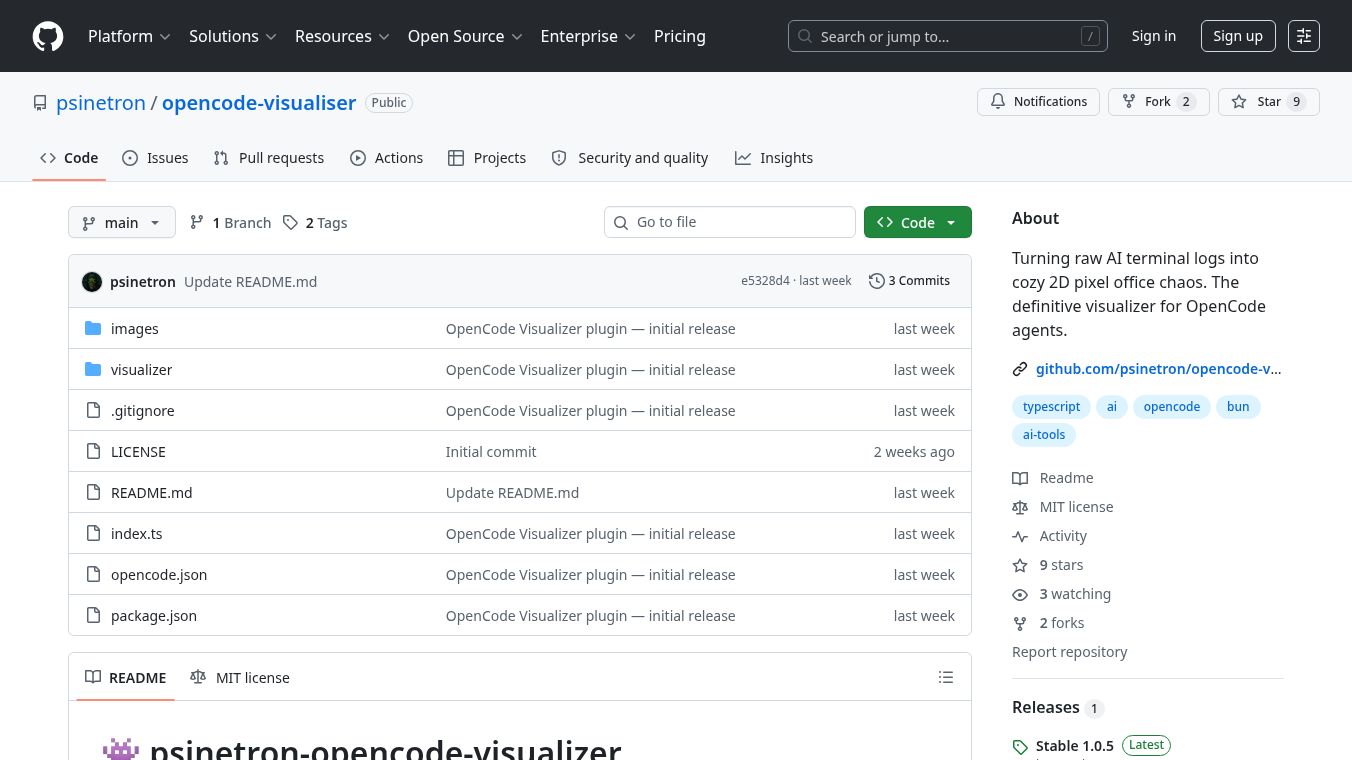





Turning AI Logs into a Virtual Office
OpenCode Visualizer is a tool that changes how users see their AI work. Instead of looking at boring text logs, it turns them into a fun 2D pixel art scene. Imagine a small office where little characters move around as they do tasks. This tool lets you watch your AI agents search for files, write code, and celebrate when they finish a job. It makes complex AI activity feel like a cozy game.
Benefits
The main advantage of OpenCode Visualizer is that it makes monitoring AI easy and fun. Users can see exactly what their agents are doing in real time. They can watch multiple agents work together in the same space without getting confused. The tool also looks nice with its pixel art style. Each character has unique animations for walking, working, and resting. Users can even change the look of the agents by picking from five different skin options. The setup is very simple because it uses a lightweight technology that does not slow down your computer.
Use Cases
This tool is perfect for anyone who uses OpenCode to build software with AI. Developers can use it to keep an eye on their projects while they work. It helps teams understand how different AI agents are cooperating on a task. If you want to see your AI celebrate a success or just idle around while waiting for a command, this visualizer shows it all. It works best when you want a calm and clear view of your AI workflow instead of staring at lines of text.
Pricing
OpenCode Visualizer is free to use. It is released under the MIT License, which means anyone can use it without paying a fee. You can install it directly through the OpenCode interface or by adding a simple line to your project configuration file.
Vibes
Users describe the experience as calming and engaging. The pixel art style turns a technical process into something that feels like a game. People appreciate seeing their AI agents as characters with personalities rather than just lines of code. The animations make the workspace feel alive and responsive to what the AI is doing.
Additional Information
The project was built by a developer known as psinetron. It was created using Pure Bun and TypeScript. The tool launches in a special window that does not require heavy software frameworks. This keeps the system fast and efficient. The code is open source, so anyone can look at how it works or suggest improvements.
This content is either user submitted or generated using AI technology (including, but not limited to, Google Gemini API, Llama, Grok, and Mistral), based on automated research and analysis of public data sources from search engines like DuckDuckGo, Google Search, and SearXNG, and directly from the tool's own website and with minimal to no human editing/review. THEJO AI is not affiliated with or endorsed by the AI tools or services mentioned. This is provided for informational and reference purposes only, is not an endorsement or official advice, and may contain inaccuracies or biases. Please verify details with original sources.






Comments
Please log in to post a comment.