One-Click Text Case Converter
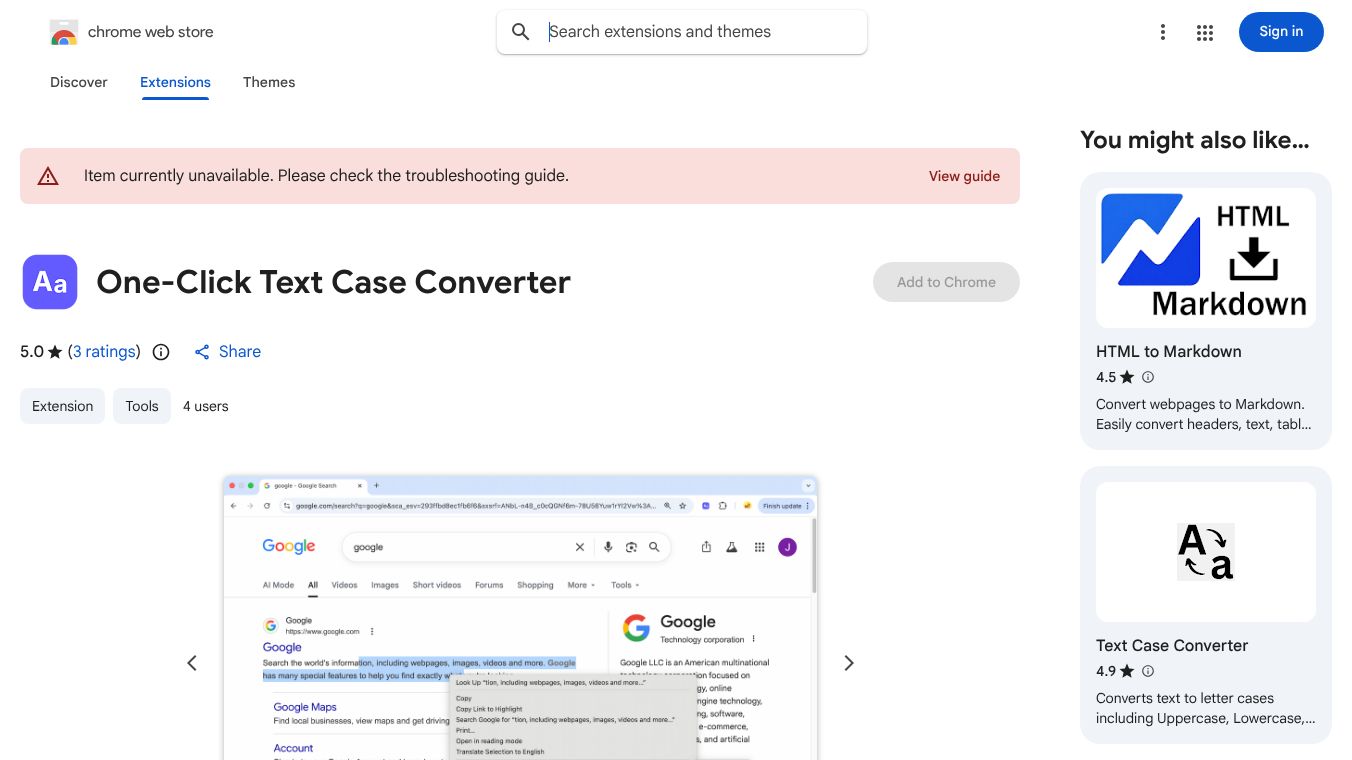





What is One-Click Text Case Converter
One-Click Text Case Converter is a small tool for Google Chrome that helps users change the capitalization of their text quickly. It is designed to make writing easier by letting people switch between different text styles with just a few clicks. The tool works directly inside the Chrome browser, so users do not need to open a separate program to fix their text formatting.
Benefits
The main benefit of this tool is speed. Users can change all letters to uppercase or lowercase in seconds. This saves time compared to manually selecting and changing text. It also helps avoid mistakes that happen when typing too many capital letters or too many lowercase letters. The tool is free to use and does not require any installation beyond adding it to the browser. It works on any website where the user can type text, such as email drafts or social media posts.
Use Cases
This tool is useful for many everyday writing tasks. Students can use it to format essays or study notes correctly. Writers can quickly adjust the style of their blog posts or articles. Office workers can fix headers or titles in documents they are drafting in their browser. It is also helpful for people who need to create passwords with specific capitalization rules or for anyone who wants to make text stand out in a chat message. The tool works on any webpage that has a text box, making it very flexible for different situations.
Pricing
One-Click Text Case Converter is free to use. There are no hidden costs or subscription fees. Users can add it to their Chrome browser and use it as much as they want without paying anything.
Vibes
Users generally like this tool because it is simple and fast. Many people appreciate that it does exactly what it says without adding extra features they do not need. Reviews often mention how helpful it is for quick edits while working online. Some users note that it is a lightweight extension that does not slow down their browser. Overall, it has a positive reputation among Chrome users who need quick text formatting tools.
Additional Information
One-Click Text Case Converter is available on the Google Chrome Web Store. It is maintained by a developer who focuses on creating simple browser tools. The extension has received a good number of downloads, showing that many people find it useful. It follows standard browser security rules and does not collect personal data from users. The developer updates the tool occasionally to ensure it works well with new versions of the Chrome browser.
This content is either user submitted or generated using AI technology (including, but not limited to, Google Gemini API, Llama, Grok, and Mistral), based on automated research and analysis of public data sources from search engines like DuckDuckGo, Google Search, and SearXNG, and directly from the tool's own website and with minimal to no human editing/review. THEJO AI is not affiliated with or endorsed by the AI tools or services mentioned. This is provided for informational and reference purposes only, is not an endorsement or official advice, and may contain inaccuracies or biases. Please verify details with original sources.



Comments
Please log in to post a comment.