npm i -g hotcell
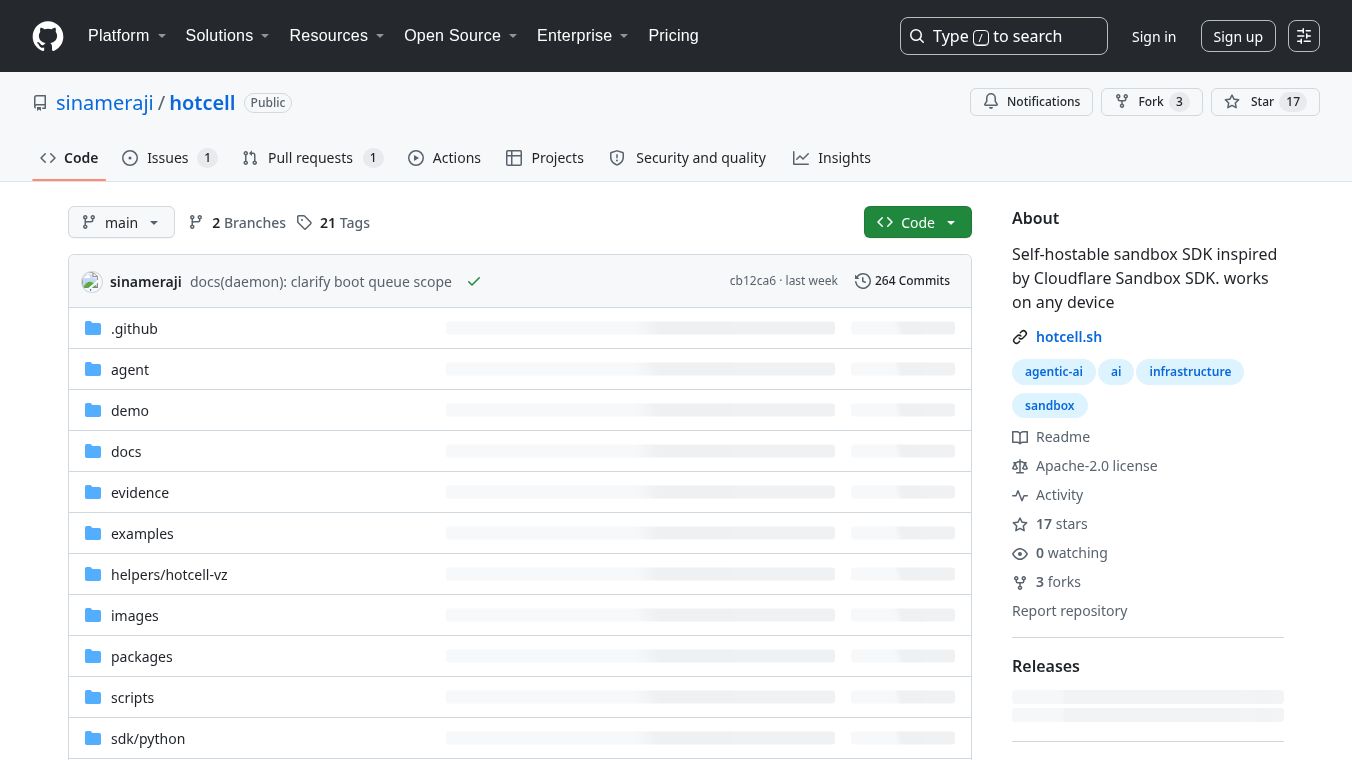





Hotcell: Self-Hosted Sandboxes for AI Agents
Introduction
Hotcell is a tool that lets developers run AI agents on their own computers or servers. It creates safe, isolated spaces called sandboxes where AI programs can work without touching your main system or leaking your private API keys. You install it using a simple command like npm i -g hotcell. Once installed, it helps you manage many separate environments at once.
Benefits
Hotcell offers several key advantages for developers who want to test AI tools safely.
- Security First:Your API keys never leave your main computer. Hotcell uses a gateway system that swaps your real keys with temporary tokens inside each sandbox. This means if a sandbox gets hacked, your main keys stay safe.
- Flexible Hardware:You can run Hotcell on almost any device. It works on a small Mac Mini, a powerful cloud server, or a bare-metal box. The tool adapts to whatever hardware you have available.
- Easy Management:You can create many sandboxes at once with a single command. For example, you can spin up five isolated cells to test different code branches simultaneously. Cleaning up is also simple with one command.
- Multiple Isolation Types:The tool supports both Docker containers and MicroVMs. This gives you different levels of security depending on your needs. MicroVMs offer stronger isolation than standard containers.
- Keyless Git Push:You can push code to a repository from inside a sandbox without needing to store your GitHub password there. The tool handles the connection securely through its gateway.
Use Cases
Hotcell is designed for developers who need to test AI agents or run automated tasks in a controlled environment.
- Testing AI Agents:Developers can run AI agents in isolated cells to test new features without risking their main project. Each cell runs on its own branch of the code.
- Automated Code Checks:You can set up Hotcell to run specific commands automatically. For example, you can tell it to install a tool like Ruff and then run a code check, then destroy the cell when done.
- Secure API Testing:If you need to test an application that uses services like OpenAI, Anthropic, or Stripe, Hotcell ensures your credentials stay on your host machine.
- Development Workflows:Teams can use Hotcell to manage multiple testing environments. One person can create several sandboxes to test different scenarios while keeping their local machine clean.
- Cloud or Local Deployment:You can run Hotcell on your local machine for quick testing or deploy it to a cloud server for larger-scale operations.
Pricing
Hotcell is free to use. It is released under the Apache-2.0 license, which means anyone can download and use it without paying a fee. You only need to cover the cost of your own hardware or cloud server if you choose to host it there.
Vibes
Hotcell has received positive feedback from the developer community for its focus on security and ease of use. Users appreciate that it solves a common problem: how to run AI agents without exposing sensitive API keys. The guided setup process makes it easy for beginners to get started quickly. Developers also like the flexibility of choosing between Docker and MicroVMs for isolation. Some users note that the tool is still new and evolving, but the core security model is well-regarded. The ability to manage many sandboxes with simple commands is a major highlight for teams working on complex projects.
Additional Information
Hotcell was inspired by the Cloudflare Sandbox SDK. It is built to work on any device and aims to provide secure environments for AI agents. The project is open source, allowing the community to review and contribute to its code. It supports various providers like OpenRouter, GitHub, and Stripe through its gateway system. While it protects most HTTP-based APIs, it has limitations with non-HTTP protocols like databases or signing schemes like AWS SigV4. Users must configure variables carefully to ensure they are handled correctly by the gateway.
This content is either user submitted or generated using AI technology (including, but not limited to, Google Gemini API, Llama, Grok, and Mistral), based on automated research and analysis of public data sources from search engines like DuckDuckGo, Google Search, and SearXNG, and directly from the tool's own website and with minimal to no human editing/review. THEJO AI is not affiliated with or endorsed by the AI tools or services mentioned. This is provided for informational and reference purposes only, is not an endorsement or official advice, and may contain inaccuracies or biases. Please verify details with original sources.





Comments
Please log in to post a comment.