




Build a Resume That Gets Interviews: A Comprehensive Guide
Creating a resume that effectively secures interviews requires a tool that balances design, functionality, and compatibility with modern hiring systems. The following guide outlines how to build a professional, ATS-friendly resume using a free, no-sign-up-required builder.
Benefits
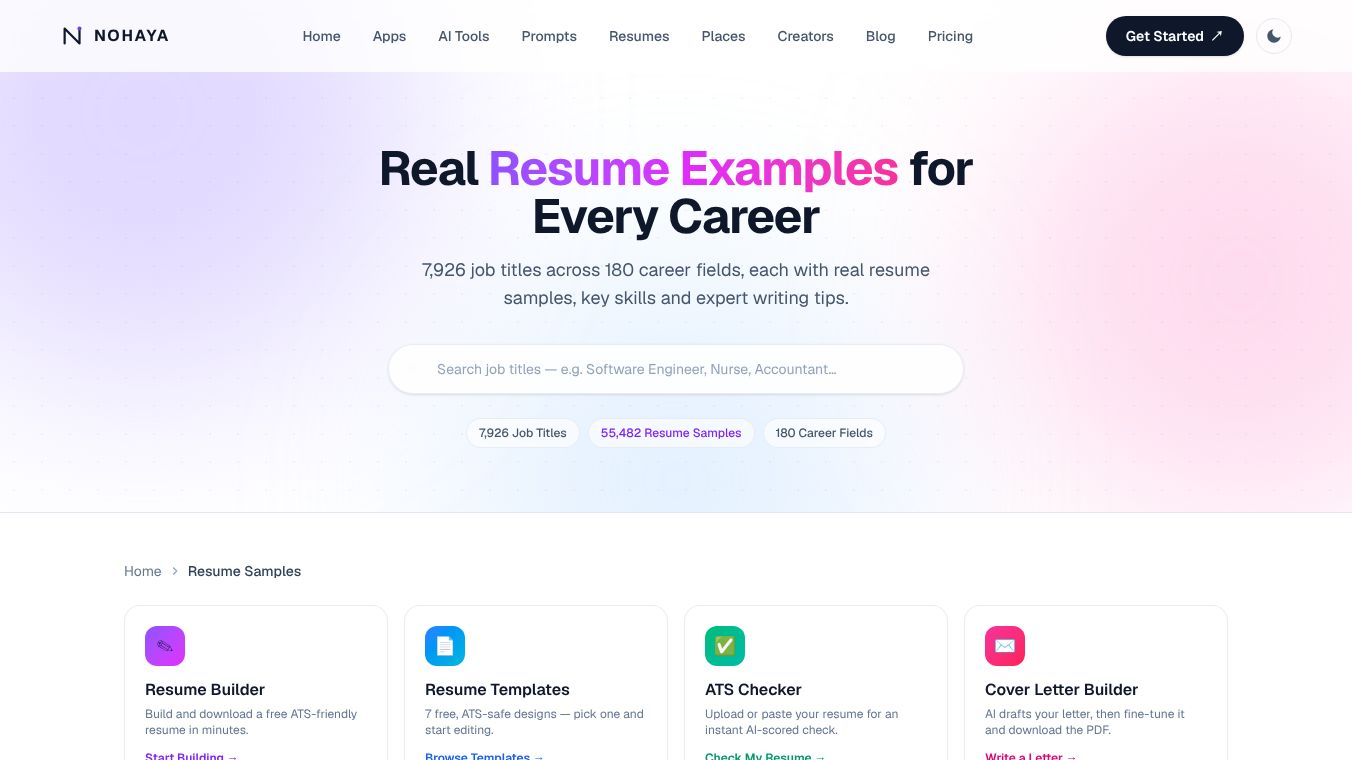
The platform offers7 distinct templatesdesigned to ensure your resume passes through Applicant Tracking Systems (ATS) without issues. These designs range from the traditional Harvard format to modern color-block layouts. Crucially, every template adheres to ATS parsing standards by utilizing:- Single-column layouts.- Standard section headers.- Absence of tables, columns, or complex graphics that often break parsers.
Users can edit every section directly on the page with real-time updates. Key capabilities include:-Drag-and-Drop Reordering: Arrange sections to highlight your most relevant experience.-One-Click Bullet Points: Quickly format your experience descriptions.-Real-Time Preview: See changes instantly as you type.
Upon completion, users can export a polished, print-ready PDF immediately. This feature is:-Completely Free: No hidden costs or subscriptions.-Watermark-Free: Your document remains professional.-Account-Free: No need to create an account to download.
Privacy is a core component of this tool. Drafts arestored locally on your device(via browser storage) rather than on external servers. Data is only transmitted when you choose to download the PDF, ensuring your information remains private by default.
Use Cases
- Pick a Template: Select one of the 7 ATS-safe designs or start with the default layout, switching anytime.
- Fill It In: Input your experience, education, and skills using the live editor. Reorder sections to best suit your narrative.
- Download the PDF: Export your finished resume in seconds as a high-quality PDF file.
Job seekers can create professional resumes that are both visually appealing and technically compatible with hiring systems. The ability to edit in real-time and download instantly without barriers ensures a streamlined process for securing interviews.
Pricing
Yes. Building a resume from scratch and downloading the PDF is completely free, with no account or sign-up required.
Vibes
Will my resume pass an ATS scan?Yes. The formatting choices (single-column, standard headers, no tables/columns) are specifically selected to ensure compatibility with most ATS parsers. Users can further verify this using an integrated ATS Checker to test their resume against real scoring criteria.
Can I use my own resume as a starting point?Yes. Users can browse real resume examples categorized by job title. Clicking any sample opens it in the same editor, pre-filled with content that can be customized.
Is my data saved anywhere?No. Your draft is stored locally on your device until you download the PDF. It is not saved on the service's servers.
Additional Information
By utilizing a tool that combines free access, privacy-focused storage, and ATS-optimized templates, job seekers can create professional resumes that are both visually appealing and technically compatible with hiring systems. The ability to edit in real-time and download instantly without barriers ensures a streamlined process for securing interviews.
This content is either user submitted or generated using AI technology (including, but not limited to, Google Gemini API, Llama, Grok, and Mistral), based on automated research and analysis of public data sources from search engines like DuckDuckGo, Google Search, and SearXNG, and directly from the tool's own website and with minimal to no human editing/review. THEJO AI is not affiliated with or endorsed by the AI tools or services mentioned. This is provided for informational and reference purposes only, is not an endorsement or official advice, and may contain inaccuracies or biases. Please verify details with original sources.



Comments
Please log in to post a comment.