MRDown
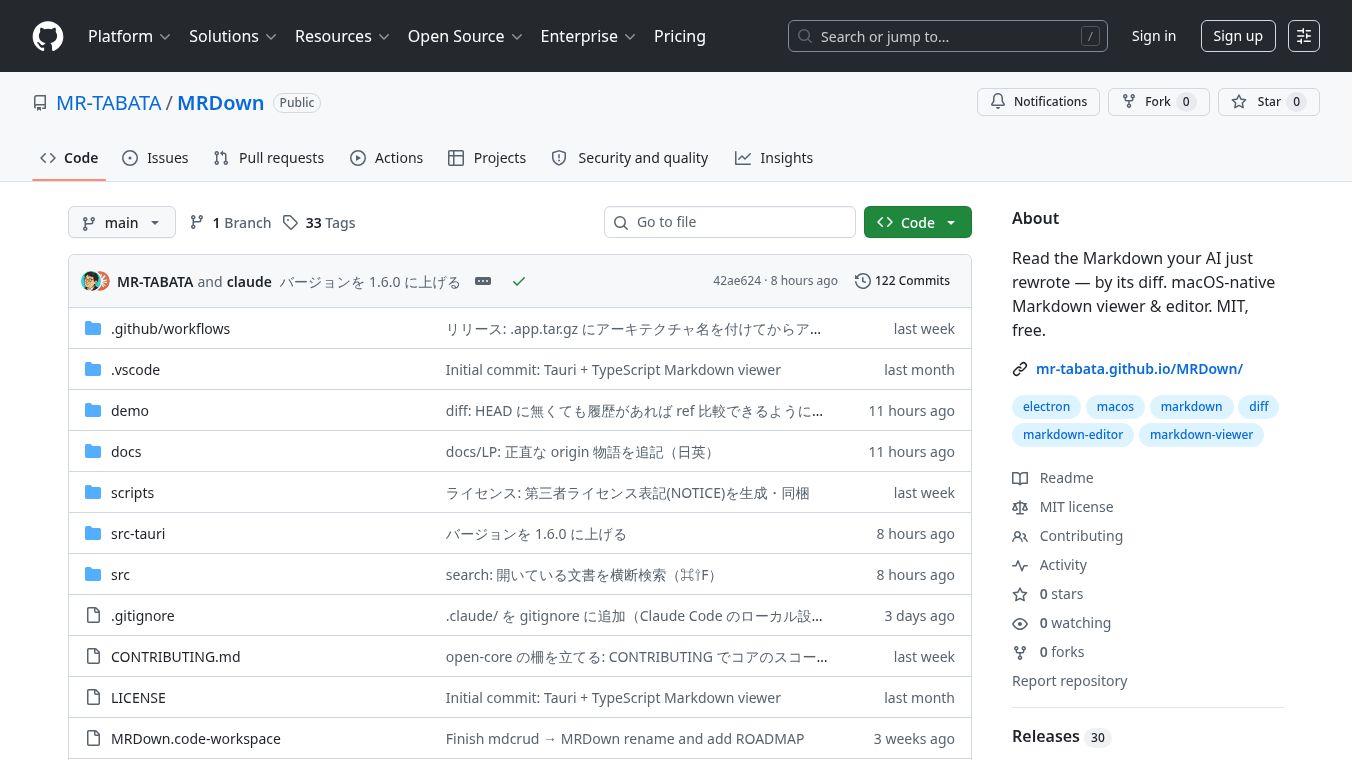





MRDown: A macOS-Native Markdown Viewer and Editor
Introduction
MRDown is a lightweight application designed specifically for macOS users who work with Markdown files. It was created to solve a common problem: the need to open heavy, complex editors just to preview simple Markdown documents generated by AI tools. MRDown acts as a fast, native viewer and editor that runs smoothly on Apple Silicon and Intel Macs. It allows users to read, edit, and save documents without the bloat of larger software suites.
Benefits
MRDown offers several key advantages for writers and developers. Its most unique feature is the ability to show the differences between versions of a file. This is especially helpful when using AI tools to rewrite content, as users can see exactly what changed without leaving the app. The tool also includes a robust conflict resolution system. If an external program changes a file while the user is working on it, MRDown alerts them and shows a side-by-side comparison to prevent data loss.
The application is built for speed and efficiency. It features a split-screen mode that lets users edit text and see the live preview at the same time. Users can drag the divider to resize the windows to their liking. The software also handles file management well, allowing users to create new documents, save them with suggested names, and delete files safely to the system Trash. It includes helpful editing tools like a formatting toolbar, find and replace with regex support, and auto-closing brackets for code and links.
Security is another strong point. MRDown sanitizes HTML output and uses strict security policies, making it safe to open files from unknown sources. The app also saves drafts automatically, ensuring that unsaved work is not lost if the computer crashes or the app closes unexpectedly.
Use Cases
MRDown is ideal for writers, developers, and anyone who manages documentation on a Mac. It works well for users who prefer a clean, distraction-free interface over the complex menus of editors like VSCode. The tool is perfect for reviewing Markdown files that have been generated or modified by AI agents, as the diff view makes it easy to spot changes quickly.
It is also useful for teams working on shared documents. The conflict resolution feature helps multiple people or automated systems work on the same file without overwriting each other's changes. Writers can use the built-in tools to format text, insert images, and create tables without needing to switch between different applications. The ability to export documents as HTML or PDF makes it a versatile tool for finalizing content for publication or sharing.
Pricing
MRDown is currently available as open-source software under the MIT license. The core application is free to download and use. The developers have mentioned plans for future paid features, such as AI-powered explanations for diffs, project-wide search, and authenticated remote connections to services like GitHub. However, these advanced features are not included in the current free version.
Vibes
The community response to MRDown has been positive, particularly among users who value efficiency and native macOS performance. Reviewers appreciate its ability to handle Markdown files quickly without the overhead of larger editors. Users often highlight the split editor and live preview as game-changers for their workflow. The clean interface and smooth performance on Apple Silicon Macs have made it a favorite for those looking for a dedicated Markdown tool that respects their system resources.
Additional Information
MRDown is built using Tauri and TypeScript, which allows it to be lightweight while still offering powerful features. The project follows an open-core model, meaning the main application is free, but future premium features will be developed in a separate repository. The software supports both English and Japanese interfaces and follows the language settings of the user's operating system. It requires macOS 10.15 or later and is compatible with both Apple Silicon and Intel processors. The application is signed and notarized by an Apple Developer ID, ensuring it meets security standards for distribution on macOS.
This content is either user submitted or generated using AI technology (including, but not limited to, Google Gemini API, Llama, Grok, and Mistral), based on automated research and analysis of public data sources from search engines like DuckDuckGo, Google Search, and SearXNG, and directly from the tool's own website and with minimal to no human editing/review. THEJO AI is not affiliated with or endorsed by the AI tools or services mentioned. This is provided for informational and reference purposes only, is not an endorsement or official advice, and may contain inaccuracies or biases. Please verify details with original sources.




Comments
Please log in to post a comment.