





Free AI Image Editor — Edit Any Photo Right In Your Browser
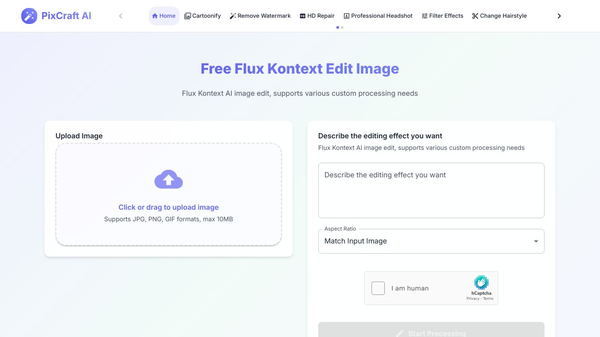
MorphPhoto is a free tool that uses artificial intelligence to help people edit photos quickly. It runs directly in your web browser, so you do not need to install any special software. Users can upload an image, tell the tool what changes they want, and receive a clean result in just a few seconds.
Benefits
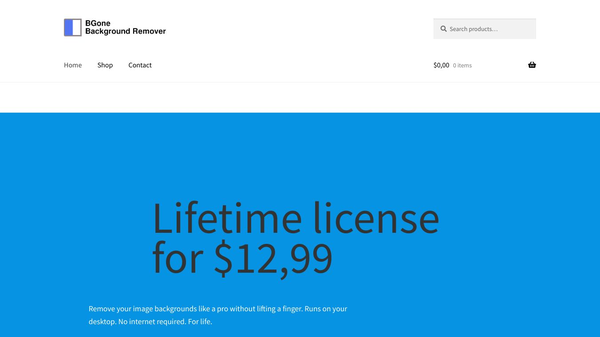
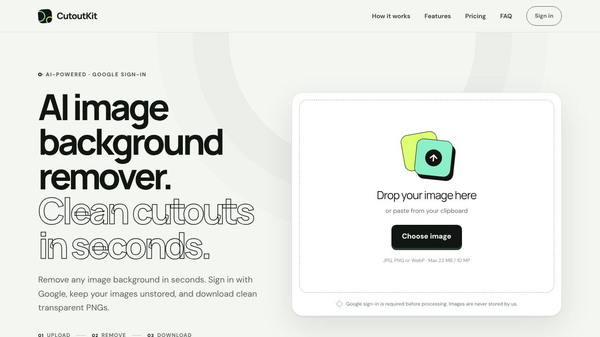
MorphPhoto offers several powerful features that make editing easier for everyone. The background manipulation tools allow users to remove backgrounds with one click. This creates crisp edges that even capture fine details like stray hairs. This is perfect for product photos or profile pictures. Users can also place their subject into a new background, such as a studio or a real-world scene. The AI matches the lighting and shadows to make the result look natural.
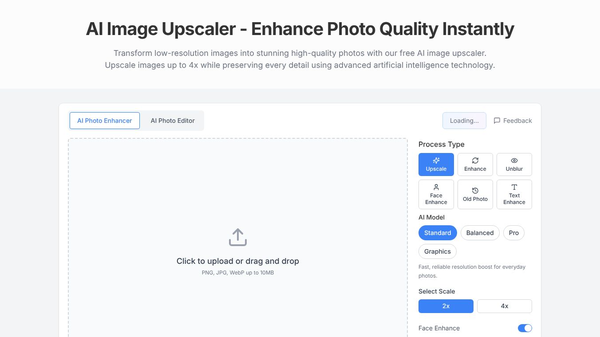
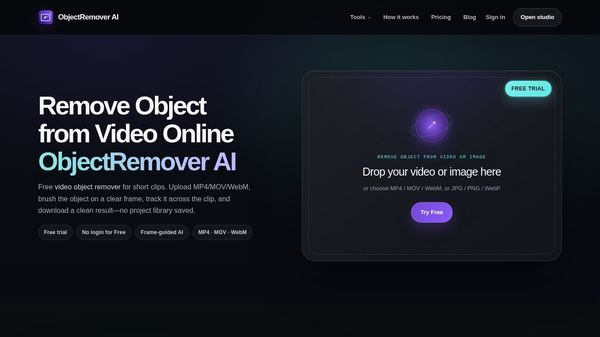
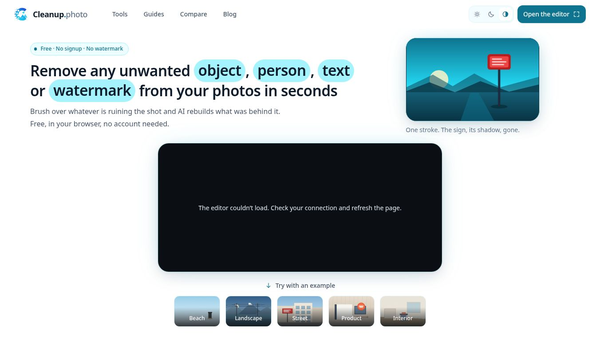
The tool also helps with cleanup. Users can brush over unwanted objects like people or signs. The AI fills the empty space with matching textures and light so no traces remain. For old photos, MorphPhoto can restore faded colors and fix scratches. It can also stretch a small crop into a larger size for banners or social media posts without losing quality. Creative users can change the style of a photo to look like an illustration or a movie still while keeping the subject recognizable.
Use Cases
MorphPhoto is useful for many different situations. Photographers can use it to remove backgrounds from portraits or product shots. Travel bloggers can erase unwanted people or objects from their vacation photos. E-commerce sellers can quickly change the background of product images to match their store branding. Family members can restore old, damaged wedding photos or scanned prints to bring back lost details. Designers can extend the frame of a photo to fit a larger banner or cover. The tool works for any JPG or PNG file, making it versatile for various needs.
Pricing
MorphPhoto is a free tool. Users can sign in with their Google account to start editing immediately. There is no need to fill out forms or provide credit card details to get started.
Vibes
Users have shared positive feedback about the tool. One family archivist said they uploaded an old wedding photo with a torn corner and washed-out color. The tool fixed it in a minute, making it look like the day it was taken. A travel blogger mentioned that a stranger wandered into their best shot. They brushed the person out, and the tool rebuilt the beach behind them so well that no one would notice. An e-commerce seller noted that they now swap backgrounds on every product photo. They can get a clean studio backdrop ready for their store page in seconds.
Additional Information
MorphPhoto is designed to be simple and accessible. The entire editing process happens inside the browser. This means users can edit photos from any device with an internet connection. The tool focuses on providing high-quality results without requiring technical skills or expensive software.
This content is either user submitted or generated using AI technology (including, but not limited to, Google Gemini API, Llama, Grok, and Mistral), based on automated research and analysis of public data sources from search engines like DuckDuckGo, Google Search, and SearXNG, and directly from the tool's own website and with minimal to no human editing/review. THEJO AI is not affiliated with or endorsed by the AI tools or services mentioned. This is provided for informational and reference purposes only, is not an endorsement or official advice, and may contain inaccuracies or biases. Please verify details with original sources.
 No Info
Comments
Please log in to post a comment.