




What is Make Image Clearer?
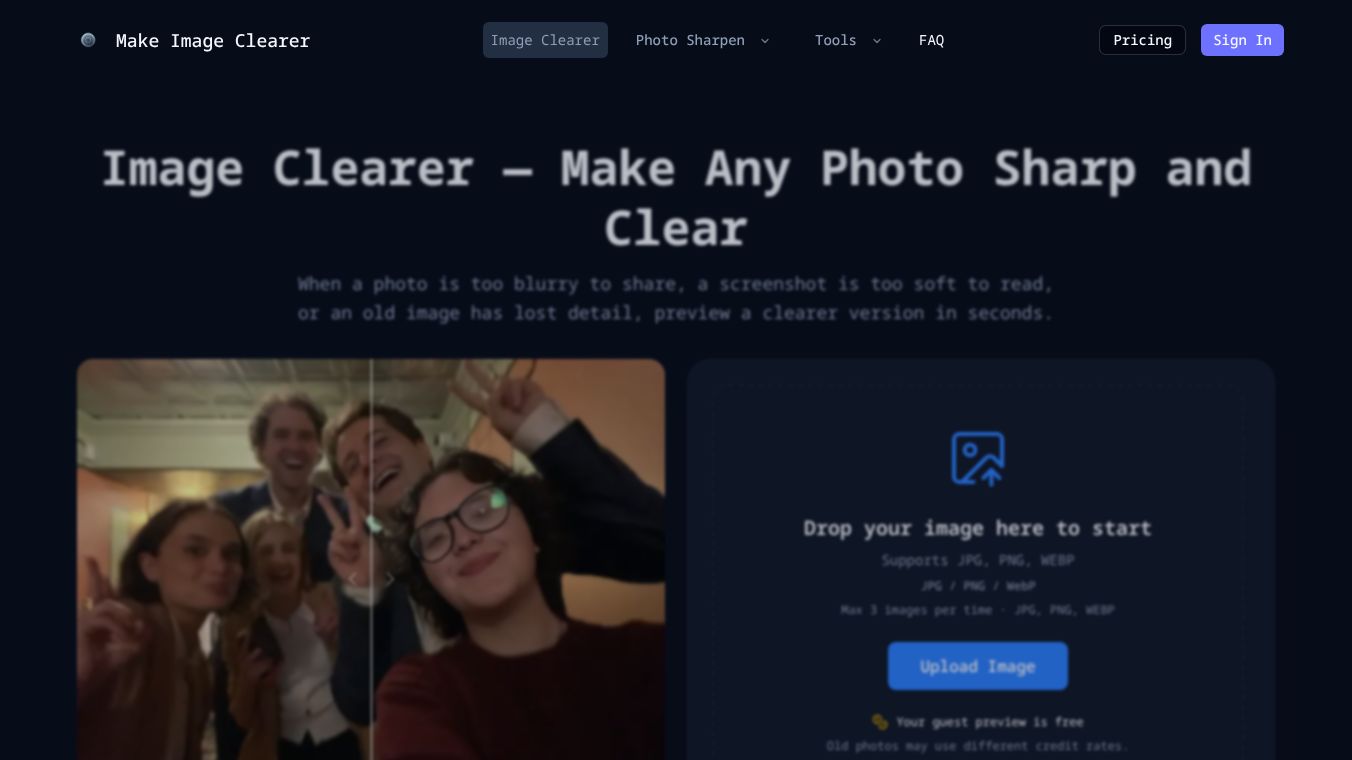
Make Image Clearer is an online tool that uses artificial intelligence to fix blurry, old, or pixelated photos. Unlike traditional editing software that requires manual skills, this tool automatically detects problems in an image and rebuilds missing details to create a sharper version. It is designed for anyone who wants to improve photo quality quickly without needing to learn complex editing techniques.
Benefits
The main advantage of Make Image Clearer is its ability to fix images that standard filters cannot handle. Traditional sharpening tools often make blurry photos look worse by increasing noise. Make Image Clearer uses deep learning models trained on high-resolution images to predict and restore lost details. This results in a cleaner image with reduced grain and improved visibility. The tool also supports multiple file formats like JPG, PNG, and WEBP, allowing users to process up to three images at once. A key feature is the preview capability, which lets users see the result before downloading the final file.
Use Cases
This tool is useful in many situations where image clarity is important. It is ideal for fixing motion blur caused by shaky hands or moving subjects. It can also restore old family photos by recovering faded faces and reducing scratches. For people who need to read text, the tool helps sharpen pixelated screenshots, documents, receipts, and scanned papers. It improves low-light photos by reducing grain and revealing details in dark shadows. Additionally, it can upscale low-resolution thumbnails and profile pictures to look cleaner at larger sizes. E-commerce sellers can use it to optimize product photos by highlighting textures and edges.
Pricing
The article does not provide specific pricing details for Make Image Clearer. However, it mentions that many similar tools offer a free preview feature. This allows users to see the improvement before deciding to download the higher-quality version. Users should check the official website for current pricing plans and subscription options.
Vibes
The article does not include specific user reviews, testimonials, or public reception data for Make Image Clearer. It does note that the tool is generally considered effective for light to moderate motion blur and works well on old photos as long as some details remain visible. The comparison with Photoshop suggests that while professional software is better for detailed retouching, AI clearers are superior for quick, automatic results.
Additional Information
The article does not contain information about funding, partnerships, or notable achievements for Make Image Clearer. It focuses on explaining the technology behind the tool and its practical applications for everyday users.
This content is either user submitted or generated using AI technology (including, but not limited to, Google Gemini API, Llama, Grok, and Mistral), based on automated research and analysis of public data sources from search engines like DuckDuckGo, Google Search, and SearXNG, and directly from the tool's own website and with minimal to no human editing/review. THEJO AI is not affiliated with or endorsed by the AI tools or services mentioned. This is provided for informational and reference purposes only, is not an endorsement or official advice, and may contain inaccuracies or biases. Please verify details with original sources.
Comments
Please log in to post a comment.