Maestro CLI
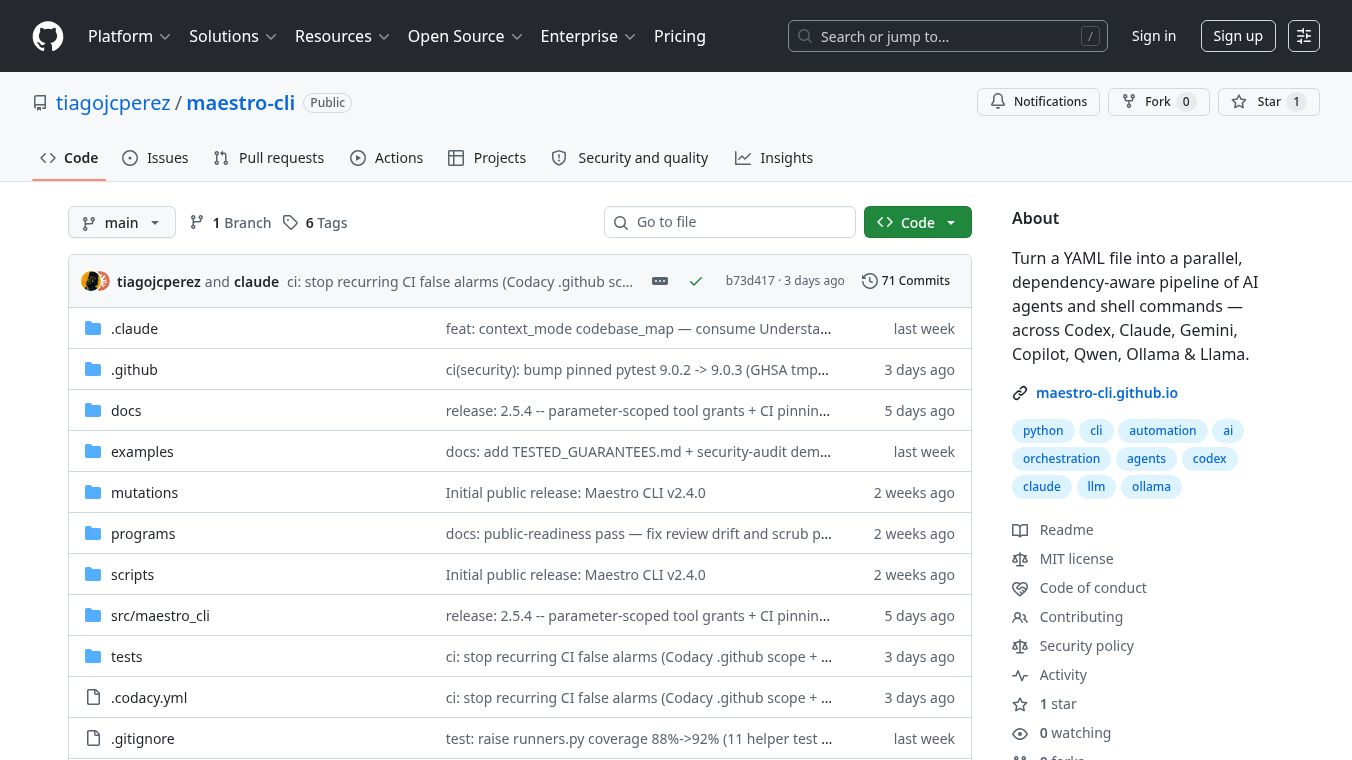





Maestro CLI is a command-line tool designed to help developers manage and interact with the Maestro platform. It acts as a bridge between a developer's computer and the Maestro system, allowing users to run commands, check status, and handle tasks without needing to use a graphical interface. This tool is built for people who prefer working in their terminal and want a faster, more direct way to control their workflow.
Benefits
The main advantage of Maestro CLI is its speed and efficiency. It lets users perform complex actions with just a few typed commands. This saves time compared to navigating through menus or web dashboards. The tool also provides clear feedback, so users know exactly what is happening at any moment. It supports automation, which means repetitive tasks can be handled automatically. This reduces the chance of human error and keeps workflows running smoothly. Additionally, it works on various operating systems, making it accessible to a wide range of users.
Use Cases
Developers often use Maestro CLI to set up projects quickly. They can initialize new configurations or update existing ones with simple commands. It is also useful for monitoring system health. Users can check if services are running correctly or if there are any errors. Teams can use it to manage deployments by pushing updates or rolling back changes if needed. It fits well in environments where speed and reliability are important, such as software development pipelines or cloud infrastructure management.
Pricing
Pricing details for Maestro CLI are not publicly available. The tool is open source, which means it is free to download and use. Users can contribute to its development or access its source code on GitHub. Specific enterprise features or support plans may exist, but no official pricing tiers have been announced.
Vibes
There is limited public feedback available for Maestro CLI since it is a relatively new tool. However, early users appreciate its simplicity and how well it integrates with existing workflows. The open-source community has shown interest in the project, with some contributors adding new features and fixing bugs. While there are no major reviews yet, the tool has a positive reputation among those who have tried it for its clean design and ease of use.
Additional Information
Maestro CLI was created by Tiago J. Perez and is hosted on GitHub. The project is open source, allowing anyone to view, modify, or contribute to its code. It has gained attention in the developer community for its focus on usability and performance. There are no known partnerships or funding sources mentioned publicly, but its growth relies on community support and contributions.
This content is either user submitted or generated using AI technology (including, but not limited to, Google Gemini API, Llama, Grok, and Mistral), based on automated research and analysis of public data sources from search engines like DuckDuckGo, Google Search, and SearXNG, and directly from the tool's own website and with minimal to no human editing/review. THEJO AI is not affiliated with or endorsed by the AI tools or services mentioned. This is provided for informational and reference purposes only, is not an endorsement or official advice, and may contain inaccuracies or biases. Please verify details with original sources.





Comments
Please log in to post a comment.