LensUp





What is LensUp?
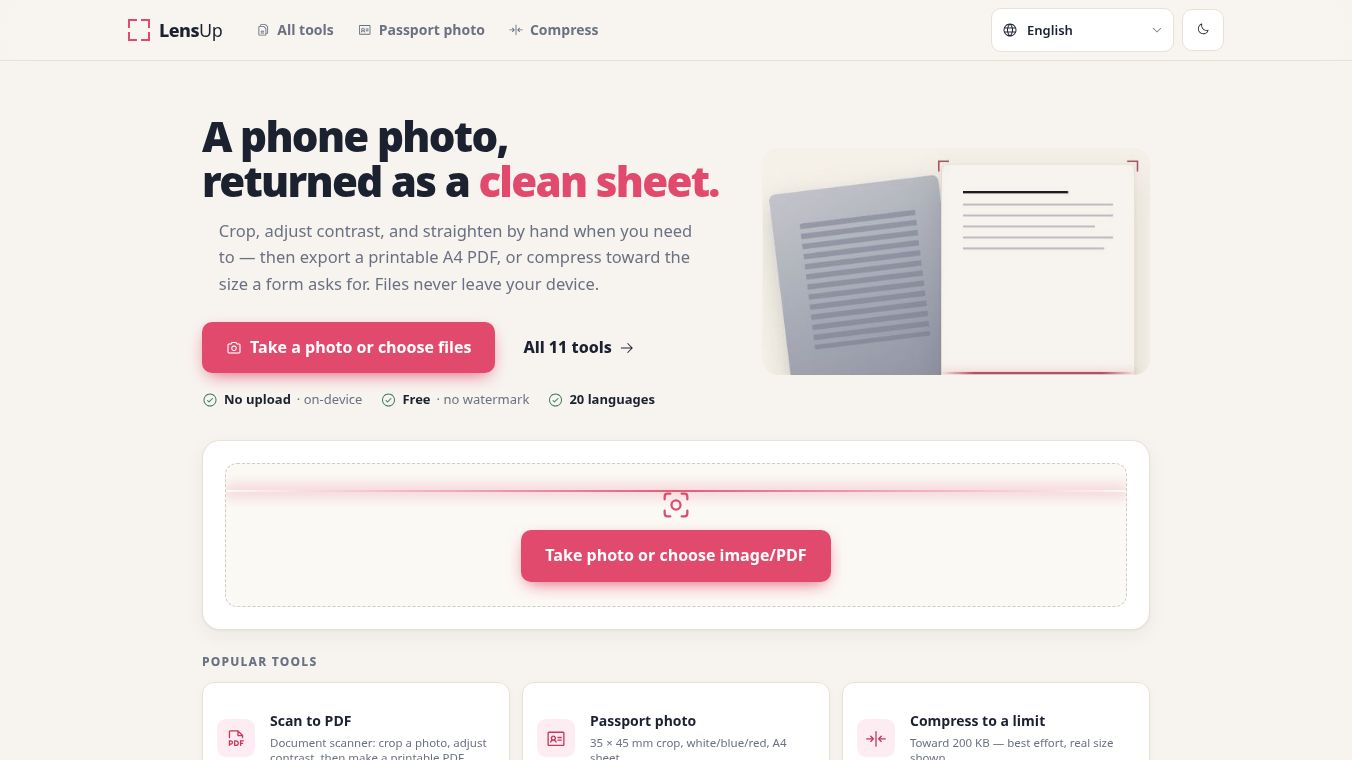
LensUp is a free tool that turns photos of documents into clean, printable PDF files. It works directly in your web browser, so you do not need to buy a physical scanner or install any special software. The main goal of LensUp is to help people digitize papers quickly while keeping their data safe and private.
Benefits
The biggest advantage of LensUp is its focus on privacy. Unlike many other scanning apps, it does not upload your photos to any external server. All the work happens on your own device. This means your sensitive documents stay where they belong. You also do not need to create an account to use the tool. It is completely free and has no limits on how many documents you can scan.
The tool offers powerful editing features that make your photos look professional. You can crop images to remove extra space and straighten them if they are tilted. It includes special effects to fix lighting issues, such as removing shadows or fading out colored pen marks. You can also add watermarks or digital signatures to your files. The ability to compress files to a specific size is another major benefit. This helps users meet strict file size limits for government forms or school portals.
Use Cases
LensUp is useful for many different situations. Students and teachers can use it to scan worksheets or homework pages. It helps remove stray marks from handwriting while keeping the printed text clear. Job seekers can use the tool to prepare documents for applications that require small file sizes. For example, it can shrink a photo to 200 KB so it uploads correctly.
People who need to make copies of ID cards can use the ID card layout feature. This places the front and back of an ID onto a single sheet of paper. It is also great for organizing receipts or merging multiple pages of records into one neat PDF. Anyone who needs a quick, private way to scan documents without buying hardware will find this tool helpful.
Pricing
LensUp is completely free to use. There are no hidden costs, no subscription fees, and no limits on the number of documents you can process. The service is available to everyone without requiring a sign-up.
Vibes
Users appreciate that LensUp respects their privacy by keeping all files local to their device. The fact that it requires no account makes it very easy to start using immediately. People like the flexibility of the export options, especially the ability to compress files to meet specific upload requirements. The tool is seen as a reliable alternative to expensive hardware scanners for everyday tasks.
Additional Information
LensUp runs entirely within your web browser. It uses the local resources of your computer or phone to process images. This architecture ensures that no data leaves your device during the scanning process. The tool supports various paper sizes like A4 and Letter and offers different layout options to fit multiple pages on one sheet.
This content is either user submitted or generated using AI technology (including, but not limited to, Google Gemini API, Llama, Grok, and Mistral), based on automated research and analysis of public data sources from search engines like DuckDuckGo, Google Search, and SearXNG, and directly from the tool's own website and with minimal to no human editing/review. THEJO AI is not affiliated with or endorsed by the AI tools or services mentioned. This is provided for informational and reference purposes only, is not an endorsement or official advice, and may contain inaccuracies or biases. Please verify details with original sources.





Comments
Please log in to post a comment.