Lattice Context Manager





What is Lattice Context Manager
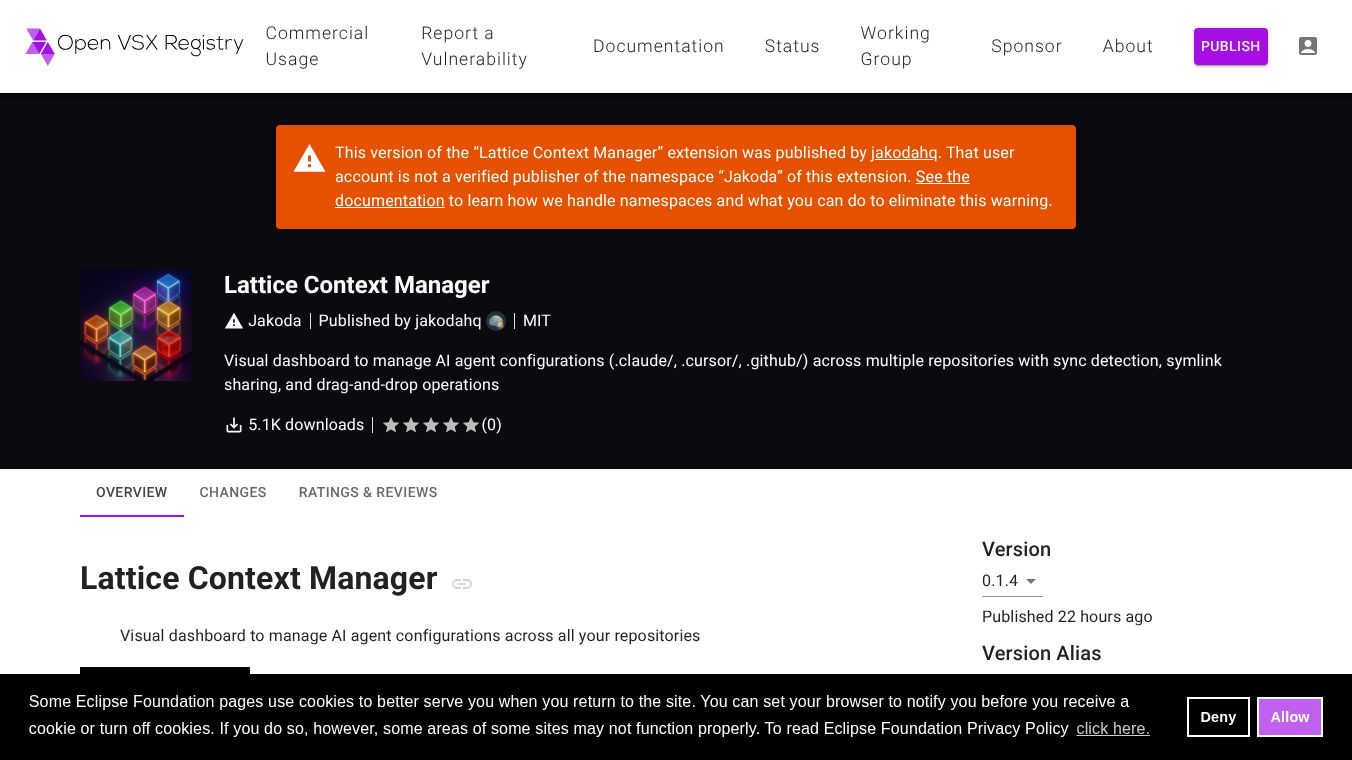
Lattice Context Manager is a free tool for Visual Studio Code that helps developers manage settings for AI coding assistants. It works across many different projects at once. The tool creates a visual dashboard to show how configurations are shared or different between repositories. It supports popular AI agents like Claude, Cursor, Cline, Windsurf, Codex, and Copilot. By using this extension, users can keep their AI instructions consistent without copying files manually.
Benefits
The main advantage of Lattice Context Manager is that it simplifies managing AI configurations. Instead of editing files in each project separately, users can see everything in one place. The tool uses a kanban-style board to show which files are synced and which ones are unique. This makes it easy to spot changes quickly.
Another key benefit is the ability to share files without duplication. The tool allows users to create symbolic links to a central folder. This means one file can be used by many projects. It saves space and reduces errors caused by outdated copies. Users can also drag and drop skills or commands between projects with just a few clicks.
The extension includes smart detection features. It uses content hashing to check if files have changed. This ensures that teams stay in sync. Users can also import new skills directly from GitHub URLs. This speeds up the process of adding new capabilities to their workflow.
Use Cases
Developers who work on multiple projects will find this tool very useful. For example, a software engineer might have a personal project and a work project that both use the same AI coding assistant. They can use Lattice Context Manager to share custom rules or commands between these two projects.
Teams working together can also benefit from this tool. If a group of developers wants to share a set of coding rules, they can use the dashboard to push those rules to all relevant repositories. This ensures everyone follows the same standards.
Freelancers who switch between different client projects can use the tool to keep their global settings separate from project-specific ones. They can hide certain projects from the view to keep the dashboard clean. The tool also helps when setting up new projects by allowing users to import existing configurations from GitHub.
Pricing
Lattice Context Manager is completely free to use. It is available as an open-source extension on the Visual Studio Code Marketplace. There are no hidden costs or premium tiers. Users can download and install it without paying anything.
Vibes
The community response to Lattice Context Manager has been positive. Developers appreciate the clean interface and the way it handles complex configuration tasks. Many users note that the drag-and-drop feature makes sharing assets feel natural and fast. The ability to see exactly what is in sync across projects reduces confusion during team collaborations.
Some users have highlighted how helpful the symlink feature is for keeping file systems organized. The tool has been described as a game-changer for teams that rely heavily on AI coding assistants. Reviewers often mention that it saves significant time during setup and maintenance phases of development.
Additional Information
The extension is developed by Jakoda and is hosted on the Open VSX Registry. It is released under the MIT License, which means anyone can use, modify, or distribute the code. The tool was created to address the growing need for better management of AI agent configurations in modern development workflows.
The extension supports various configuration types including skills, commands, agents, rules, and documentation. Users can customize how deep the tool scans directories and which folders to ignore. It includes a global configuration panel that manages settings for the entire system. The latest updates continue to add support for new AI agents and improve the user interface.
This content is either user submitted or generated using AI technology (including, but not limited to, Google Gemini API, Llama, Grok, and Mistral), based on automated research and analysis of public data sources from search engines like DuckDuckGo, Google Search, and SearXNG, and directly from the tool's own website and with minimal to no human editing/review. THEJO AI is not affiliated with or endorsed by the AI tools or services mentioned. This is provided for informational and reference purposes only, is not an endorsement or official advice, and may contain inaccuracies or biases. Please verify details with original sources.



Comments
Please log in to post a comment.